AI Sprite Sheet Generator
Make a sprite sheet from a description
Describe a character and a motion, pick a grid, and you get one image with every frame on it and a file that says where each frame sits and how long it plays. Ten sheets we made are running below — pick a character and move the sliders.
The six phases
One hop takes 1290 ms. Each segment is how long that drawing stays on screen.
The numbers
{"height_pct":95,"distance_pct":120,"air_ms":680,"crouch_ms":280,"push_ms":110,"rise_pct":36,"fall_pct":32,"land_ms":220,"size_pct":52}These numbers are the whole animation. They play on any six-pose sheet, including the other nine here.
The sheet
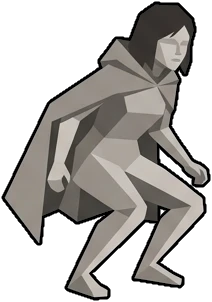 jump 0 · crouch
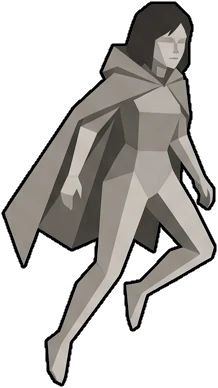 jump 1 · push
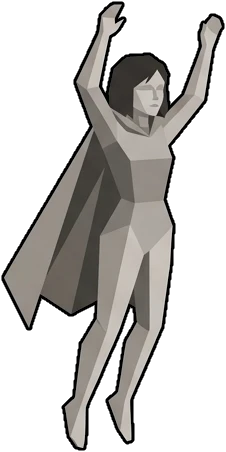 jump 2 · rise
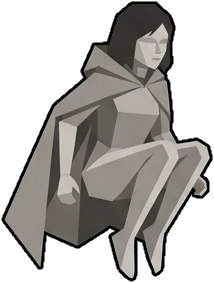 jump 3 · tuck
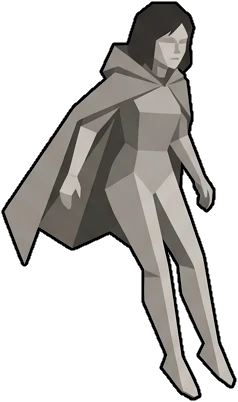 jump 4 · fall
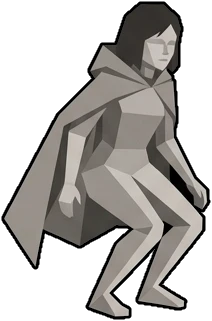 jump 5 · land
Six frames in a 3×2 grid, in one image. The highlighted box is the frame playing right now. Every sheet here uses the same grid, so the same numbers drive all ten.
The atlas file
{
  "frames": {
    "jump 0.png": {
      "frame": {
        "x": 0,
        "y": 0,
        "w": 341,
        "h": 512
      },
      "rotated": false,
      "trimmed": false,
      "spriteSourceSize": {
        "x": 0,
        "y": 0,
        "w": 341,
        "h": 512
      },
      "sourceSize": {
        "w": 341,
        "h": 512
      },
      "duration": 125
    },
    "jump 1.png": {
      "frame": {
        "x": 341,
        "y": 0,
        "w": 342,
        "h": 512
      },
      "rotated": false,
      "trimmed": false,
      "spriteSourceSize": {
        "x": 0,
        "y": 0,
        "w": 342,
        "h": 512
      },
      "sourceSize": {
        "w": 342,
        "h": 512
      },
      "duration": 125
    },
    "jump 2.png": {
      "frame": {
        "x": 683,
        "y": 0,
        "w": 341,
        "h": 512
      },
      "rotated": false,
      "trimmed": false,
      "spriteSourceSize": {
        "x": 0,
        "y": 0,
        "w": 341,
        "h": 512
      },
      "sourceSize": {
        "w": 341,
        "h": 512
      },
      "duration": 125
    },
    "jump 3.png": {
      "frame": {
        "x": 0,
        "y": 512,
        "w": 341,
        "h": 512
      },
      "rotated": false,
      "trimmed": false,
      "spriteSourceSize": {
        "x": 0,
        "y": 0,
        "w": 341,
        "h": 512
      },
      "sourceSize": {
        "w": 341,
        "h": 512
      },
      "duration": 125
    },
    "jump 4.png": {
      "frame": {
        "x": 341,
        "y": 512,
        "w": 342,
        "h": 512
      },
      "rotated": false,
      "trimmed": false,
      "spriteSourceSize": {
        "x": 0,
        "y": 0,
        "w": 342,
        "h": 512
      },
      "sourceSize": {
        "w": 342,
        "h": 512
      },
      "duration": 125
    },
    "jump 5.png": {
      "frame": {
        "x": 683,
        "y": 512,
        "w": 341,
        "h": 512
      },
      "rotated": false,
      "trimmed": false,
      "spriteSourceSize": {
        "x": 0,
        "y": 0,
        "w": 341,
        "h": 512
      },
      "sourceSize": {
        "w": 341,
        "h": 512
      },
      "duration": 125
    }
  },
  "meta": {
    "app": "Nano Studio Pro",
    "version": "1.0",
    "image": "jump-stone.png",
    "format": "RGBA8888",
    "size": {
      "w": 1024,
      "h": 1024
    },
    "scale": "1",
    "frameTags": [
      {
        "name": "jump",
        "from": 0,
        "to": 5,
        "direction": "forward"
      }
    ],
    "nsp": {
      "grid": {
        "cols": 3,
        "rows": 2
      },
      "cell": {
        "w": 341,
        "h": 512
      },
      "fps": 8,
      "pivot": {
        "x": 50,
        "y": 100
      },
      "registration": [],
      "note": "Every frame sits where its cell puts it."
    }
  }
}
Aseprite’s format, which Phaser, Pixi, Godot and Unity read: the rectangle of every frame, a named tag with its range, and the grid and pivot under meta.nsp. The duration here is the flat frame rate used for plain playback; the hop above runs on the phase timings.
These ten sheets were made in Nano Studio Pro, one line of description each.
Make one with your own character, poses and grid. The atlas comes with it. Free trial credits, no card.
Make your own sheetThe same sheets, in a scene
Four sheets make this: the jump from the demo above, a run, an idle, and a sheet of boulders. She runs in, stops, jumps twice and runs on. Every layer moves at its own speed against the camera — the sky slowest, the hills a third, the boulders faster than the ground she is on — and that difference is what gives the picture depth.
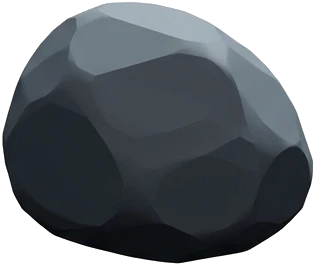
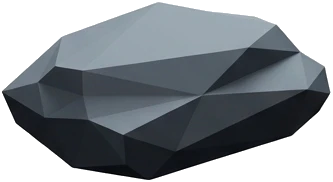
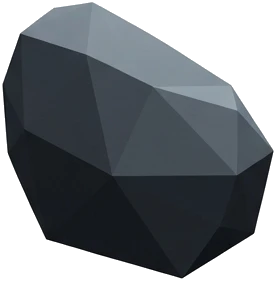
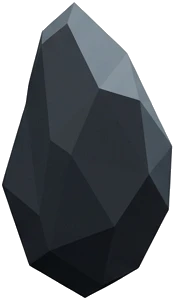
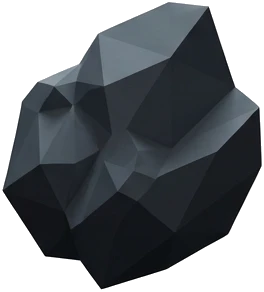
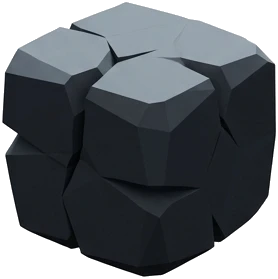
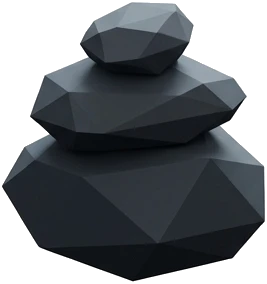
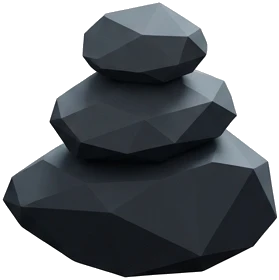
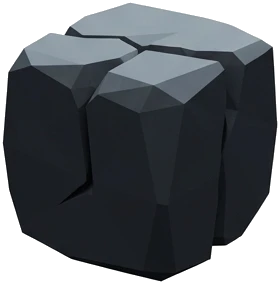
The run and the idle were generated from the jump sheet as a reference, so it is the same character in all three. The boulders came from a props sheet, cut out on their own.
What comes with every sheet
A sheet exports as two files: the picture, and the atlas that describes it.
Frame positions
The atlas lists the rectangle of every frame, plus the columns, rows and cell size of the grid. Your engine reads the layout straight from the file.
Named animations
Each sequence carries a name, a first and last frame, and a duration per frame. In your game you call play("jump").
Transparent frames
Sprites are drawn on a flat ground that lifts off cleanly, so each frame arrives with a transparent background. The ten characters on this page were cut that way, outlines included.
Five kinds of sheet
Each kind asks its own questions and carries its own limits on how many cells fit across a row and how small a cell can get.
Pixel sprites
8-bit or 16-bit game sprites on a keyable ground, up to eight across a row.
Animation frames
One subject, real or drawn, with several frames of a single motion — up to five across, at a size that stays readable.
Icon set
A matched set of symbols at one weight and size, ready to cut out.
Sticker sheet
Die-cut stickers with a clean border, each one ready to peel off.
Props and objects
Separate objects on one sheet, each one cut-out ready.
How it works
Say what it is
Pick a subject and a motion from the menus: a person, a creature or an object, idling, running, jumping, or a sequence you describe.
Pick the grid
Choose the columns and rows. Each kind has a minimum cell size, so every frame comes out big enough to read.
Watch it move
The sheet plays back in the studio, frame by frame, so you can check the motion before you export.
Take the atlas
Download the image and its JSON together, and open both in Phaser, Pixi, Godot or Unity. The API returns the atlas as well.
For agents
Works with AI agents
The sheet tools are available over MCP and over HTTP. An agent can list what a sheet can be, get a credit quote with a dry run, make the sheet, and read back the atlas for any sheet that already exists — so it can use the frames it just made.
The MCP server# what can a sheet be
sheet_options
# quote it, then make it
generate_sheet kind="frames" dry_run=true
# the frames, for the engine
get_sheet_atlas id="…"
Questions
What does the AI sprite sheet generator give me?+
Two files. One image with every frame laid out on a grid, and an atlas describing it: each frame's rectangle, a named tag with its frame range and duration, and the grid, cell size and pivot in a namespaced block.
Can it make pixel art sprite sheets?+
Yes. Pixel sprites are one of the sheet kinds, drawn at 8-bit or 16-bit weight on a flat ground that keys out. Up to eight sprites across a row, with a minimum cell size that keeps the pixels legible.
How many frames fit on one sheet?+
It depends on the kind. Pixel sprites and icons go up to eight across a row; animation frames of a full figure go up to five, so each pose has room to read. You choose the grid, and it forms part of the instruction the model is given.
Will it import into Godot, Unity, Phaser or Pixi?+
Yes. The atlas is Aseprite's format, which all four read or have a loader for. Our extra fields — the grid, the pivot and the per-frame registration — sit under meta.nsp, which importers skip safely.
Can I animate the frames, or do I only get the image?+
The sheet plays back in the studio so you can check the motion before exporting. The jump at the top of this page shows a further step: the body follows a curve while the drawing switches on a schedule of named phases, and those numbers are a small document you can copy and play on any six-pose sheet.
Is it free?+
New accounts start with trial credits and no card, which covers making sheets and exporting their atlases. After that a sheet costs credits like any other generation, and the prices are on the pricing page.
Can an AI agent make sheets?+
Yes. The sheet tools are available over MCP and over HTTP: one call lists what a sheet can be, one makes it — with a dry run that quotes the credits first — and one returns the atlas for a sheet that already exists, so an agent can use what it made.
Where do the ten characters on this page come from?+
They were made in Nano Studio Pro from one line of description each, as animation-frame sheets of the same six-pose jump: crouch, push, rise, tuck, fall, land. A script cut the frames out of each sheet and measured them, which is where the heights the player uses come from.
Make your own sprite sheet
Free trial credits, no card required. Describe a character and get the frames back with the atlas already written.
Start free