AI Storyboard Generator
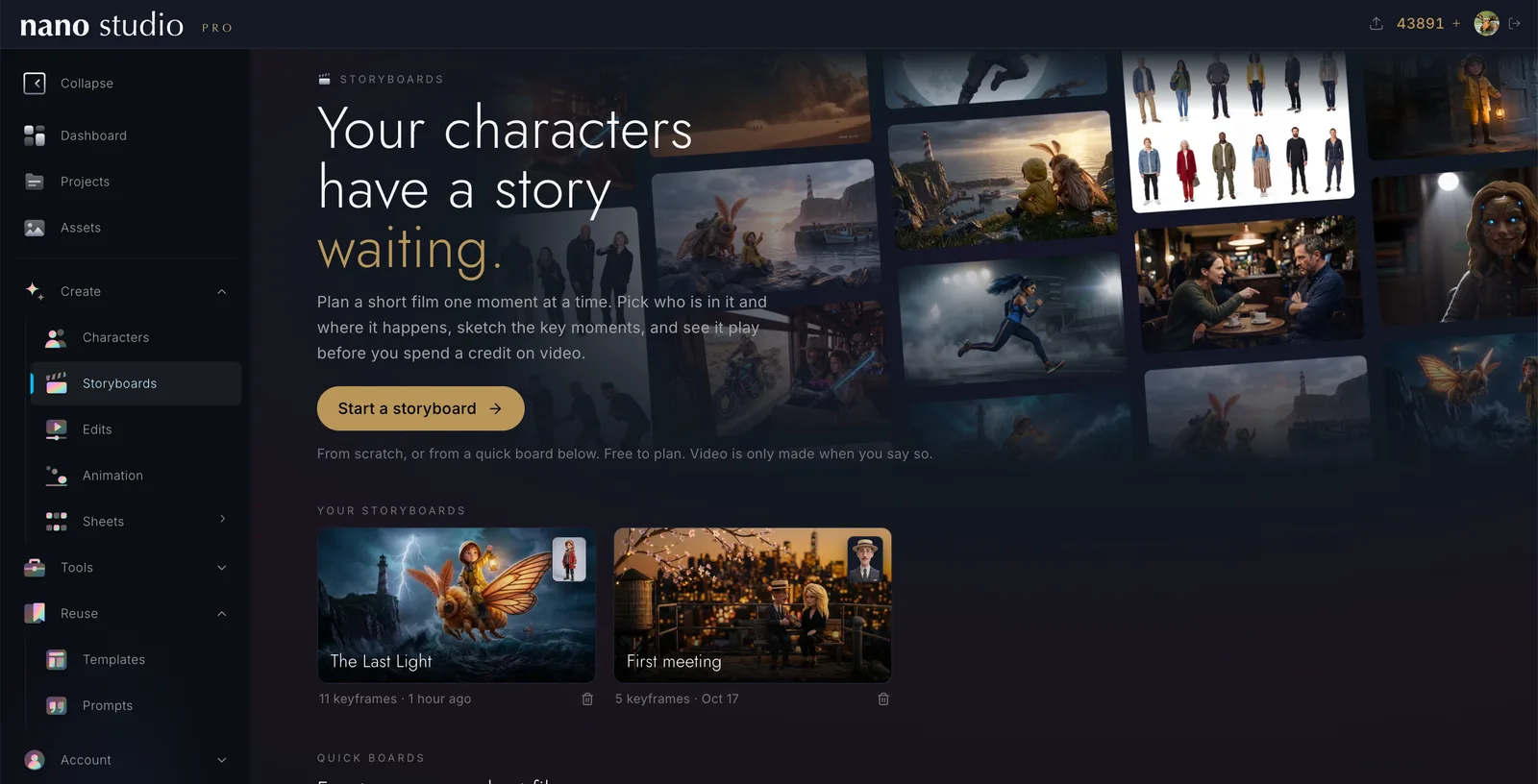
Make interactive films with your own characters
Plan a short film one moment at a time, turn it into video, and share it with a link. Add a decision and the story splits: the viewer chooses what happens next.
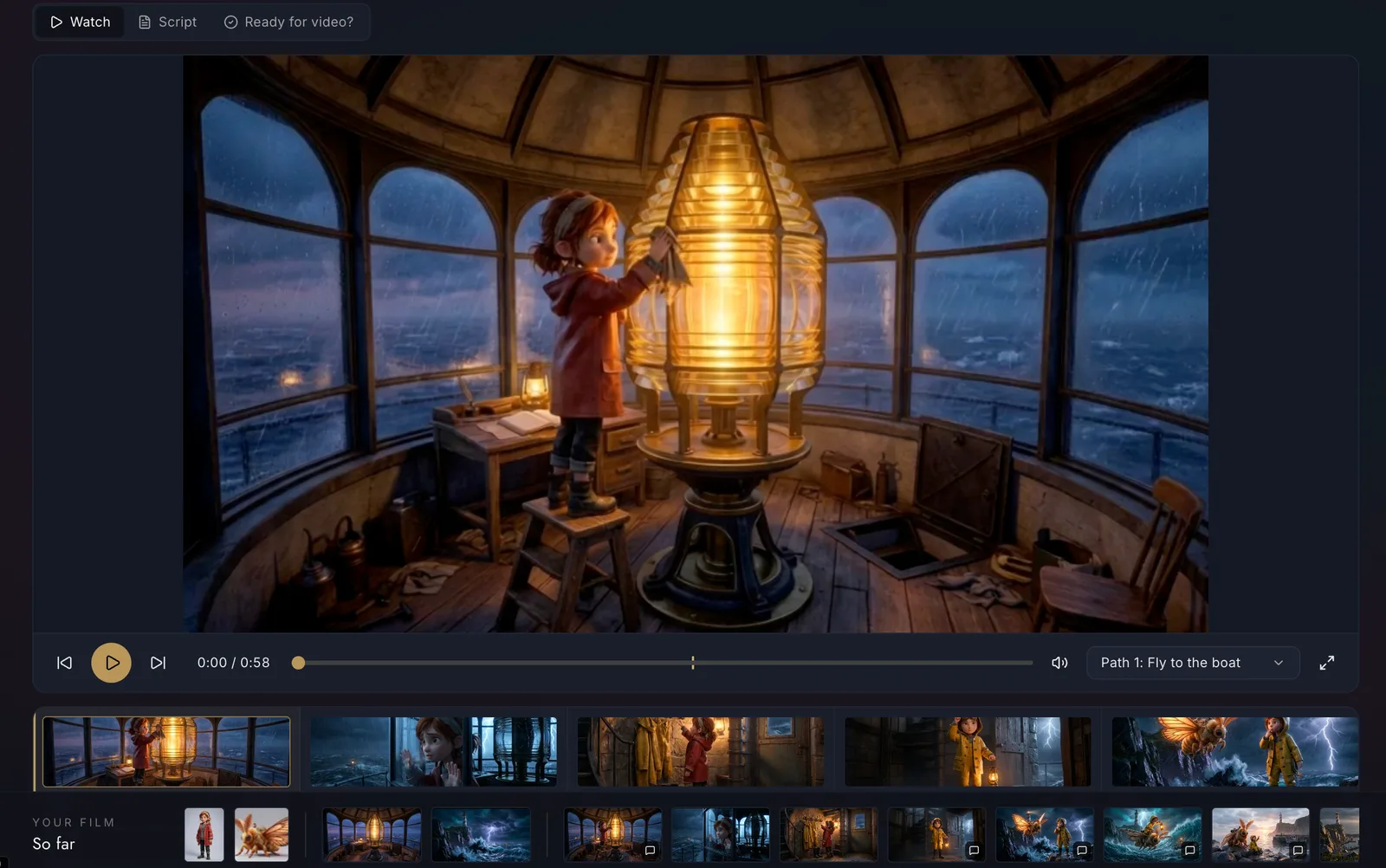
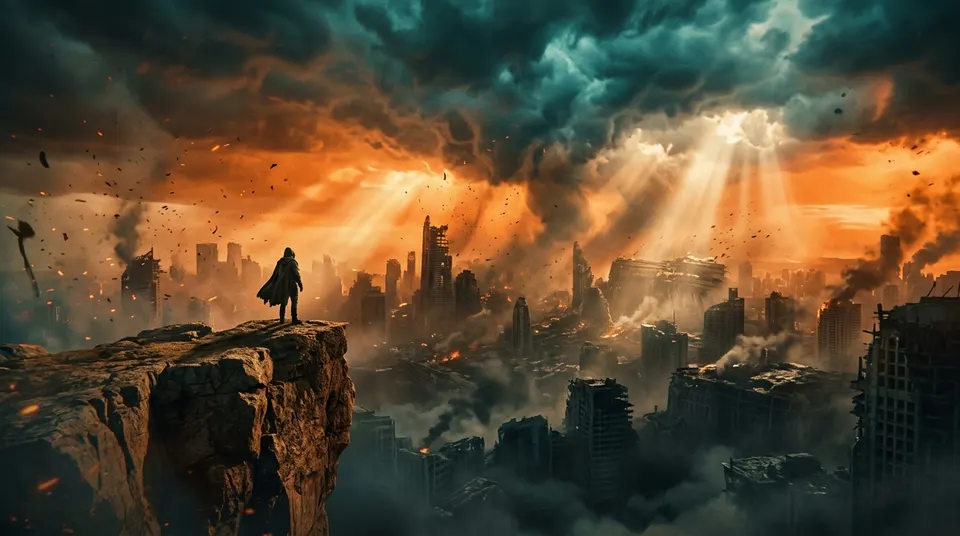
Mira and the Last Light, made in Storyboards. Press play, and when Mira reaches the cliff, choose her path.
How it works
From an idea to a film in four steps
01
Your idea, your look
Write the story, pick the shape (16:9, vertical, square), the video model and the style. Or start from a quick board and fill in a few blanks.
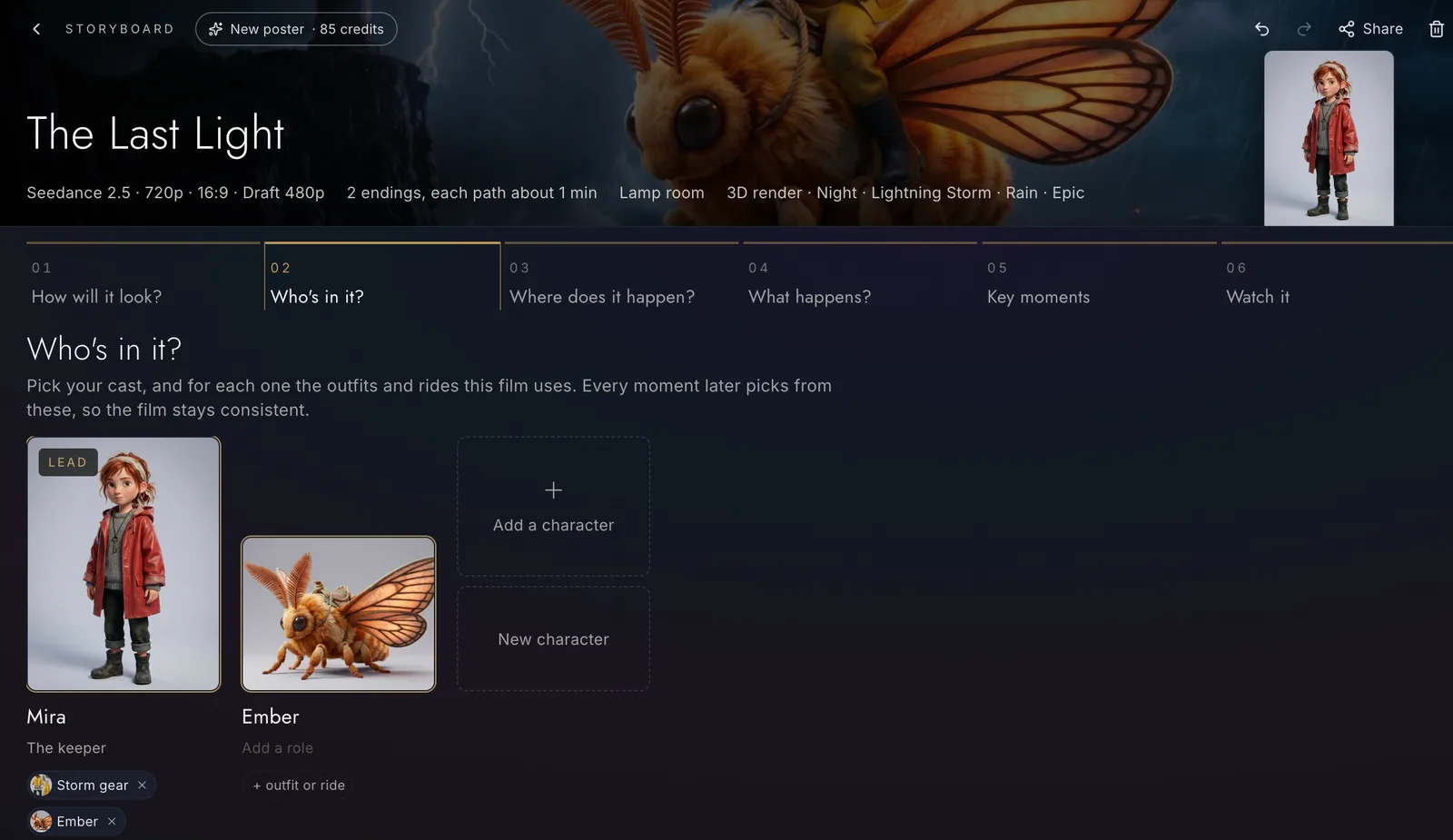
02
Who and where
Bring in your characters with the outfits and rides they wear in this film, and the places it happens, each with its own sound.
03
Key moments
Lay the film out as a graph: a picture for each moment, the shot between them, and decisions where the story splits.

04
Watch it, make it, share it
Play the film before any video exists, make the clips when it feels right, and share a link anyone can play.
Everything in Storyboards
All the tools, one film at a time
Plan the story
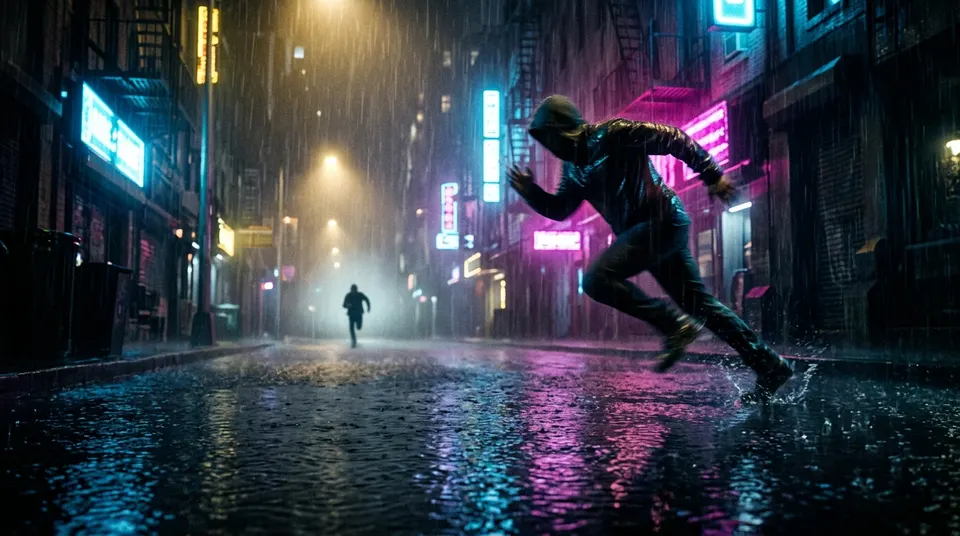
A chase, a heist, a duel, an ad, a trailer, a music video and more. Pick who, where, the time of day, the weather and the tone, and the board is built for you.
Each one with the outfits and rides this film uses, so they look like themselves in every moment.
Every place keeps its look and a looping ambience of its own.
Pick a picture from your library, upload one, or generate it with the cast already in it. Make all the missing ones in one go.
Go from a storm at night to a clear dawn: each moment can have its own hour and sky.
Write the lines yourself, or let the AI read your pictures and propose them, subtle, moderate or talkative.
Let the viewer choose
Up to six options at any moment, each leading down its own path to its own ending.
The film keeps breathing on screen with a countdown, and an option plays by itself if nobody picks.
Each path closes in motion, then on an end card with its own picture and music.
Your film's name up front, and a card at every ending that counts the endings found.
From pictures to video
Generate what you need, with the price on the button before anything is made.
Try a shot at 480p, and make the 1080p final once you like it.
Keep several takes of a shot, choose one, trim where it starts and ends, and speed up just part of it.
Dissolves and fades chosen by place and hour, and the sound carried from one shot into the next. All adjustable by hand.
Check it before you share
Points out an outfit, a place or a light that jumps between shots, and joins that cannot work.
Watches the clips themselves, follows the story's state, shows each finding with the frames side by side, and learns from your notes.
Play any path with the decisions on screen, or read the whole film as a script you can download.
Share it
A start screen with your poster and title music, choices on screen, and a card at the end. No account needed to watch.
Keep a film private to the people you send it to, or let it run for a day, a week or forever.
Make several posters for a film and pick the one used on its link, in WhatsApp and on X.
Everything here is on the API and MCP, and the page updates live while an agent works.
Start in a minute
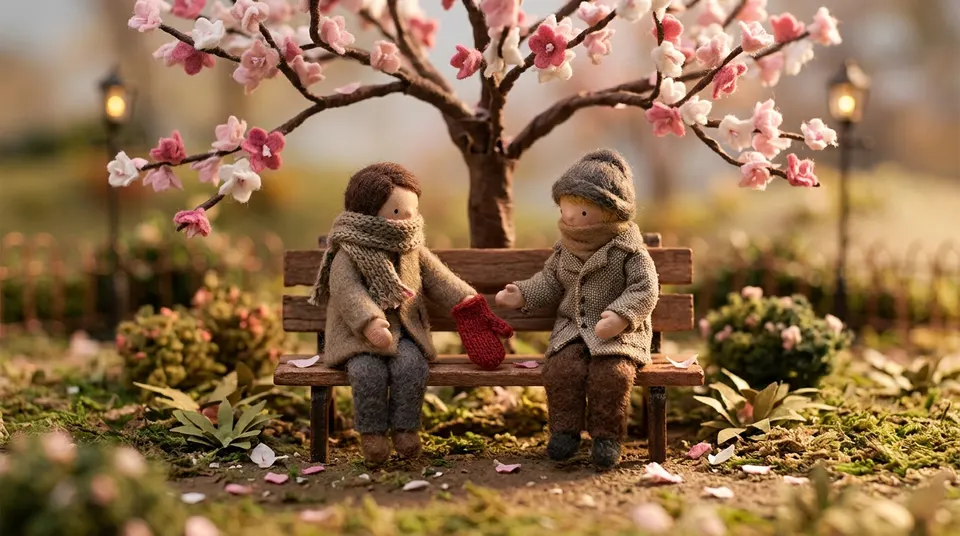
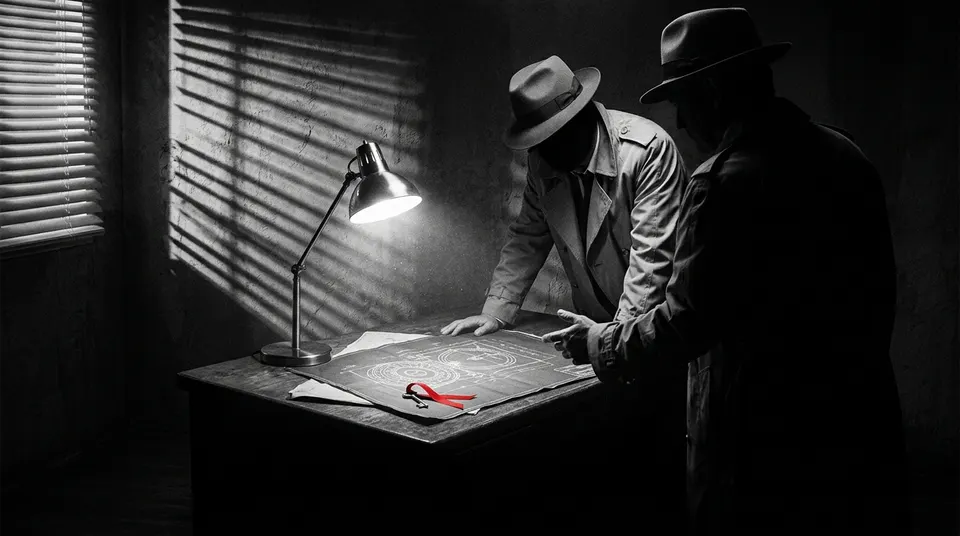
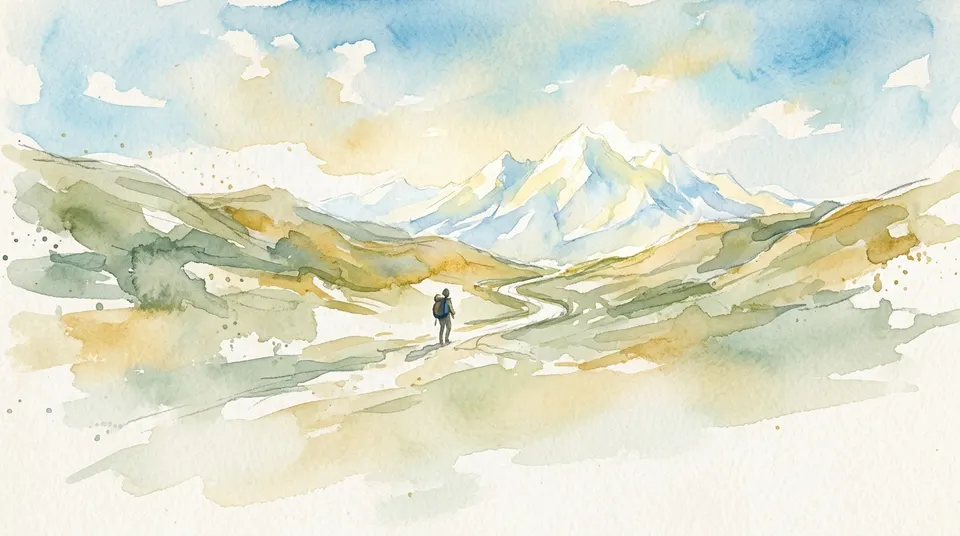
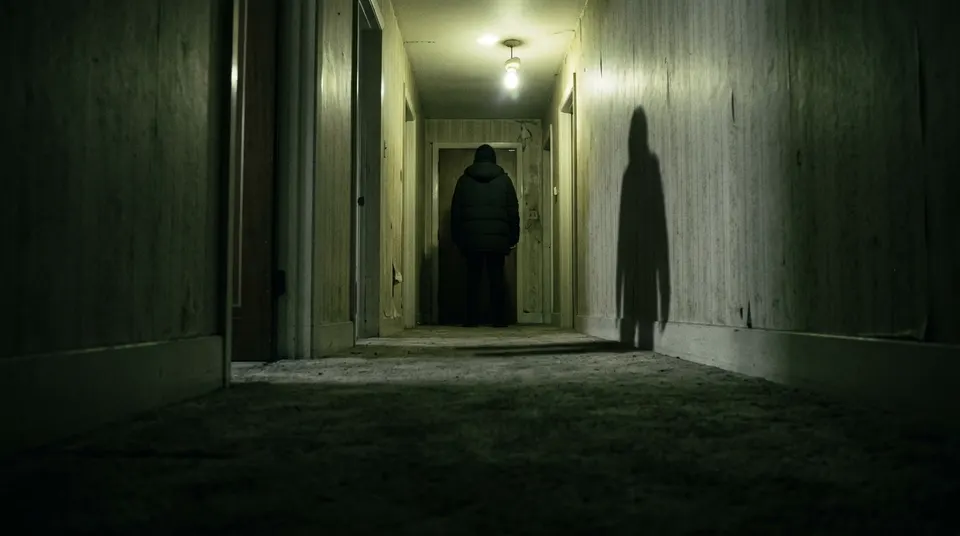
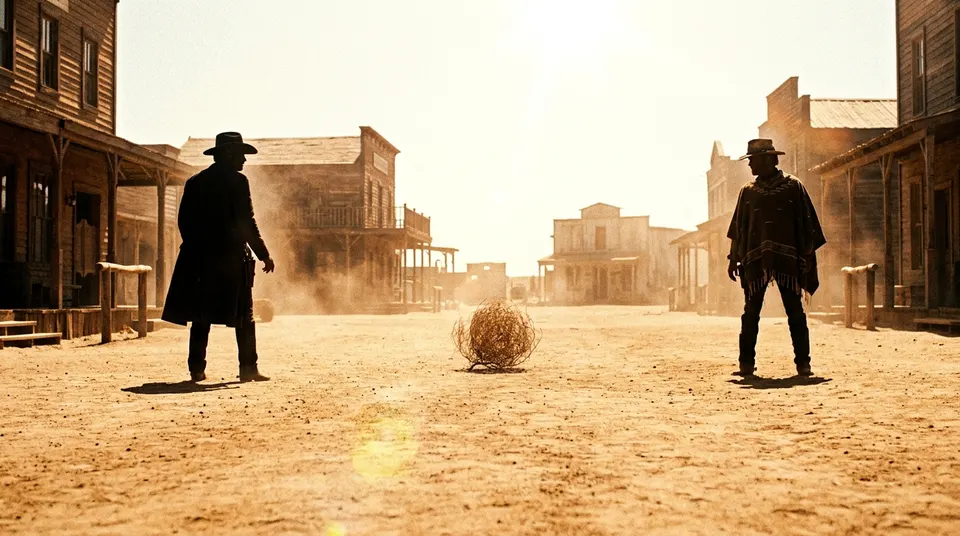
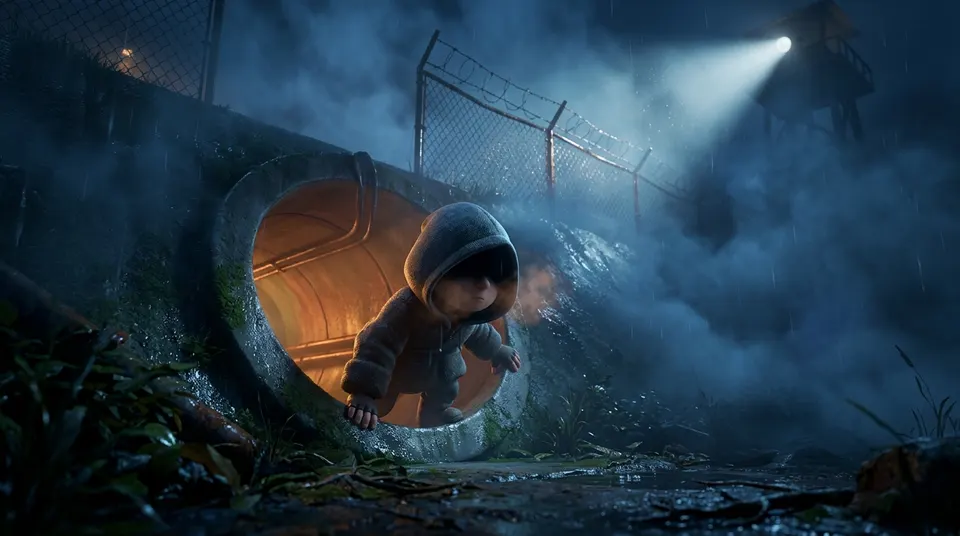
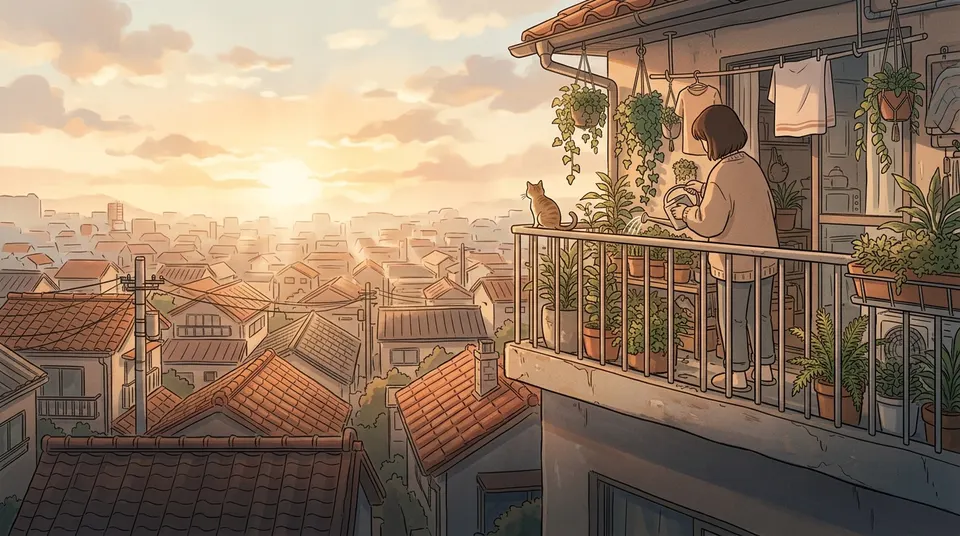
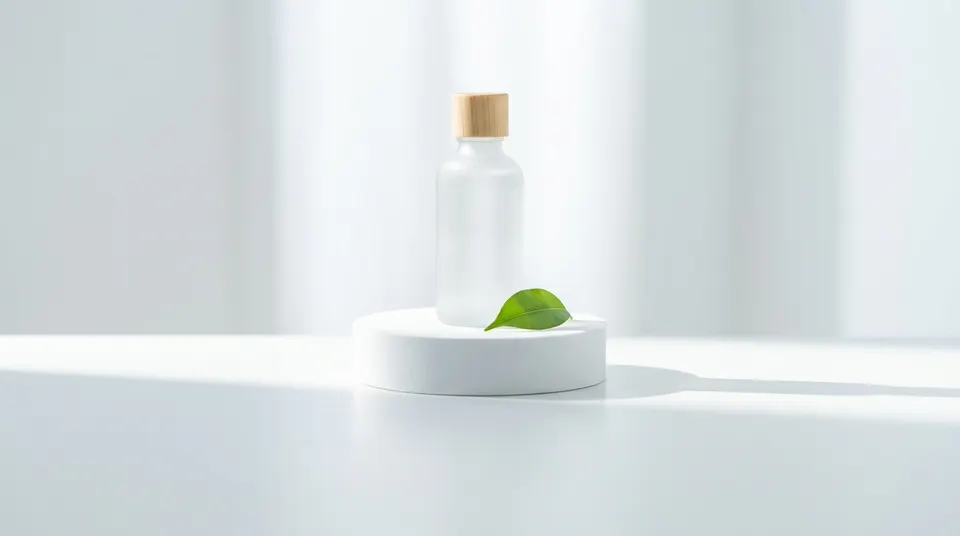
Fourteen quick boards
Pick one, fill in a few blanks, and the whole film is laid out for you. Three of them come with two endings.
What it costs
Plan for free. Pay for what you make.
Free
- The story, the graph and the quick boards
- Pictures from your own library
- Transitions, trims and sound timing
- Watch it, the script and sharing
Credits, priced on the button
- New keyframes and posters, like any image
- Video, per second, by the model you pick
- Write the dialogue: 3 credits per picture it reads
- AI continuity check: a few credits per clip
See every price on the pricing page.
Questions
Good to know
›What is an interactive film?
A film that stops at key moments and lets the viewer choose what happens next. Each choice leads down its own path to its own ending, like a choose-your-own-adventure book, but as video.
›Is planning free?
Yes. Planning the story, the graph, using pictures from your library, transitions, trimming and sharing are free. New pictures and video cost credits, and the price is always on the button before you press it.
›Do my characters stay consistent?
Each moment knows who is in it and what they wear and ride, and the pictures and clips are made from your characters' own sheets, so they look like themselves from the first shot to the last.
›Can people watch without an account?
Yes. A shared film opens on any phone or computer from its link, with a password if you add one.
›Which video models can I use?
Every video model in Nano Studio Pro, Seedance 2.5 by default. You can set one model for the film and change it for any single shot.
Your story is waiting
Start from a quick board or a blank graph. Read the full story of how Mira was made on the blog.