

Make interactive films where the viewer chooses.
Plan a short film with your own characters, turn it into video, and share it with a link. This is Mira and the Last Light: watch the trailer, then play the film and pick her path.
The newest models, one studio
Video and image models from ByteDance, Google and OpenAI, side by side — every frame here was made with them
Seedance 2.5
Up to 30 seconds at 1080p, with dialogue, effects and ambience generated in the same pass. Give it your characters and it keeps their faces from shot to shot.
Nano Banana 2.1
The studio's default image model. Sharper light, truer skin, and every image costs less than it did.
GPT Image 2.5
Text you can actually read — labels, packaging, signs. Flare is fast; Sunburst takes more care with your references.
The models inside the studio
- GoogleNano Banana 2.1 · Veo · Gemini Omni
- OpenAIGPT Image 2.5
- ByteDanceSeedance 2.5
- KlingKling 3.0 · Omni
- ElevenLabsVoices, music & sound
- ClaudeDrives the studio over MCP
Characters that stay themselves
Build a character once — face, outfits, voice — and cast it in every image and film you make
Build them once. Cast them in every image and film.
Mention a character by name in any prompt and they show up as themselves. Meet the cast — starting with Nano, made right here and moving into the app as your assistant.
Meet the charactersInteractive films, made by you
Plan a short film in key moments with your own characters, turn it into video, and let the viewer choose what happens
Mira and the Last Light. Press play, and when she reaches the cliff, choose: fly to the boat or climb the tower.
Fourteen quick boards to start from: a chase, a heist, a duel, a trailer, a music video and more.
One story, many paths. Your viewer picks the ending.
Plan it for free, make the video when it is right, and share it with a link anyone can play.
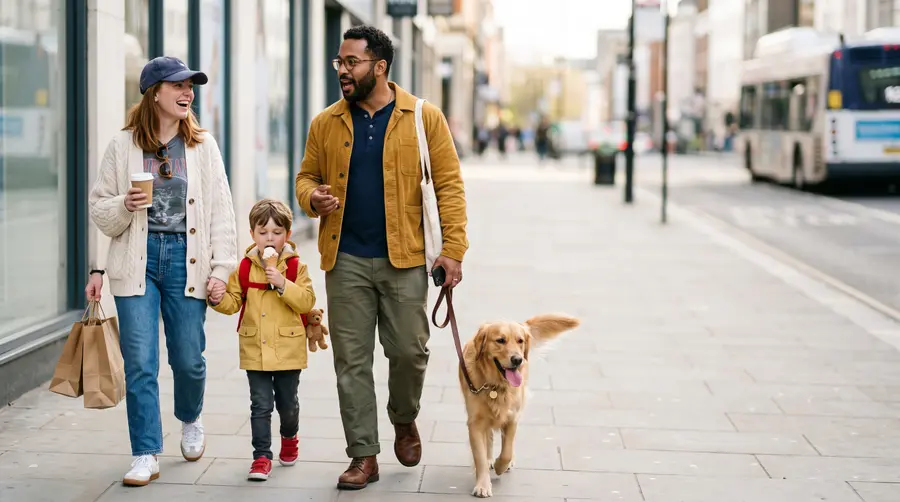
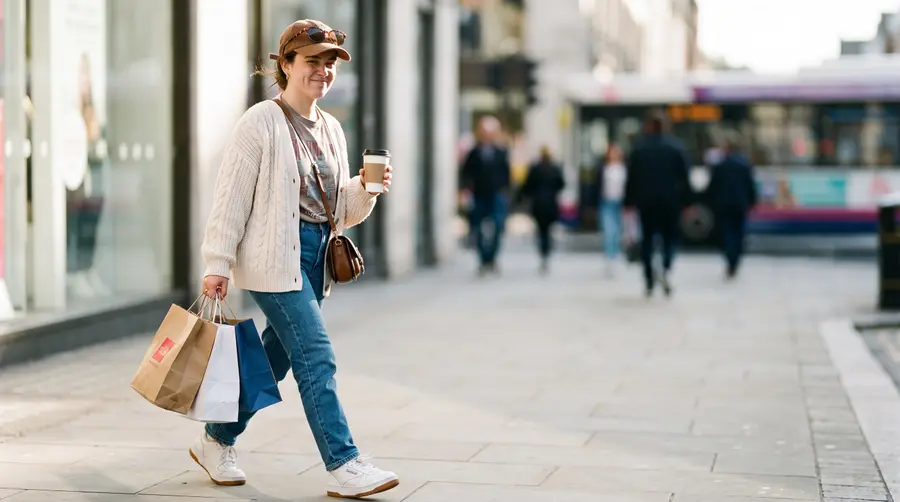
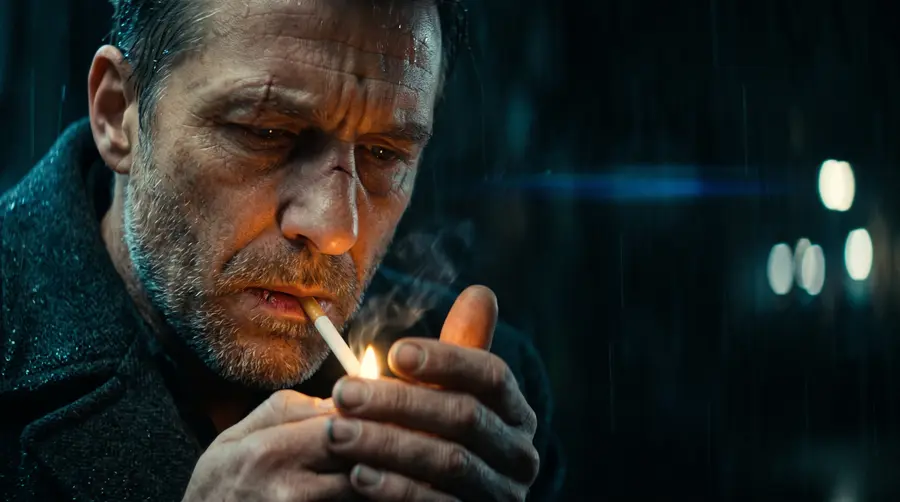
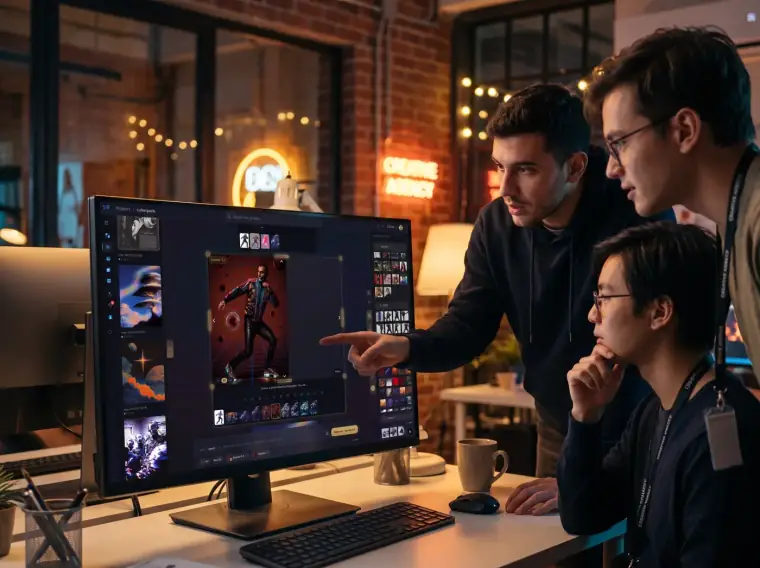
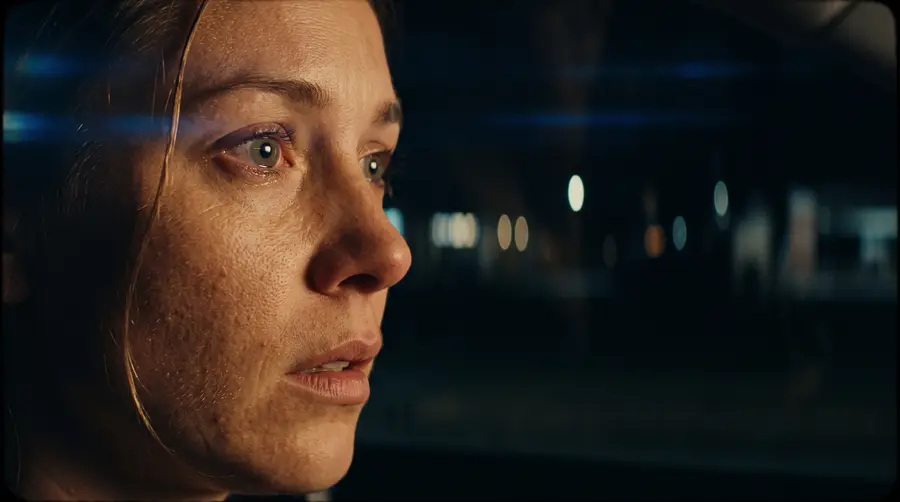
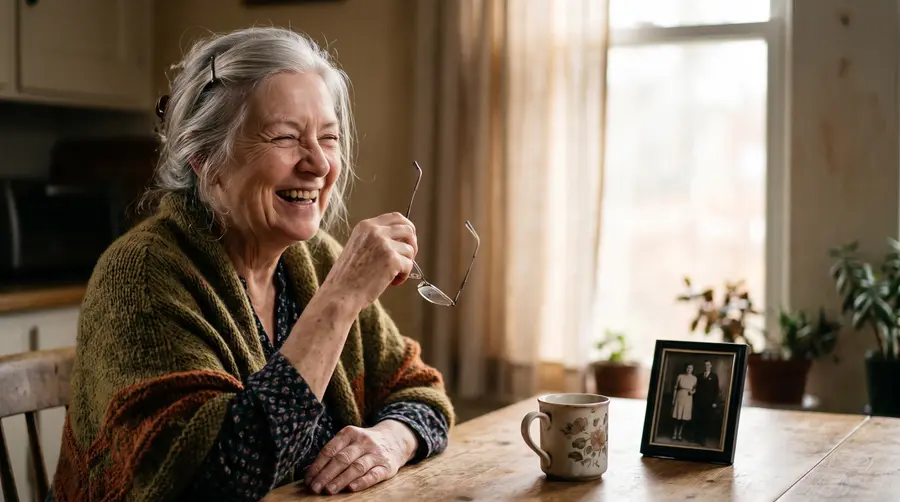
Every photo and video you own,
searchable by what is inside it.
Upload your real photos too — not just what you make here. Bring your old albums and they get scanned the same way.
Everything in the picture, by name — the jacket, the mug, the sneakers. Search “denim jacket” and you get the jacket.
The people in them — their face, what they’re wearing, what they’re doing. Someone famous gets their name.
Your products by SKU — we tag a photo with the catalog items we can actually see in it. Search the SKU, find the shot.
Fabric, light, and mood — knit or leather, golden hour or studio white, laughing or serious. It reads all of it.
Search inside your videos — find the moment, not the file.
Pick a color and your library sorts by how close it really is, not by tag.
Start from a picture — give it one image and it finds the ones that look like it.
Room for your headline — photos with real empty space to put text on.
Reach all of it from MCP, the API, or a widget you drop on your own site.
Features
Everything you need to create professional product visuals with AI
Your studio, wherever you work
The same tool fits a solo practice or a whole creative team
For the solo practice
Artists &
photographers
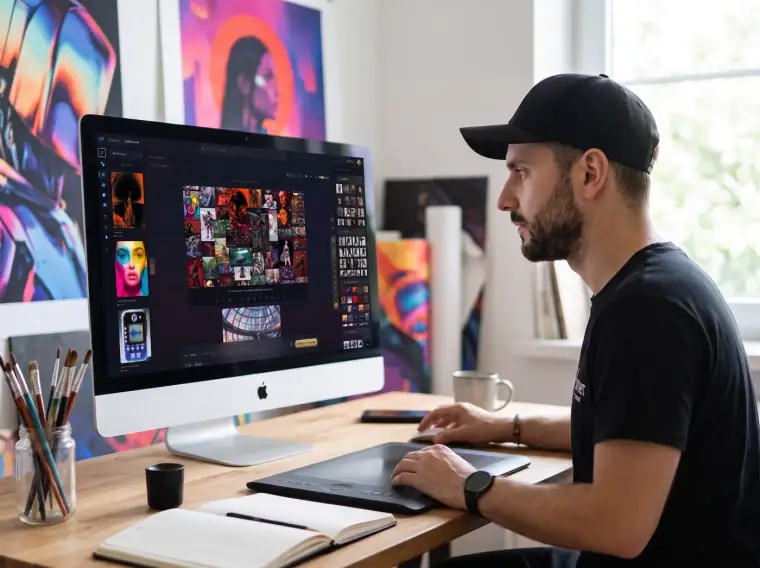
Generate, restyle, and refine on one canvas — every image lands in a library that scans itself.
For the storefront
E-commerce &
Shopify stores
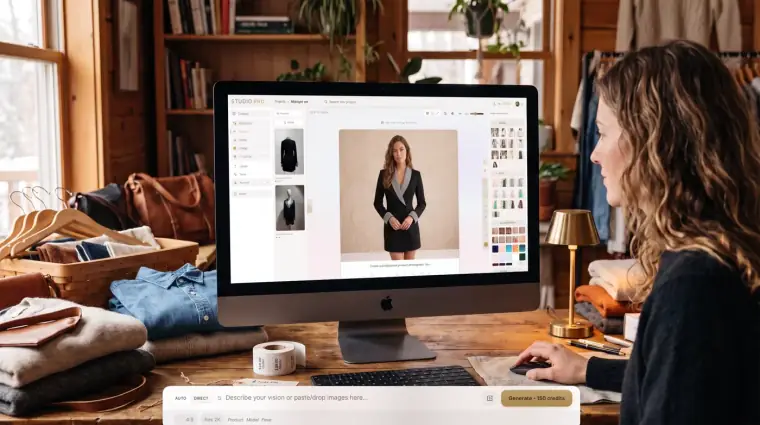
Import products, place them on models, restyle fabrics, and push the finals straight to your store.
For the war room
Agencies &
creative teams
From moodboard to delivery in one sitting — expand, swap, and review every variant together on one screen.
Same Pose, Endless Looks
Swap clothing, colors, and textures instantly
Any ratio, one shot
Take a portrait crop to square, wide, or cinematic — the AI extends the scene beyond the frame in the same light and style

Grab the glowing right handle and drag to open or close the canvas — no crop, no re-shoot.
An AI image editor built for composition
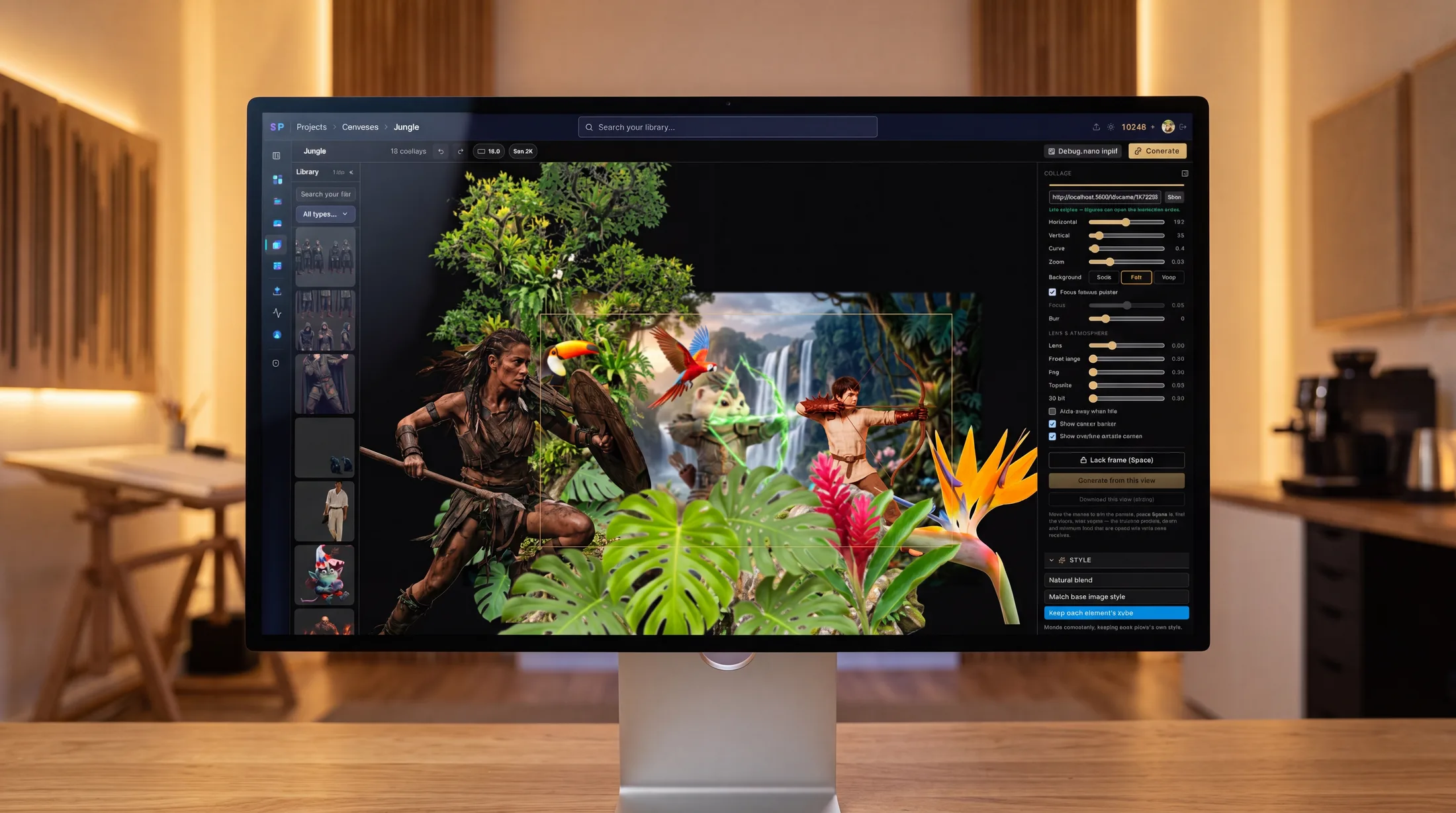
Drop in any number of images, arrange them on one canvas, then let AI blend them into a single scene — with real depth, lighting, and lens control.
Unlimited layers
Stack as many image overlays as you need — each one stays editable.
Depth & atmosphere
Real lens, focus, fog, and 3D tilt bake straight into the final render.
Blend or keep styles
Fuse everything into one look, or keep each element's own style.
Type candy — fonts made out of anything
Create your own fonts. Letters made of anything — pearls, cut paper, watermelon, folded steel — set as real type on your own site.


Closer


Every image keeps its full recipe
Nothing is a dead end. Every generation is saved as a node graph — the source, every setting, and the result, all wired together. Reopen any image, change a single knob, and re-run. It's non-destructive history and a node-based editor in one.
Live graph — drag the nodes. This is a real Super-8 restyle recipe.
Every setting is a node
Lighting, color grade, lens, weather, camera — each parameter is saved exactly as you set it, not flattened away.
Reopen & remix
Load any past image back as a graph, tweak one value, and re-run — no rebuilding the whole look from scratch.
Save as a template
Turn any recipe into a reusable template and apply the same treatment across a whole batch in one pass.
A search engine for your images
Every image is scanned as you create it — find any shot by words, by color, or by what's inside the scene. Then add that same search to your own site.
Every image is scanned the moment you create it — every object detected, every color indexed. Find any shot by words, by the items inside the scene, or by color. No tagging, no folders.
White long-sleeve tee, black leather pants, a pendant necklace and a beaded bracelet.
For your own site
Add visual search anywhere
Drop in a ready-made widget, or build your own experience with the API.
<script type="module"
  src="https://nanostudiopro.com/embed/search.js"></script>

<nano-search publishable-key="pk_sf_live_YOUR_KEY"></nano-search>
That widget is real — searching live data right now. Full demo & theming →
One authenticated request searches a whole library. Query it in words, narrow by colour, aspect or style, and lay the results out yourself.
const res = await fetch(
  "https://nanostudiopro.com/api/v1/search"
    + "?q=red+dress&colors=%23b91c1c&aspect=portrait",
  { headers: { Authorization: "Bearer sk_sf_live_..." } },
);
const { items, total } = await res.json();
What comes back
- A signed image URL, ready to drop into a src
- Width, height and aspect ratio, before it loads
- A relevance score — and a spelling suggestion on a miss
- Detection boxes per result, when you ask for them
Same Subject, Any Location
Change the environment in seconds — lighting, shadows, and atmosphere adapt automatically


Push Directly to Your Store
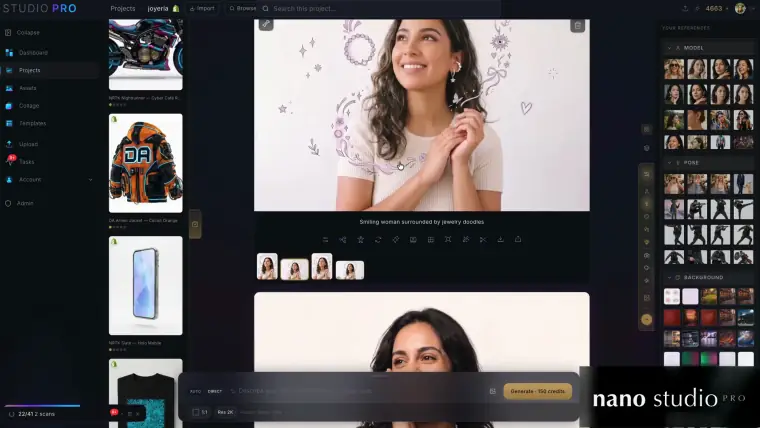
Generate, review, and publish product photos without leaving the app
Shopify Integration
Import products, generate photos, and push them back to your Shopify store. Set main images, manage galleries, crop for any aspect ratio.


The Collection Snowboard
$749.95


Coming Soon
Video with its own sound
Dialogue, music and ambience generated with the picture — three Seedance 2.5 shots from the studio. Click one to hear it.
Pixel-Perfect Background Removal
Clean edges, semi-transparent hair, ready for any background


Grab and pull the subject out of the scene


Control Every Pixel
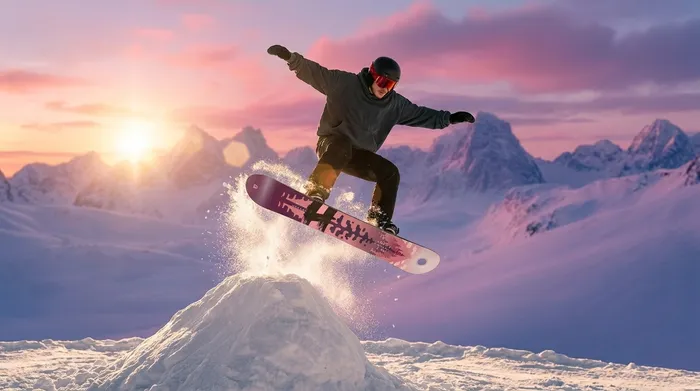
Every garment, item, and body part is detected — add, remove, or restyle any of them selectively without touching the rest


Pose Control
Drag joints to sculpt any pose — then generate
Drag. Pose. Generate.
Our 18-point ragdoll lets you sculpt the exact pose you need. Move the head, twist the torso, angle the limbs — then hit generate. No reference photos required.
Creative Lighting
Dual-color gel lights with full intensity and background control


Key Light
Fill Light
Creative Lighting
Dual-color gel lights with full intensity and background control
Key Light
Fill Light
Presets
Style Every Detail
Drop an image reference for the model, pose, garment, or light — then fine-tune with real controls
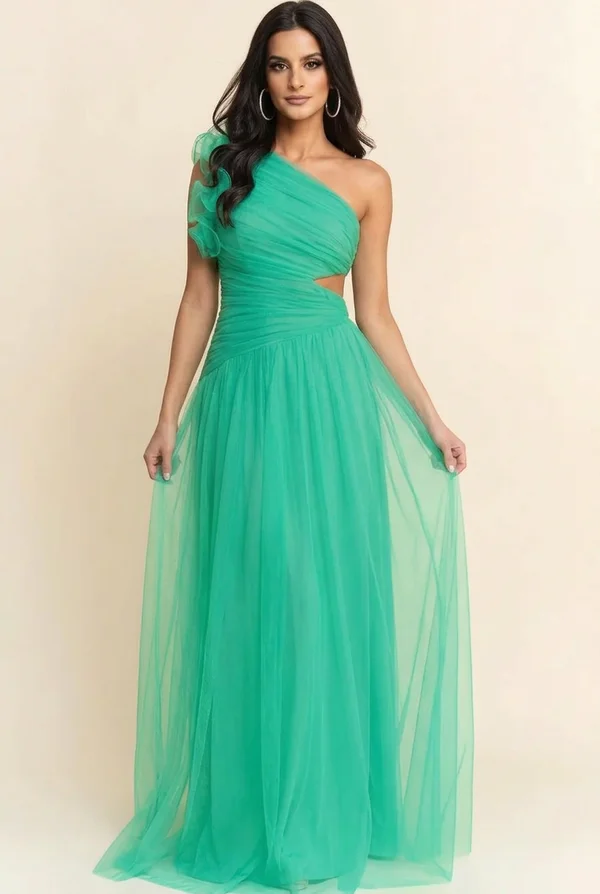
Your references
Model


Pose

Garment


Lighting
References beat menus — show the studio what you mean. Angles, accessories, depth of field, and dual gel lights fine-tune the rest.
One studio, every model
Every plan includes every image and video model, characters and search. Credits and storage are what change.
- 50 GB of storage
- Every image and video model
- Characters, cutouts and restyle
- Detection search on everything
- All resolutions, 1K to 4K
- 80 GB of storage
- Every image and video model
- Characters, cutouts and restyle
- Detection search on everything
- All resolutions, 1K to 4K
- 200 GB of storage
- Every image and video model
- Characters, cutouts and restyle
- Detection search on everything
- All resolutions, 1K to 4K
- 350 GB of storage
- Every image and video model
- Characters, cutouts and restyle
- Detection search on everything
- All resolutions, 1K to 4K
- 500 GB of storage
- Every image and video model
- Characters, cutouts and restyle
- Detection search on everything
- All resolutions, 1K to 4K
Credit packs
Buy once, top up when you need to.
Build with our API, MCP & CLI
Generate, cut out, restyle, and search product photography straight from your own code — or hand the whole studio to an AI agent over MCP. Token auth, device flow, and per-token spend caps built in.
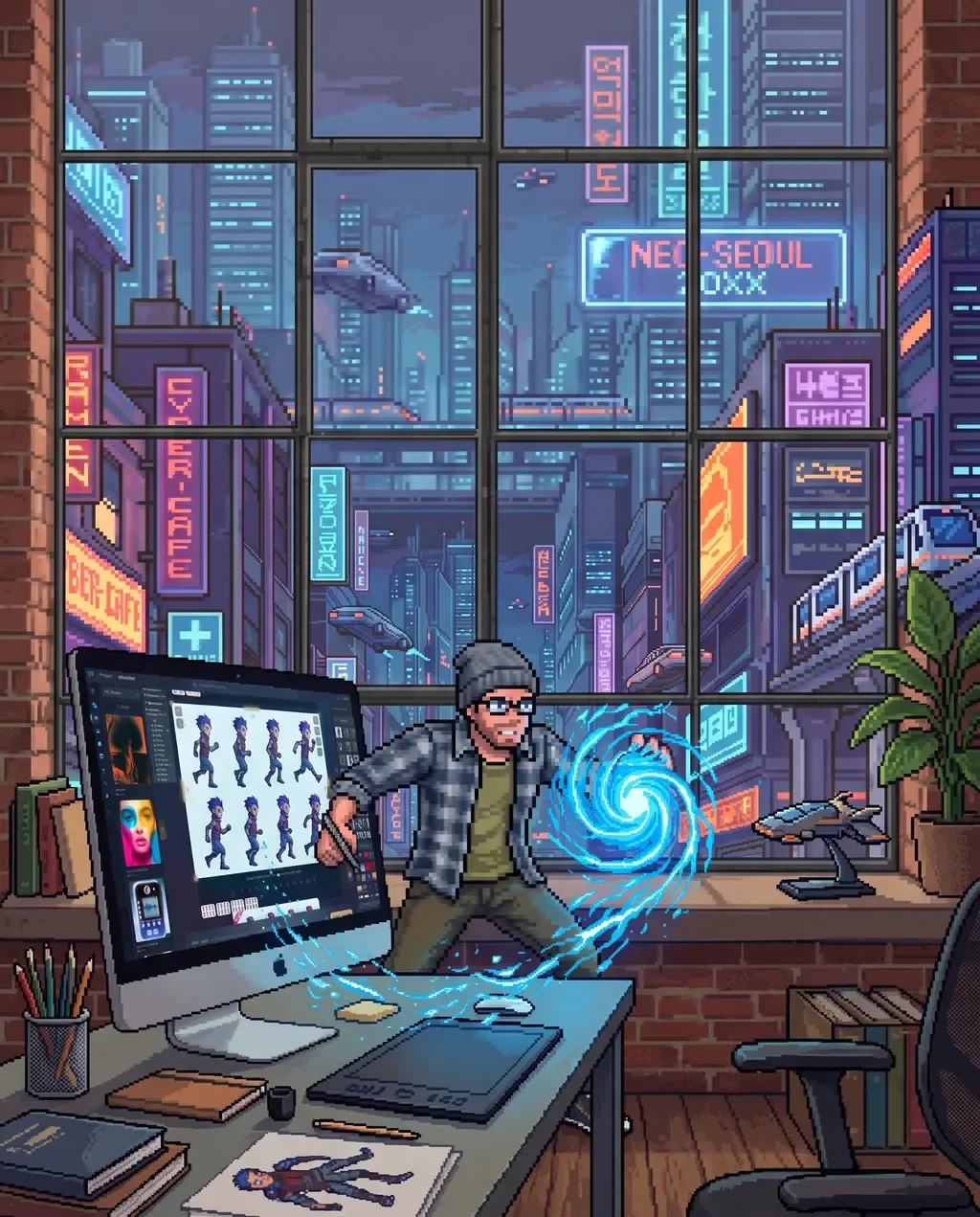
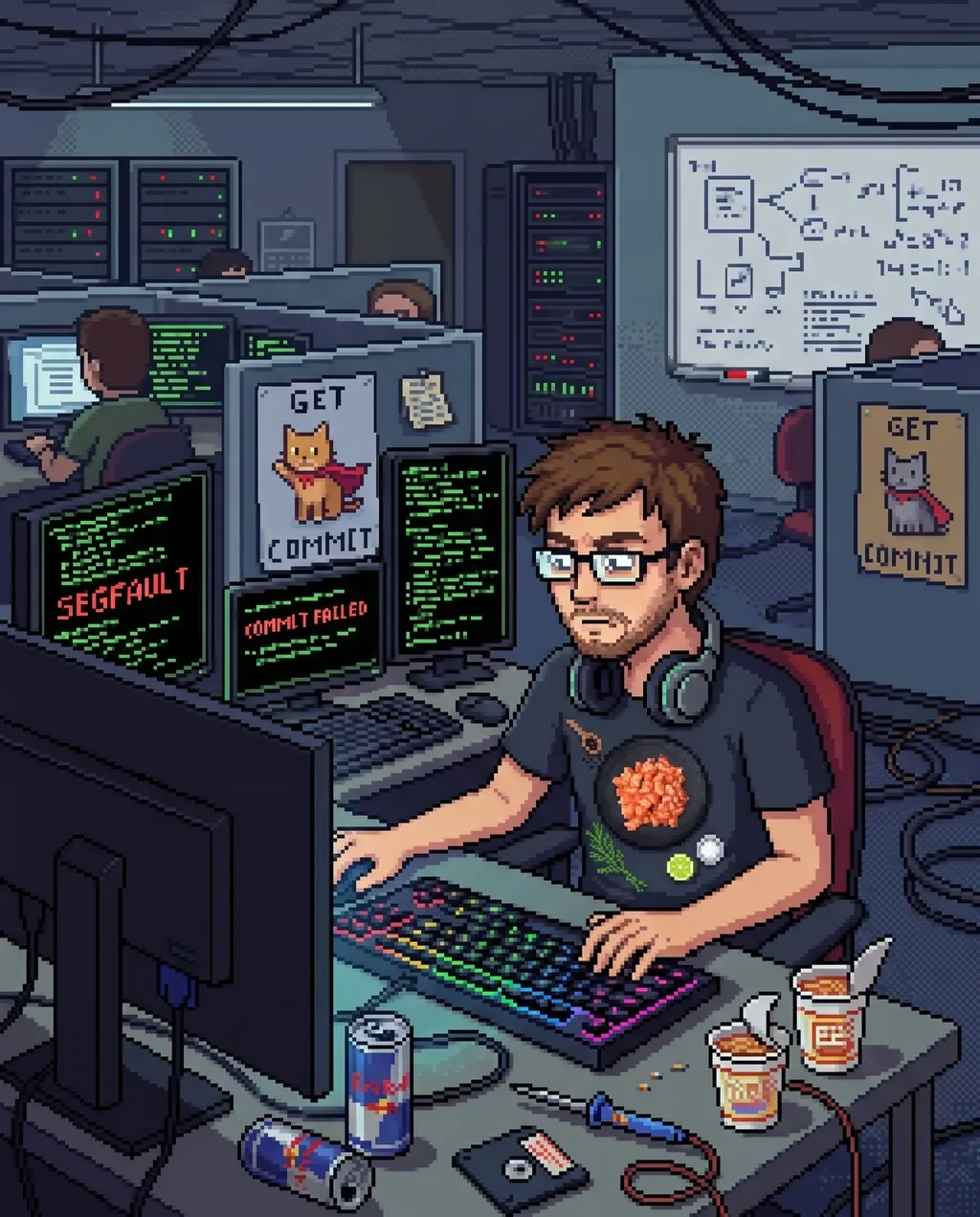
Guides & updates
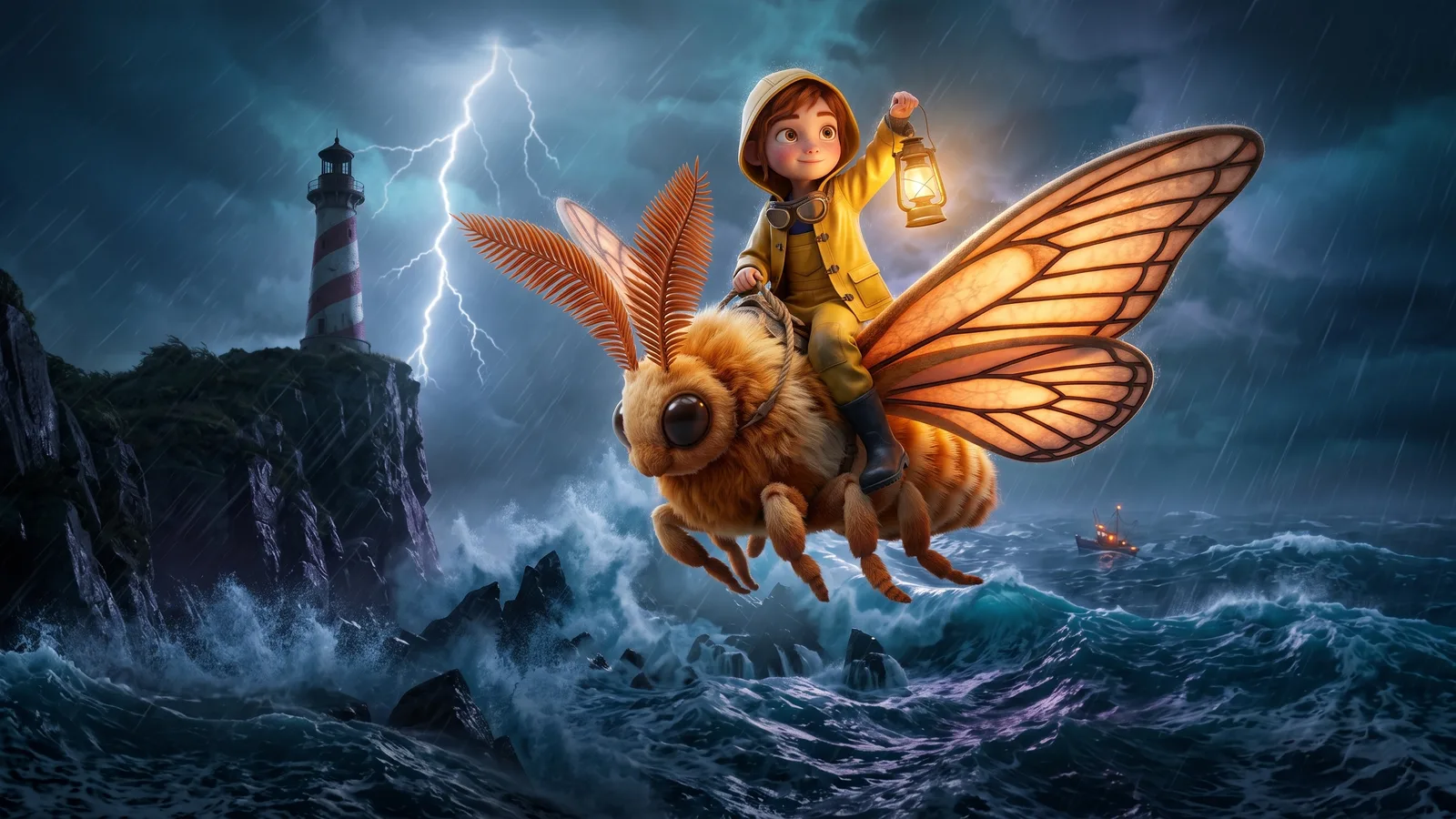
interactive film · October 18, 2026
Make interactive films with Storyboards, our newest feature
Storyboards makes interactive films: branching stories with more than one ending, where the person watching decides what happens next. Plan it in keyframes with your own characters, turn it into video, and share it with a link. Watch the trailer for Mira and the Last Light, then play the real film and pick her path yourself.
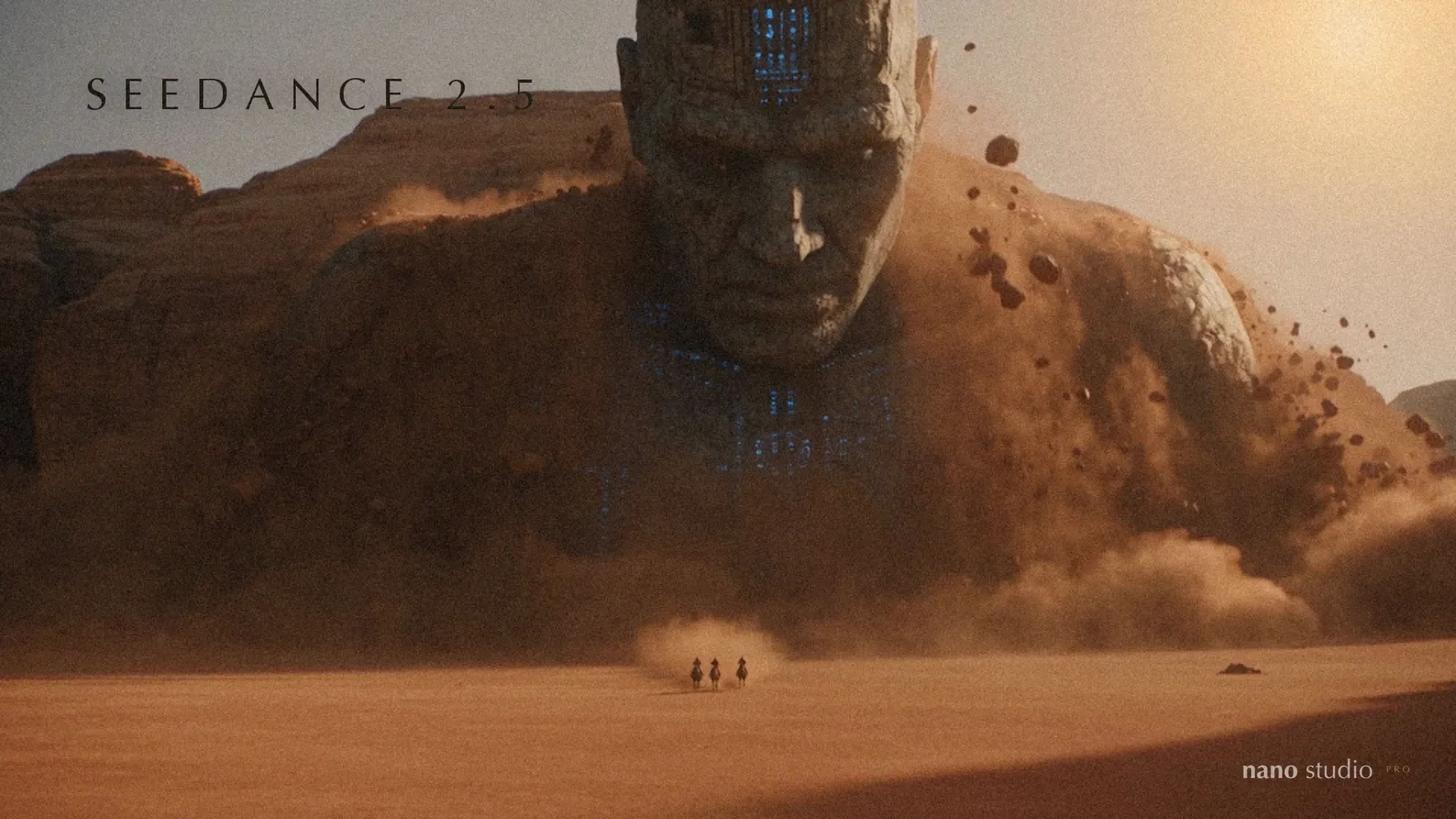
seedance 2.5 · October 17, 2026
Seedance 2.5 is here: video with its own sound, dialogue and up to 30 seconds a shot
ByteDance's newest video model is now the default video model in Nano Studio Pro. It writes the dialogue, the sound effects and the room tone into the clip, holds a single shot for up to 30 seconds, follows your characters from reference pictures, and can edit or extend a clip you already have. A trailer, four uncut clips and what each one costs.
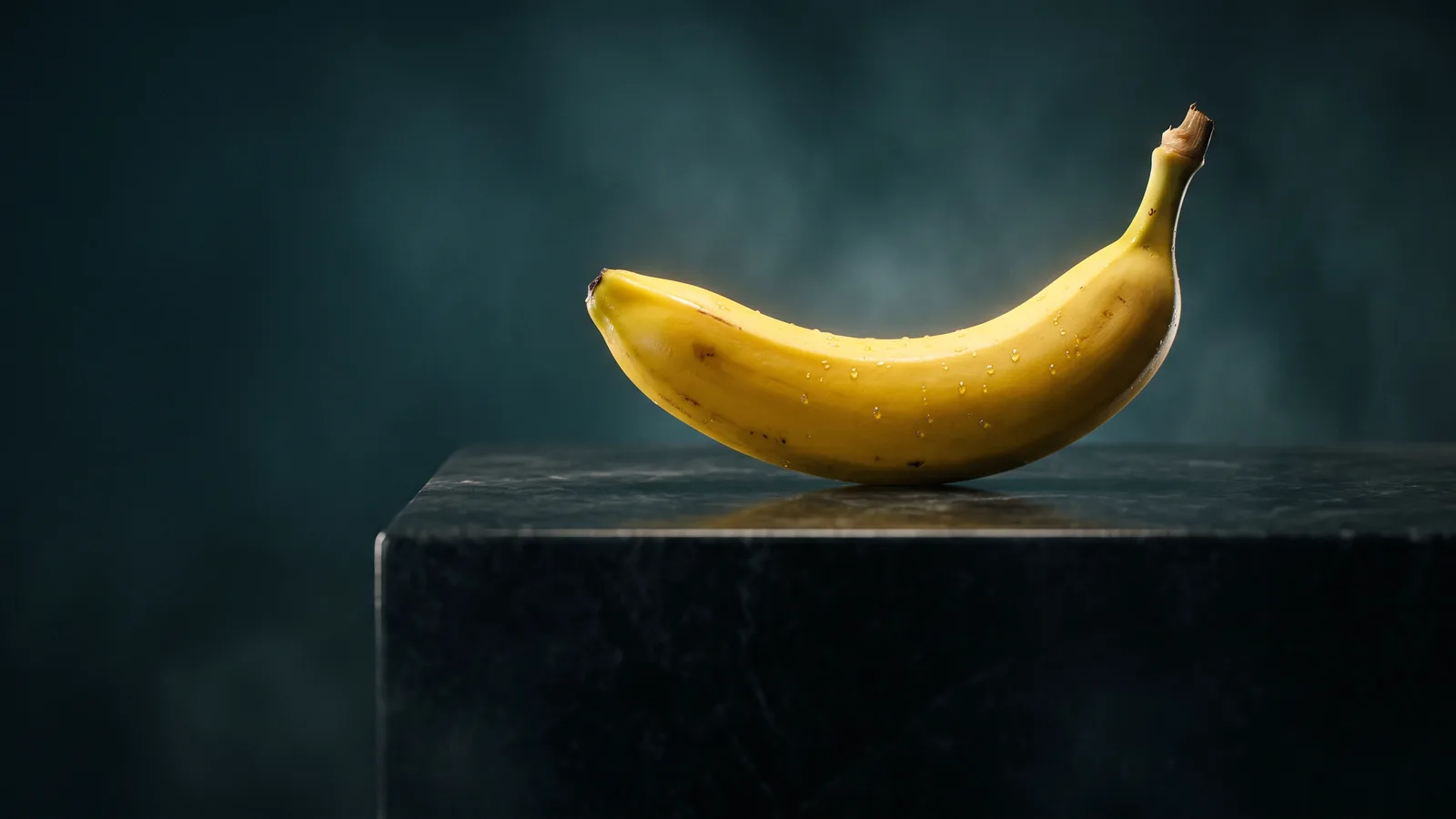
nano banana 2.1 · October 7, 2026
Nano Banana 2.1 is here: better images for nearly half the credits
Google's newest image model is now the default in Nano Studio Pro, and because it costs less to run, every image does too: 55 credits at 1K instead of 100, 80 at 2K instead of 150. What changed, what your plan buys now, and a first look at what it does with video.
Make your first character today.
3000 credits to start, no card required. Images, characters and search from the first minute.
Still deciding? Ask us anything.
Billing, a locked account, an API question, or something that simply is not working — a real person reads every message, usually within one business day.