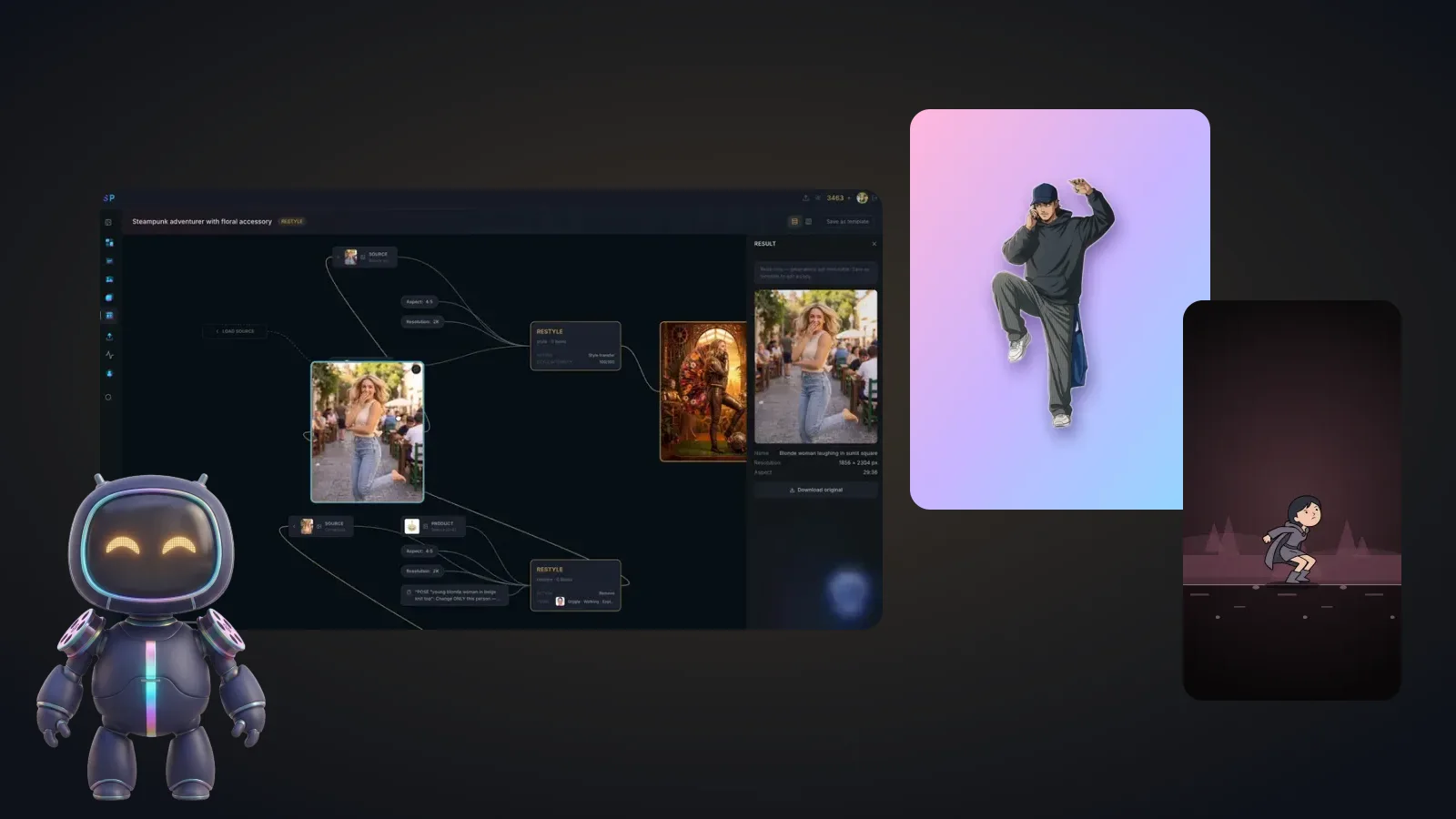
Films and clips made in Nano Studio Pro have had music, effects and voices for a while. Until now each one stayed inside the film or clip it was made for. Now every sound you make, upload or record goes into one library, on its own page, and you can use any of them anywhere.
Press play
These six came out of our own library. Each one was made from the words under its name.
Four kinds of sound
- Music: a score or a song from a description of the mood, the instruments and the tempo.
- Sound effects: a whoosh, an impact, a door, a click, an animal.
- Ambience: a place you can hear, like rain on a pier or a jungle in the morning.
- Voices: any line read aloud, in a voice you choose, in English or Spanish.
Make, record or upload
The Sounds page has a field for each kind: describe it, set the length, and it is made. Already have audio? Upload an MP3, WAV, M4A or OGG, or record straight from your microphone. Every sound gets a real player with its waveform.
The Prompter has an Audio tab too, next to Image and Video, so you can make a sound from the same place you make everything else.
Find it by what it sounds like
A sound file with no words in it is hard to find. So every sound in the library is labelled by listening to it: what it is, the mood, the category. Search "rain on a pier" or "magic shimmer" and it comes up, whether you made it last week or uploaded it today. Each sound also shows which films and scenes use it.
Use it everywhere
- Storyboards: the sound picker offers sounds from your library while you score a film or add effects to a take.
- Scenes: pick an earlier sound for a scene's soundtrack instead of making a new one.
- Clips and edits: place a library sound on a clip without rendering it again.
- Motion Studio: put music from the library under your animated titles.
For agents too
AI assistants connected over the API or MCP can search the library, make sounds, upload files and record, with the same rules: a quote before anything costs credits.
What it costs
Music is 30 credits for every 10 seconds, a sound effect or ambience 24, and a voice line 12 credits for every 100 characters. Uploading and recording are free; they only use your storage. The price shows on the button before anything is made.