Storyboards launched a month ago as the place to plan a short film in keyframes and turn it into video, with decisions that let the viewer pick the path. Since then it has learned the rest of filmmaking: sound, voices, the cut, and how a finished film is shared. Here is what changed.
Four steps instead of eight
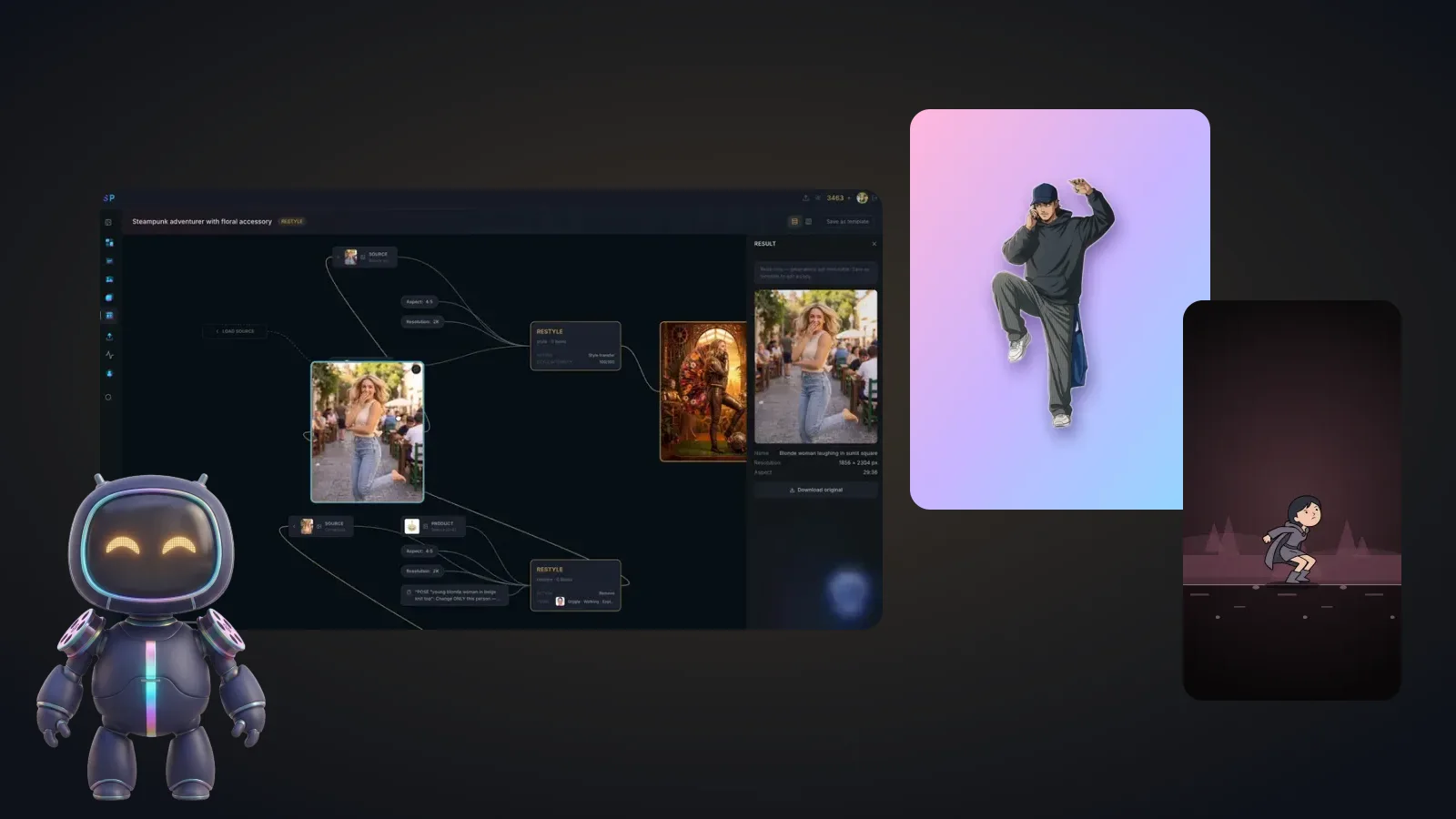
The editor is four steps now: Story (the story and the film's look), Who & where (the cast and the places), Keyframes, and Watch & make, with the sound timeline, the script and the video settings as its tabs. The price is on every button, a storyboard reopens where you left it, and the quick boards end on Watch it, so a first film plays in minutes.
A sound timeline
The Sound step is a timeline with a lane for each sound, the way an editor works: move a sound, trim it, or make a new one right on its lane.
- A score planned from the story: the music is written section by section, with a texture or a silence where the scene asks for it, and a stretch two paths share is composed once.
- Sound effects suggested from the frames and placed on each take, plus the place's own ambience.
- A narrator: voice-over lines in a narrator's voice or in a cast member's own.
- A director's commentary: record it over the film, and viewers can turn it on.
- The music ducks under speech, and a clip can keep its own sound under the score.
Every character speaks in their own voice
Cast a voice by audition: three voice actors read the character's own lines, and you pick one. The dialogue is then read aloud with a delivery written for each line, and it plays in the film and on the shared page.
Transitions and titles
A moment can arrive by any transition in the library: dissolves, pushes, whips, irises, clocks, slats, tiles, glitches and more, each previewed as it plays. These are painted by the same code that renders the MP4, so what you preview is what you export.
A title library sits beside it: animated titles over any segment, in the player and in the exported film.
Inside a shot
- Click a segment to zoom into it: it becomes the screen, with its own timeline, in-between stills and inserts.
- Plan inner frames by their words before making their pictures, or let the AI suggest them.
- Play a take backwards, use any frame of a clip as a keyframe, and find a track's beat to cut on it.
- Use your own video for any take, so a film can be shot anywhere and planned here.
A continuity check that reads the whole film
The AI continuity check now reads the story, every keyframe and the real-size pictures, looks twice before it flags a face, a body or a sign, and shows each finding with the frames it is about. It works on photo films too.
Shared films play like a game
A film's share page opens on a map of its choices with an old-film look. Viewers get achievements for the paths they find, locked paths to come back for, and big thumb-sized choices on a phone. As the owner, you can see how your film is being watched.
Download it
The whole film downloads as one MP4, with its sound, transitions and titles, ready to post anywhere.
Or let an agent write it
Nano, the studio's agent, can write a whole storyboard from one sentence: the cast, the places, the key moments and the shots between them. Assistants connected over MCP can do the same.