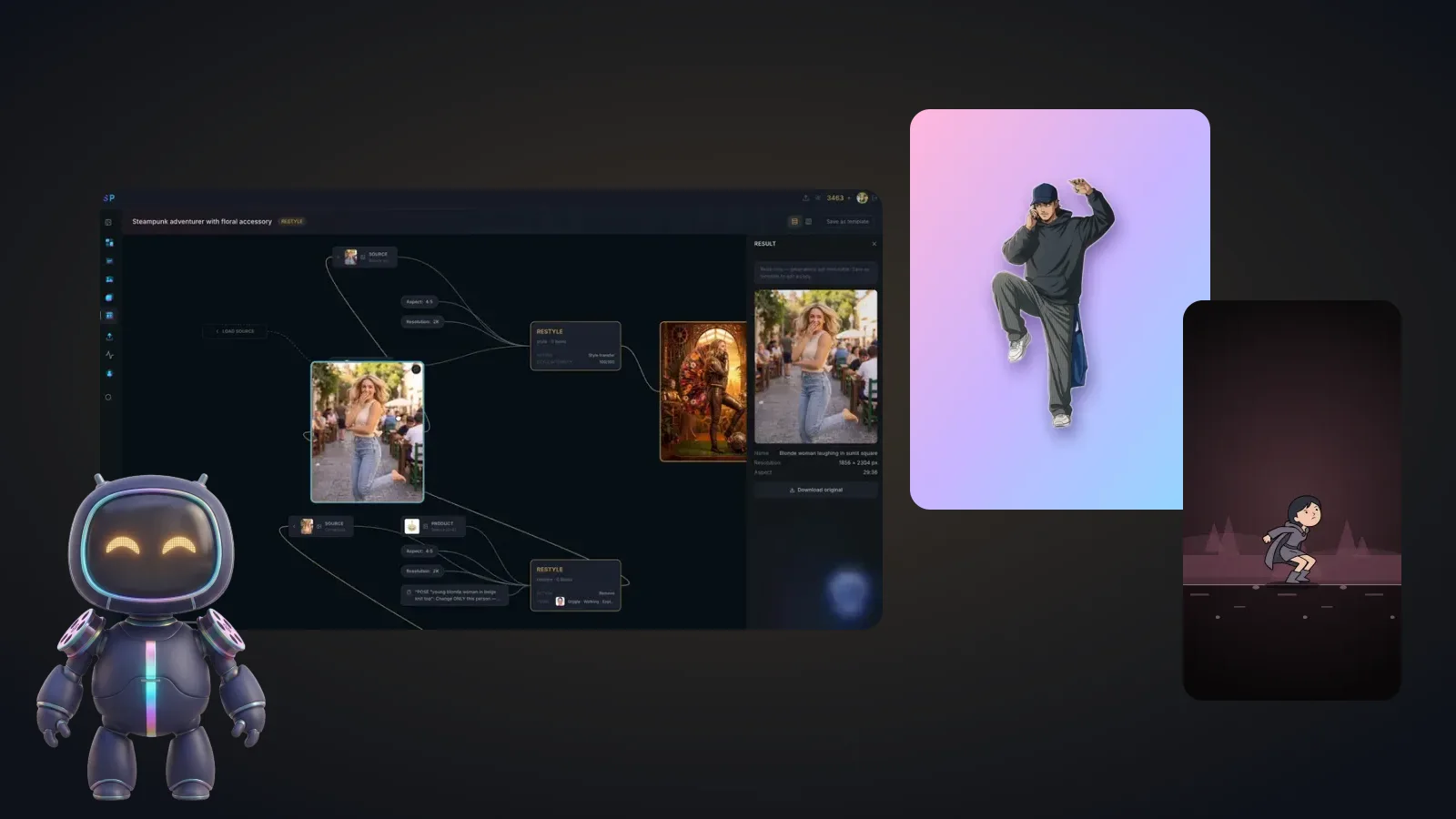
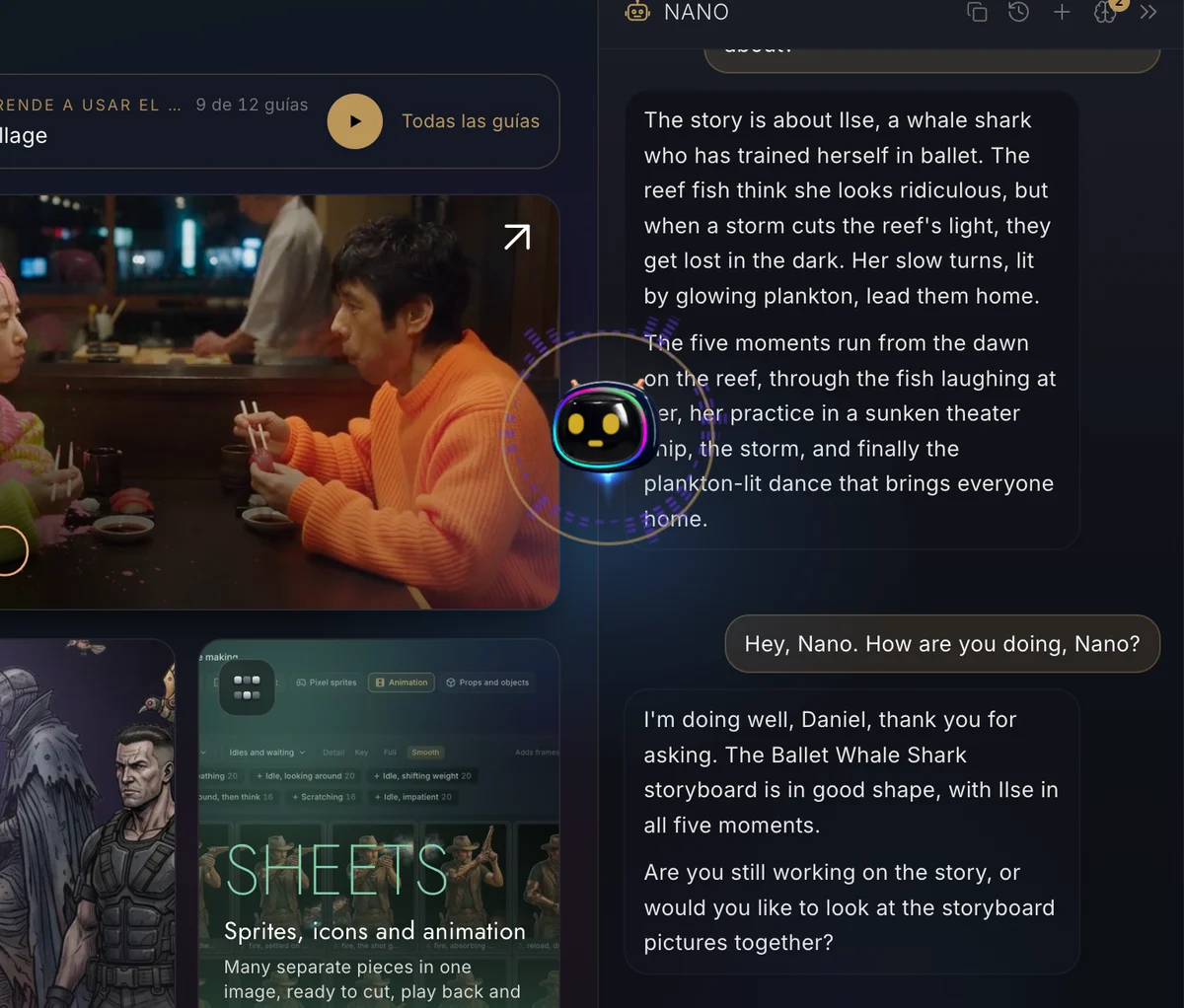
Nano Studio Pro has an agent now, and his name is Nano. He lives on every page of the studio, in a column at the side, with a small 3D head that flies around while he works. You tell him what you want, out loud or typed, and he does it with the same tools you use: search, the image models, sheets, video, storyboards, your projects.
You can meet him right here, before you sign up. Click his head and ask him anything about the studio: he answers out loud.
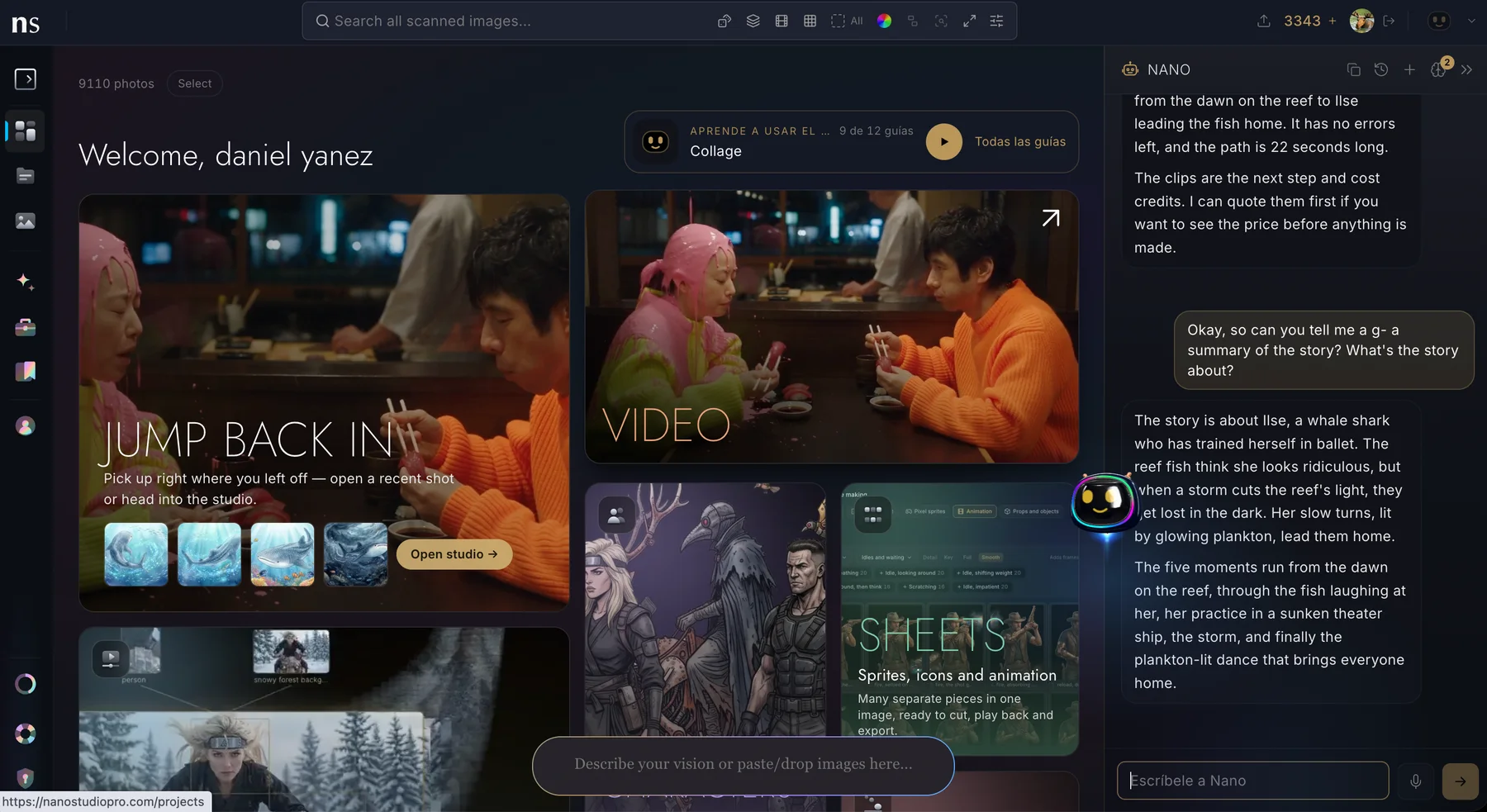
Say what you want, the way you would say it
Nano understands requests in plain words, in English or in Spanish, and keeps the language you start in. A few things people ask him:
- "Find the photos with a red dress" and he searches your library by what is inside each picture, not by file names, and says plainly which hits really show it.
- "Make three versions of this with a sunset sky" and he quotes the price, waits for your yes, and the pictures arrive in the chat and in your project.
- "Cut her out and open the Cutout Studio" and he opens the editor on that picture.
- "Write a storyboard about a robot who loses his dog" and he writes the whole board: the cast, the places, the key moments and the shots between them.
- "Put 4, 7 and 12 in the Campaign project" and it is done, for free.
Pick things by their number
While Nano is open, the cards on the page get small gold numbers: your library, a project's grid, the timeline. Say "the 2", "from 252 to 260" or "these" for what you selected by hand, and he knows exactly which pictures you mean. His own search results come numbered the same way in the chat.
He asks before he spends
Searching, opening and organizing are free. Anything that makes something new costs credits, and Nano always says the price first, the exact price of that model at that size, and waits for you. You set a daily limit for what he may spend, and if you would rather not be asked every time, you can turn the question off in his settings.
When a picture needs a prompt, he can write it and leave it in the Prompter for you to change and send yourself, or show it to you first. You choose which.
Hands-free, with his own voice
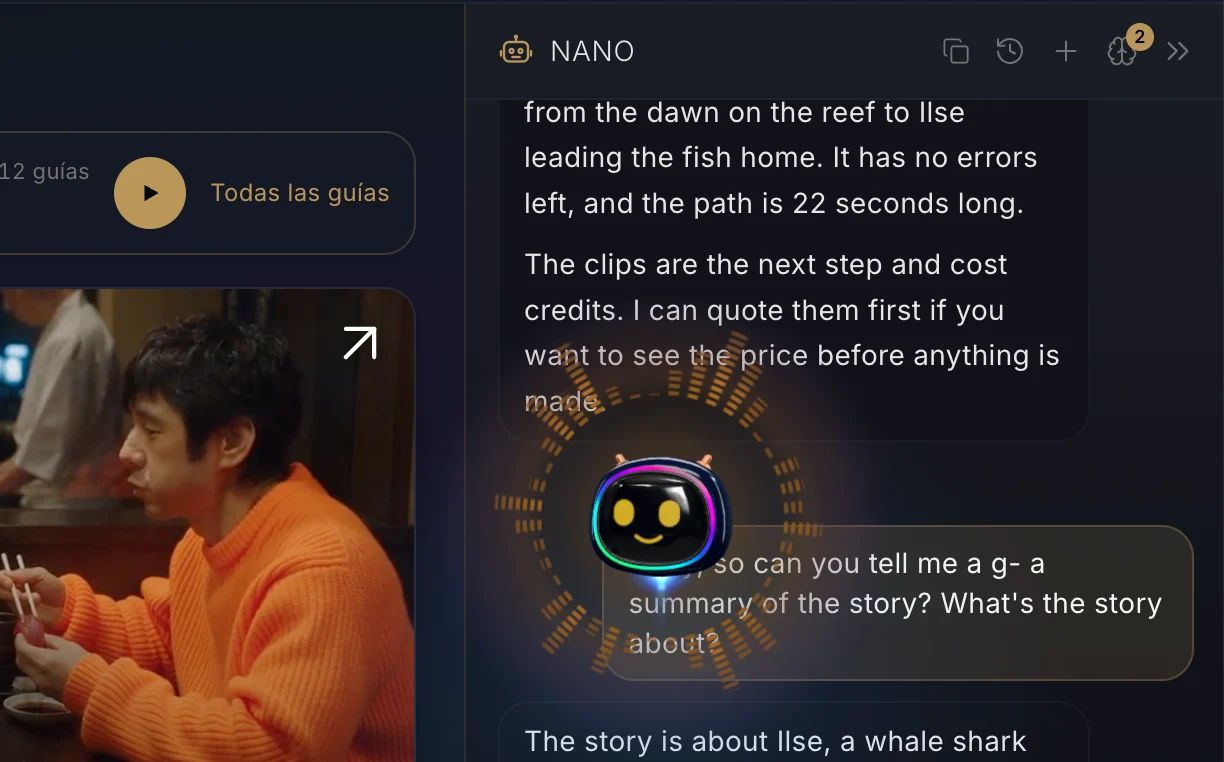
Turn the mic on and talk. Nano listens for the end of your sentence, answers out loud, and if you start talking over him he stops and listens. While a long job runs he murmurs and hums to himself so you know he is still on it, and he flies a lap around the picture when it is done. On a phone, his chat becomes a sheet you can drag, and there is a voice-only mode with just his head.
He remembers how you work
Tell Nano once that you like square pictures, a certain house style, or the prompt before every make, and he keeps it. He remembers past conversations too: ask what you were doing last week and he looks it up. Everything he remembers is listed in Settings, under Nano, where you can change it or make him forget.
A guide for every section
The first time you open the studio, Nano introduces himself. After that, his guides walk you through each section in his voice, flying to the button he is talking about. They replace the old guided tour.
Who can use him
Nano is included with every plan and with the free trial. Open him from the face in the top bar, on any page.