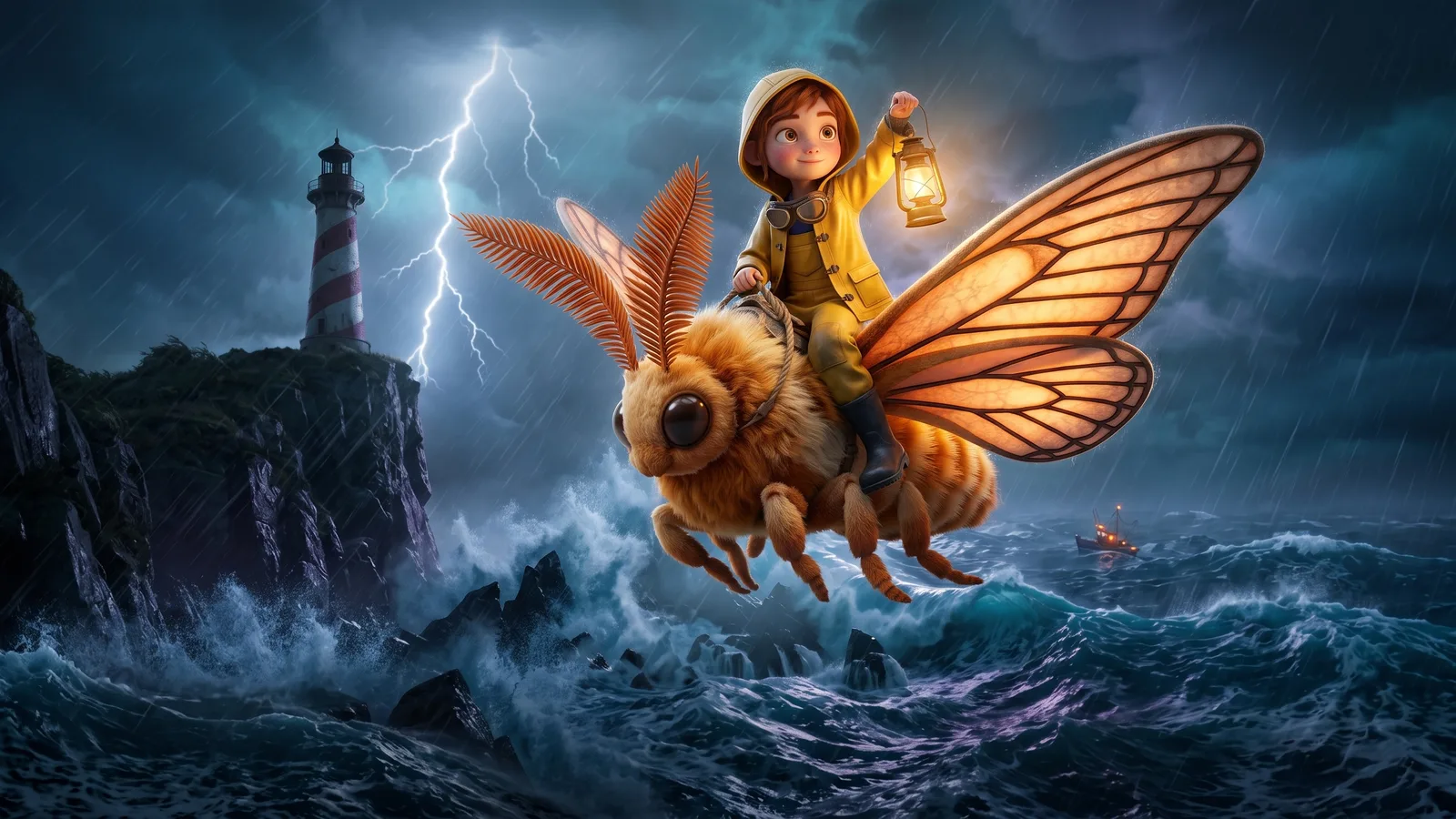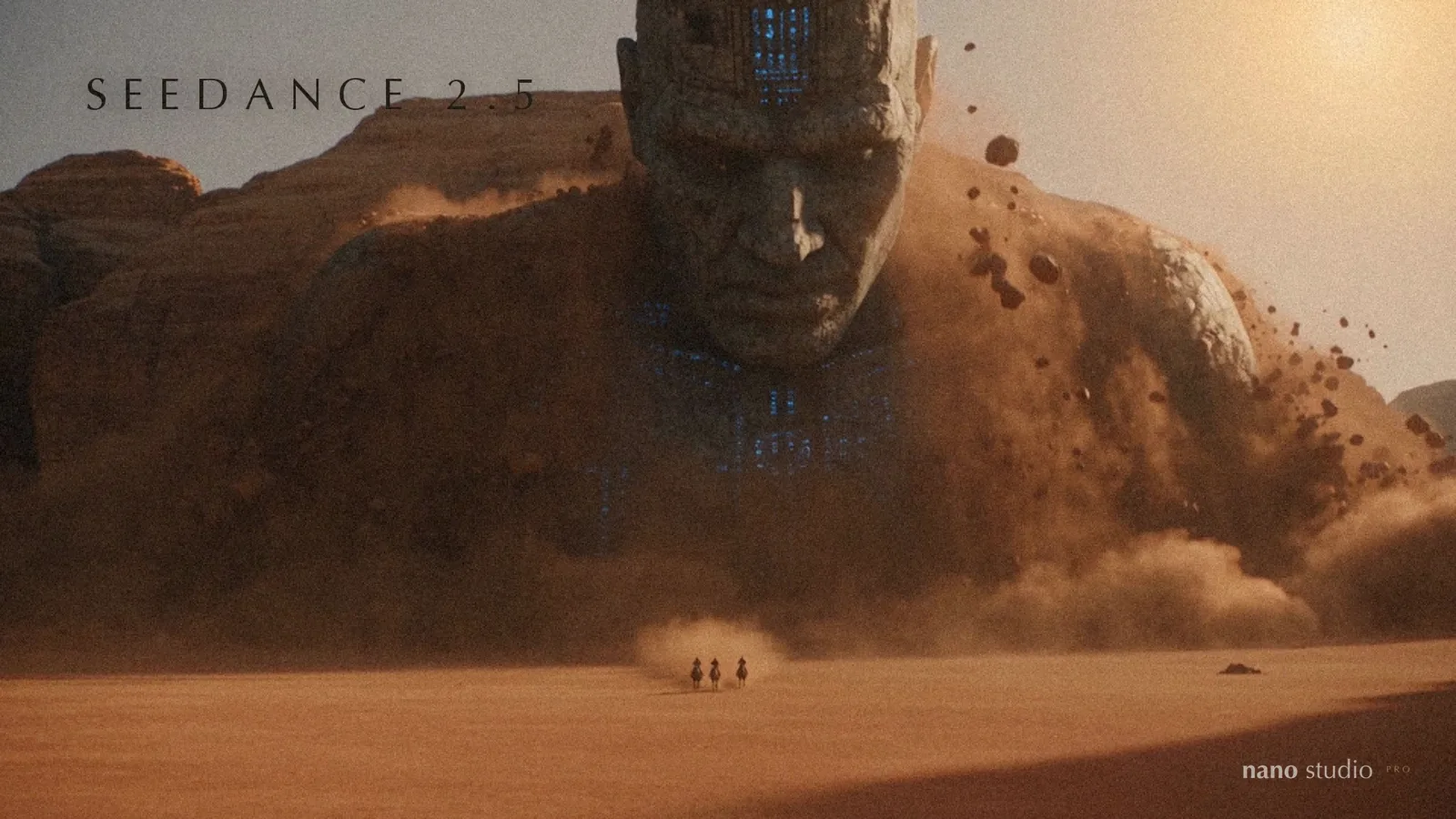
Seedance 2.5 is ByteDance's newest video model, following Seedance 2.0 from February, and it is now the first model you see in the Video tab of the Prompter. Three things set it apart: the sound is made with the picture, so voices land on the lips and a splash sounds like a splash; one shot can run for up to 30 seconds; and it takes your characters, places and even other clips as references, so the people you designed stay who they are.
Here is a minute of it. Every scene below was made with Seedance 2.5, then cut together to music.
Four clips, straight out of the model
The trailer is edited. These four are not: each is a single Seedance 2.5 render, exactly as it arrived, with the sound it made. The only thing we did was make the files smaller for the web.
A claymation sitcom, with its own laugh track
One reference picture of a clay living room and two characters, and a prompt written like a script: who says what, second by second, where the audience laughs. Seedance wrote both voices, the timing of the jokes, the studio audience and the sparks.
Live action, in Japanese, from text alone
No pictures at all, only a description: a couple at a Tokyo sushi counter bickering about soy sauce in Japanese while buckets of paint land on their heads, and neither of them reacts. The deadpan, the dripping and the chef who never looks up are all in the prompt; the acting is Seedance's.
Your characters, in one unbroken shot
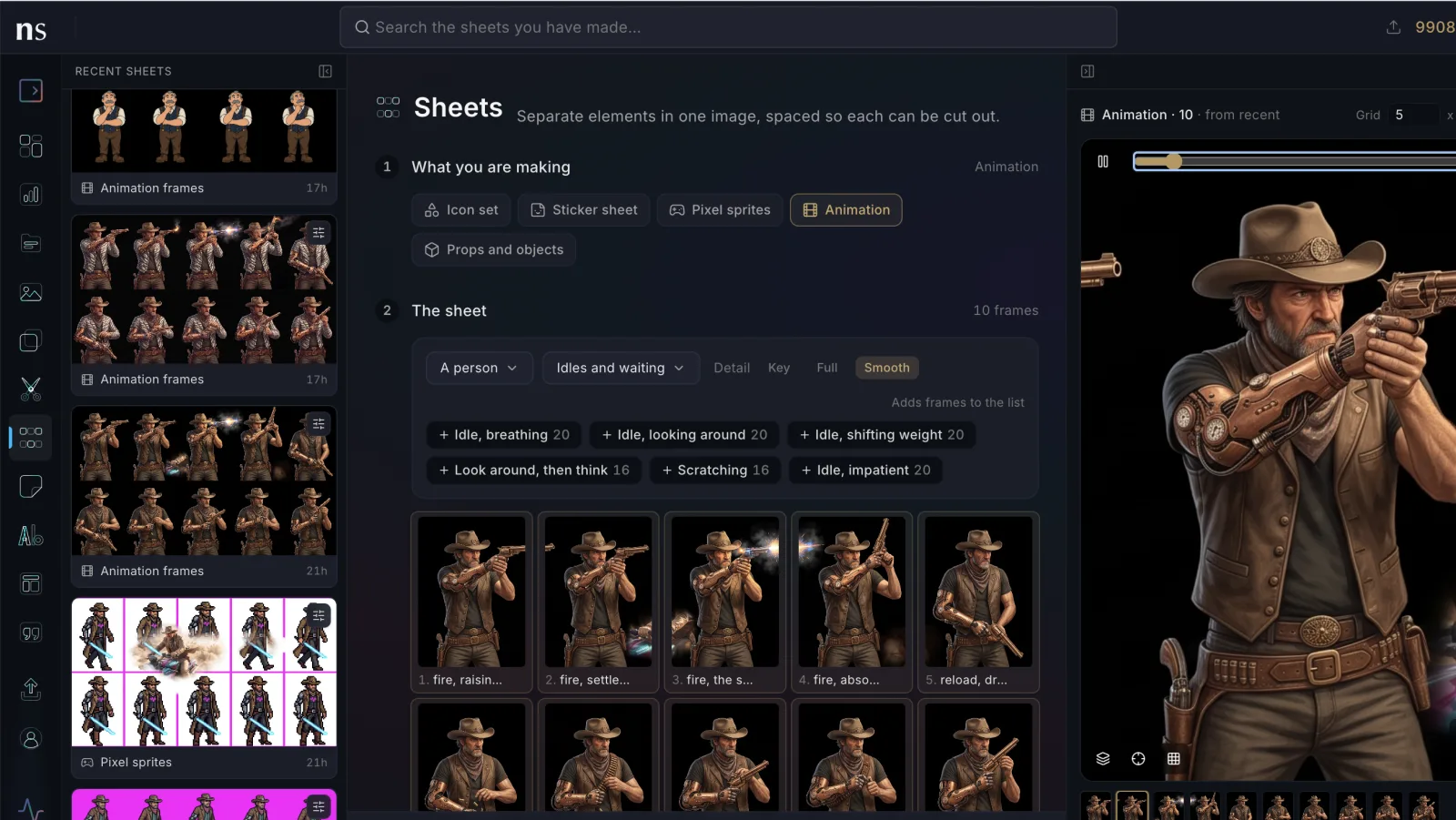
These two were made from character sheets built in Nano Studio Pro: a ninja on a mechanical wolf, a soldier on a spider tank and a villain on an iron stag, plus a picture of the place. The second one also had five storyboard frames, and Seedance flew the camera from one to the next without a cut.
What you can do with it
- Animate: start from a picture, and optionally give it the last frame too, so the clip ends exactly where you want.
- References: up to six pictures of your characters, props and places. Type @ and a character's name in the prompt and their sheets are added for you.
- Clips and sounds as references: hand it a clip for the camera move or the pacing, and an MP3 or WAV for the rhythm or a voice.
- Text only: no pictures needed, in any shape from 21:9 to 9:16.
- Edit a clip: change what is in a clip you already have and keep its length and framing.
- Extend a clip: add seconds before or after it. You can trim the clip first, and the joined version is saved for you.
- Sound always included: dialogue, effects and ambience, at no extra cost.
- Write it for me: one click writes four prompt ideas from what is in the tab, your pictures, clips and characters included. It costs 3 credits, charged only when the ideas arrive.
It works best with drawn, painted, clay or stylised characters as references. For photoreal people, describe them in the prompt, as in the Tokyo clip.
What it costs
| Size | Per second | A 10-second clip |
|---|---|---|
| 480p (draft) | 150 credits | 1,500 credits |
| 720p | 330 credits | 3,300 credits |
| 1080p | 820 credits | 8,200 credits |
The smart way to work: make a 480p draft first. If you like it, press Render final 1080p on the clip within seven days and Seedance makes the same shot at full size, so you only pay for 1080p once you know the shot is right.
How to try it
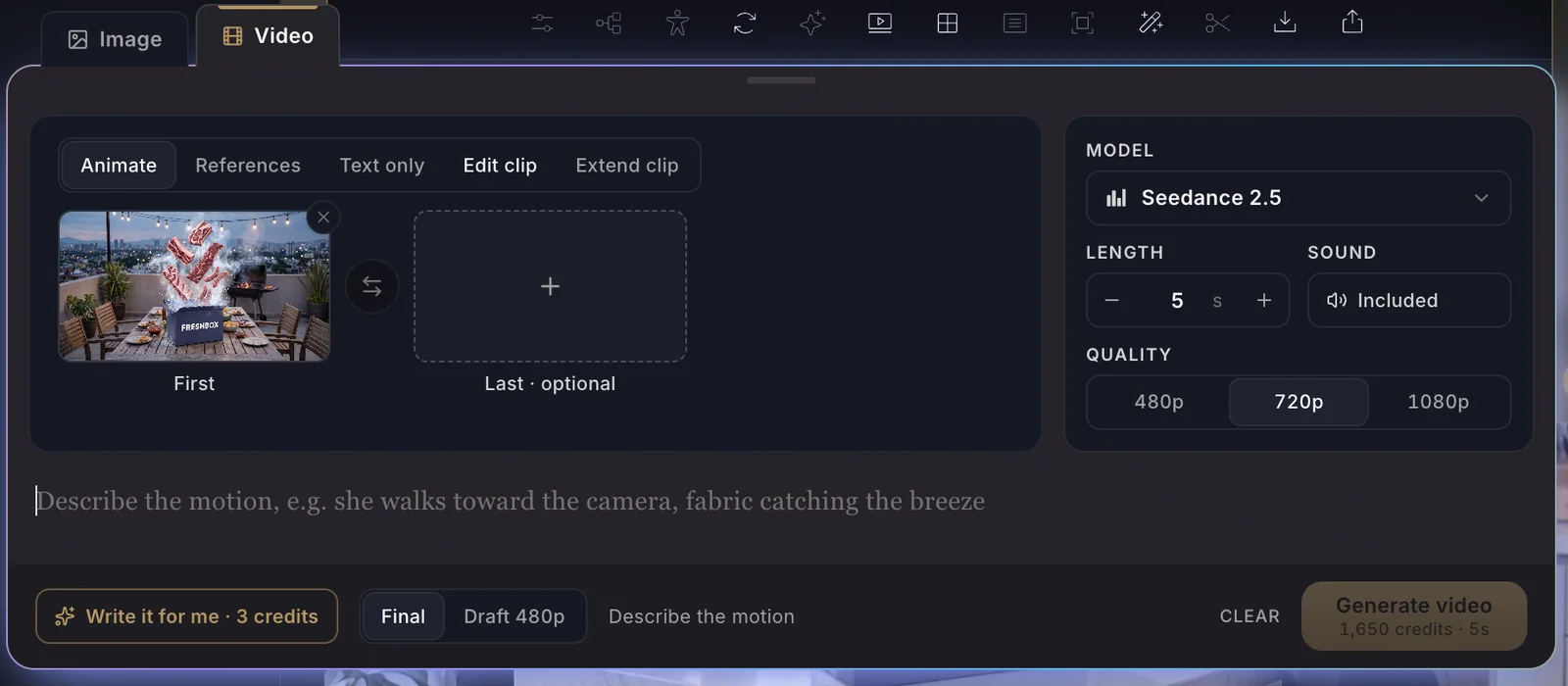
- Open the Prompter and switch to the Video tab. Seedance 2.5 is at the top of the model menu, and already selected unless you picked another model before.
- Pick a mode: Animate, References, Text only, Edit clip or Extend clip.
- Drop your pictures, clips or sounds on the boxes, or type @ to bring in a character.
- Write what happens, second by second if you like, including who says what. Or press Write it for me.
- Choose the length and size, check the price on the button, and generate. A clip takes two to four minutes.
Seedance 2.5 is also on the API and on MCP, so an AI agent can make, draft, finalize, edit and extend clips the same way.