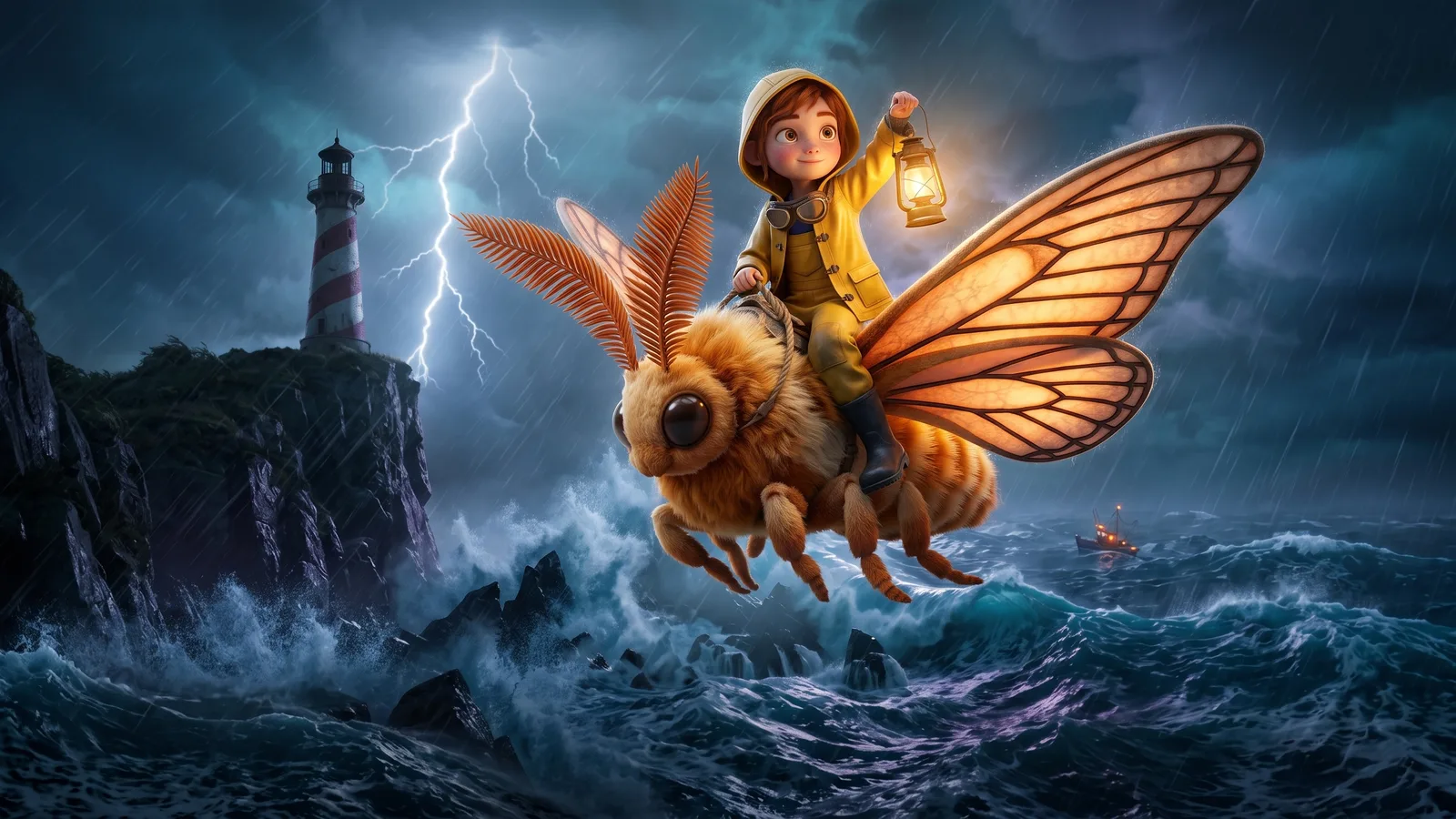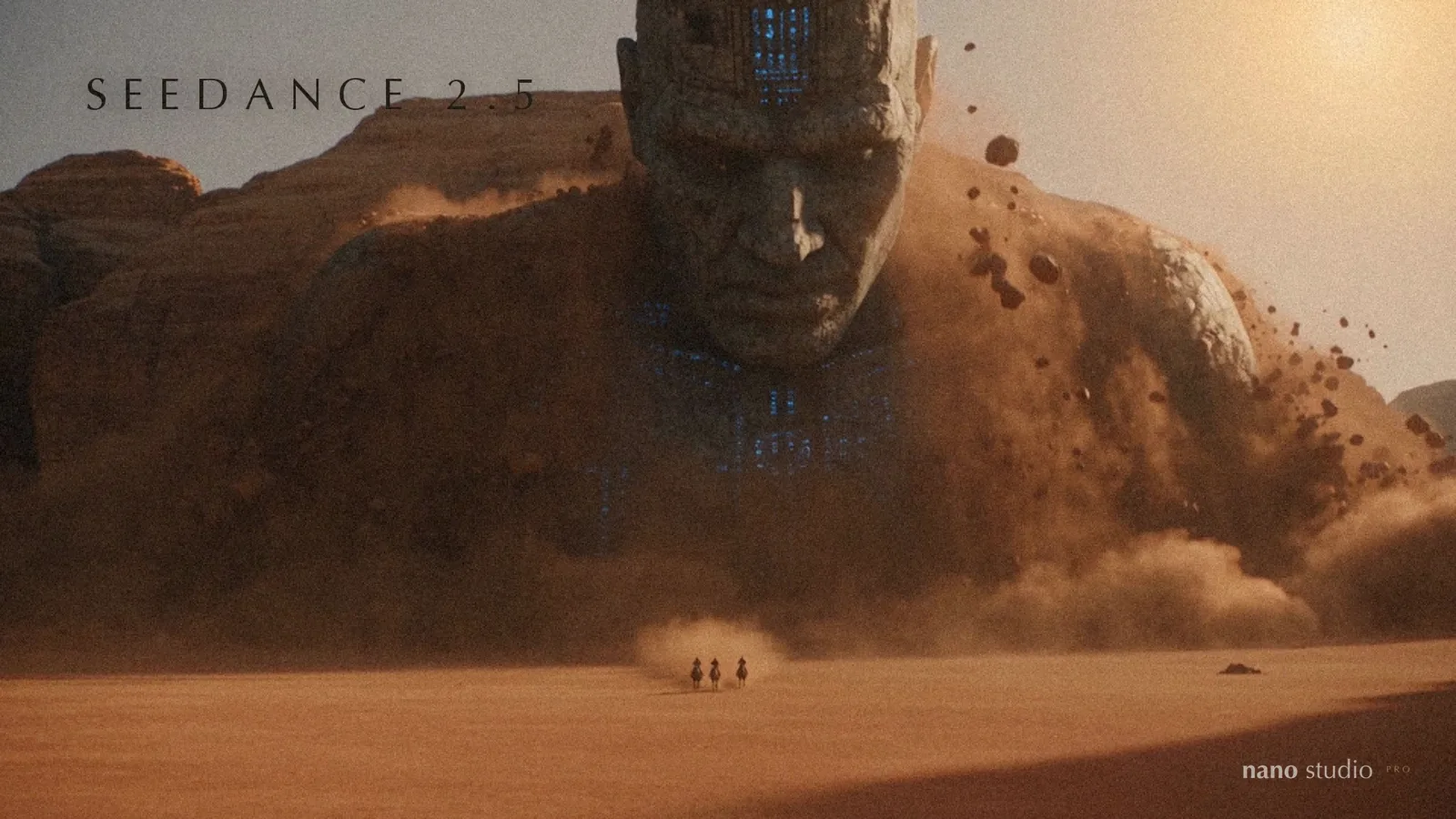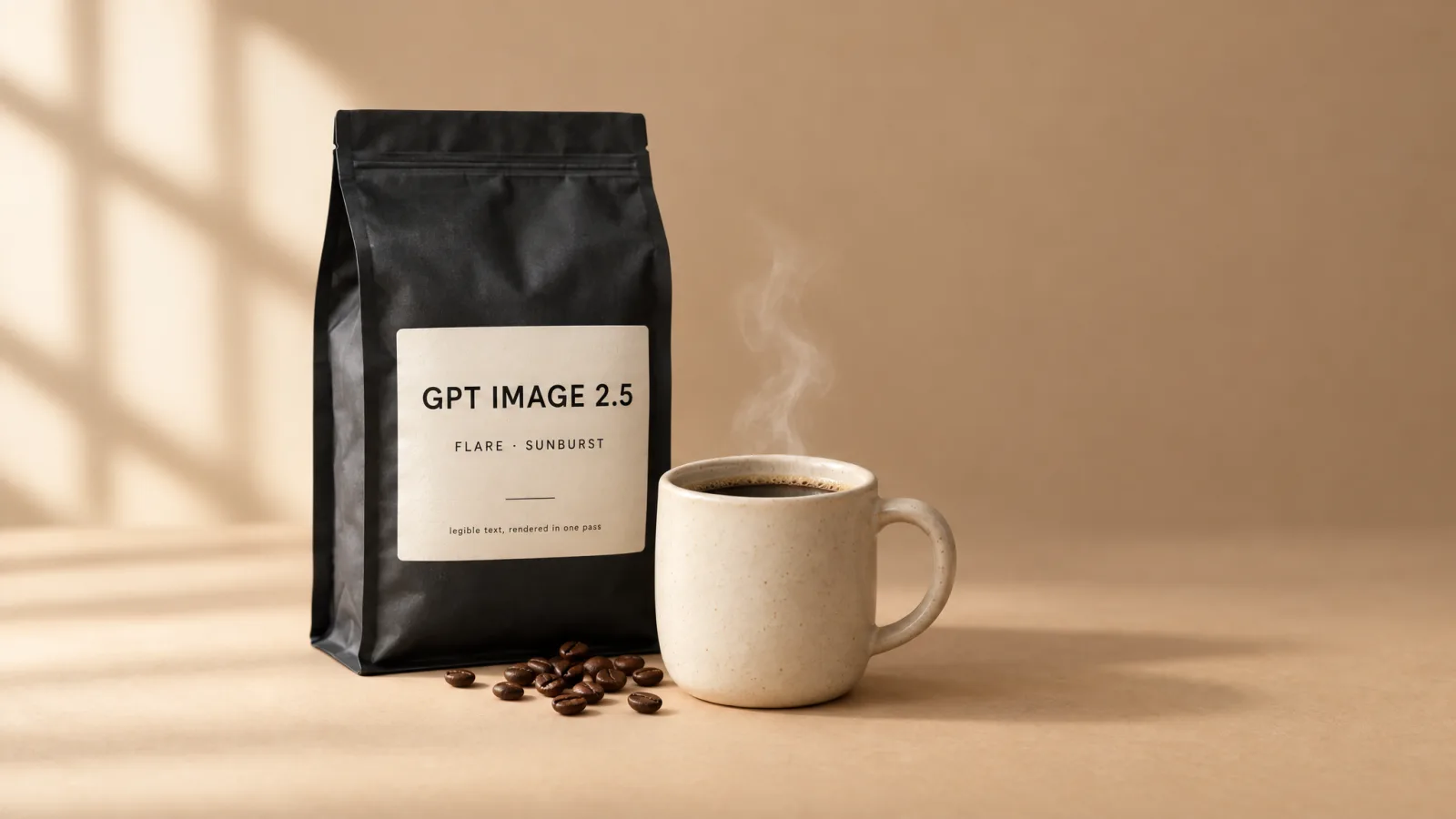
OpenAI released GPT Image 2.5 in early September as two models with two names: Flare and Sunburst. Both are now in the model picker here, next to Nano Banana 2 and Nano Banana Pro, and the picker says in one line what each is for. This is the longer version: what the two are, how they move on from GPT Image 2, what OpenAI says separates them, and how we suggest you choose. Every picture in this post was made by one of them, from a prompt, in under forty seconds each.
What GPT Image 2.5 is
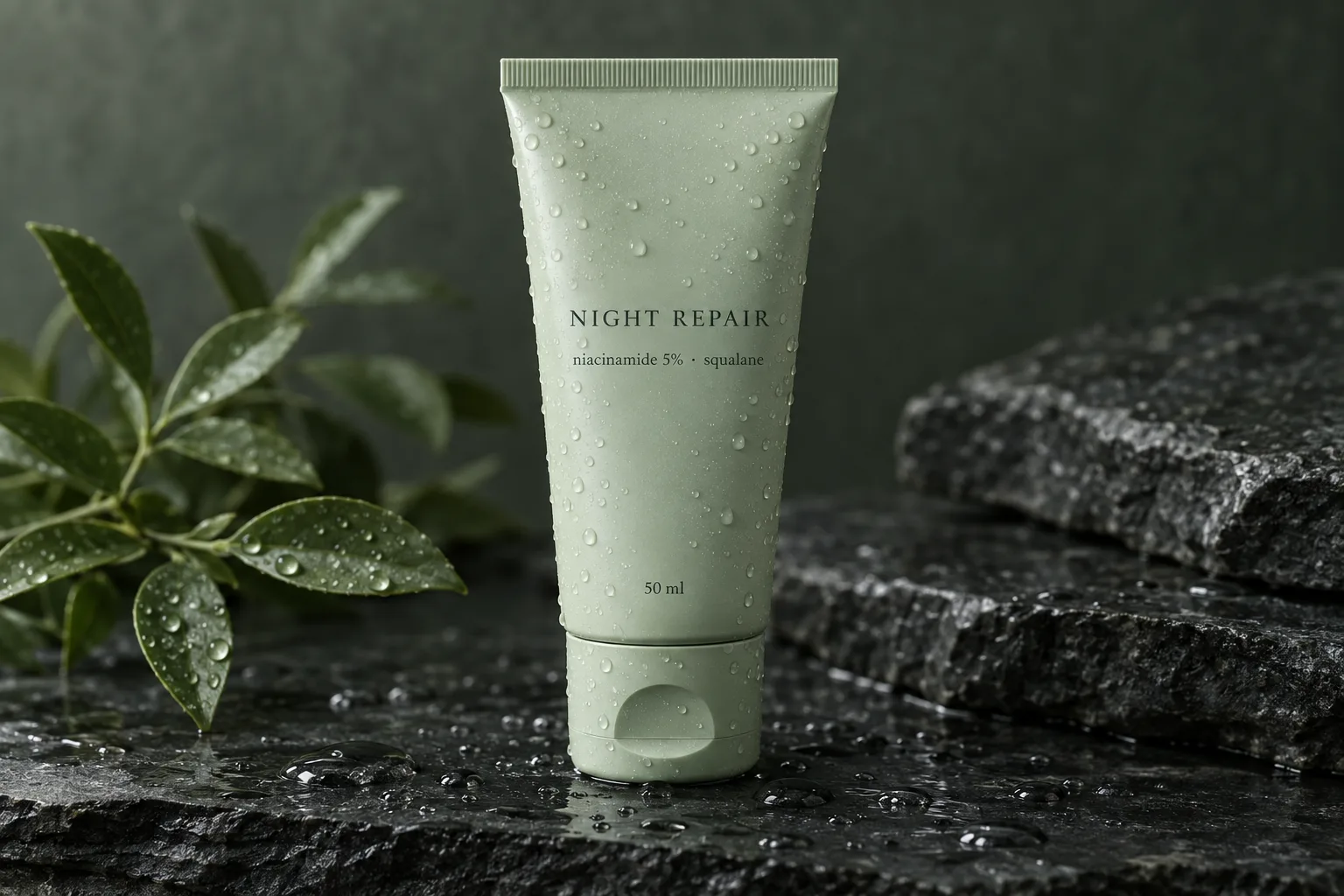
It is the latest in OpenAI's image model line — the family ChatGPT's image generation draws on — available to developers as gpt-image-2.5. It generates from a prompt, edits with references, and, the reason most people reach for it, renders text you can read: labels, packaging, signage, a menu board in the background. Put the words in quotes in your prompt and they come back letter for letter.
How it moves on from GPT Image 2
- Two models instead of one: Flare, tuned for speed, and Sunburst, tuned for precision. GPT Image 2 was a single model; 2.5 lets you pick the trade-off per picture.
- More quality rungs: 2.5 adds two above where GPT Image 2 stopped, and the high rung we render at costs a quarter of what the same word cost on 2 — cheaper per image than the Google models measure in production.
- 2K output here, with text that stays sharp at that size.
Flare and Sunburst: the difference, in OpenAI's words
OpenAI describes the two in one sentence each. Sunburst is “our most capable model for image generation and editing”, for “workflows where editing precision matters most”. Flare is “our fastest model for high-quality, everyday image generation”.
So the axis is care versus speed. Sunburst is the more capable at both generating and editing; Flare is the one you wait less for. They accept the same inputs, produce the same sizes and cost the same, which is why we show them as two cards with one honest difference written on each: Flare for text you can actually read, Sunburst for the same with more care over your references. We gave both the same chalkboard prompt.
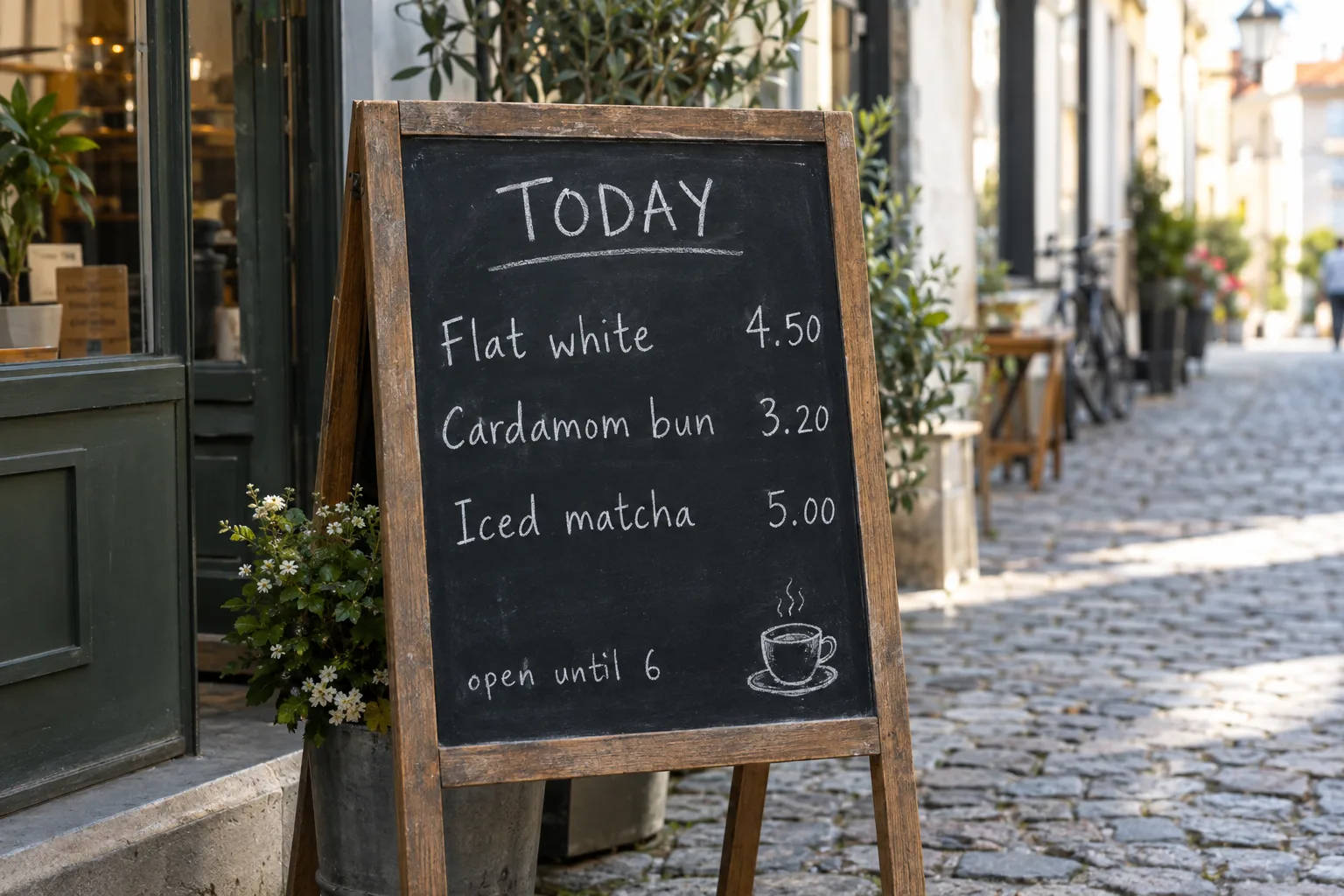
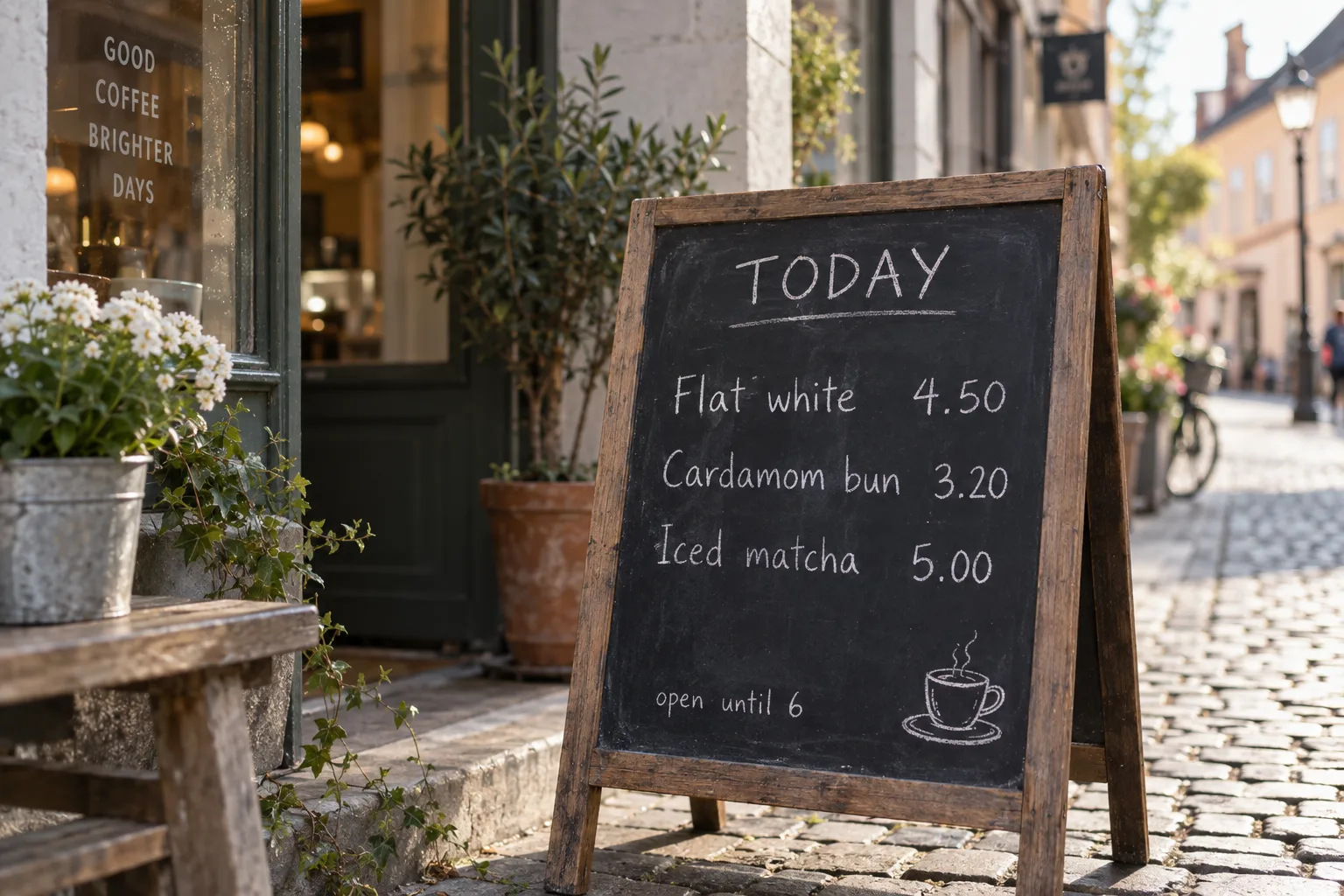
Both read every line back as written. The difference OpenAI describes lives in how closely a set of references is followed, so the simple advice is the right one: start with Flare, and move a job to Sunburst when a reference deserves more care.
What it is good at
- Text in the image: packaging, labels, price tags, signs, screens. This is the headline strength, and it is real. Put the words in quotes in your prompt.
- Following references: up to fourteen reference images per generation here, with Sunburst as the more careful reader of them.
- Sizes: 1K and 2K, the sizes OpenAI stands behind for this model.
How it sits next to Nano Banana
We kept both Google models, and Nano Banana 2 stays the default, because each of the three has a job it is best at. The picker's hints are the short version; this is the slightly longer one.
- Nano Banana 2: light, texture and mood, and speed. It is the default and the most affordable, and it is what every generation here was made with until now.
- Nano Banana Pro: when structure and proportion have to survive exactly — a chair that must stay that chair, a garment whose cut cannot drift.
- GPT Image 2.5: when there are words in the picture, or when a set of references has to be followed closely.