If you run more than one web project, you already know the mess: product shots in one drive, hero images in a repo, screenshots in a chat, exports on a desktop. Nobody can find anything, and half the assets get remade because that was faster than locating the original.
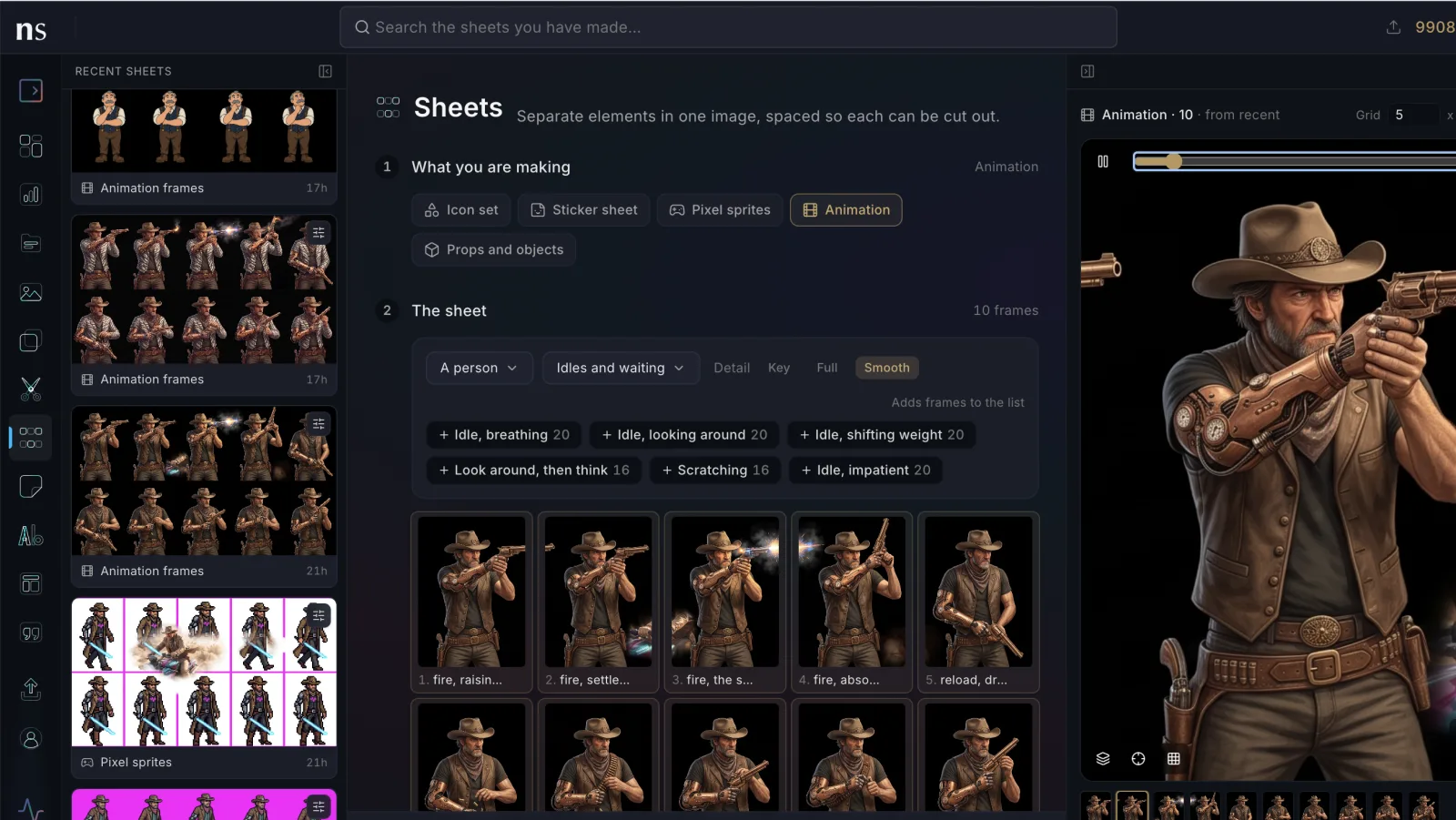
Nano Studio Pro speaks MCP (the Model Context Protocol), so you can hand the whole problem to Claude. Connect the Nano Studio Pro MCP once, and your AI assistant can use Nano Studio Pro as the single repository for all your image media — searching, organizing, and creating on your behalf.
What Claude can do with your images
Once connected, your assistant has real tools — not vague suggestions:
- Search everything: full-text and detection-aware search across every asset and generation, so Claude finds the exact photo you describe.
- Organize by project: list, create, and resolve projects — one per site or client — and file assets where they belong.
- Bring images in: import photos by URL or upload references, kept tied to the right project.
- Create and edit: generate new images, restyle product shots, expand, upscale, cut out backgrounds, even make short videos.
- Stay in control: every action runs against your account, with destructive steps gated behind confirmation.
One folder, one project
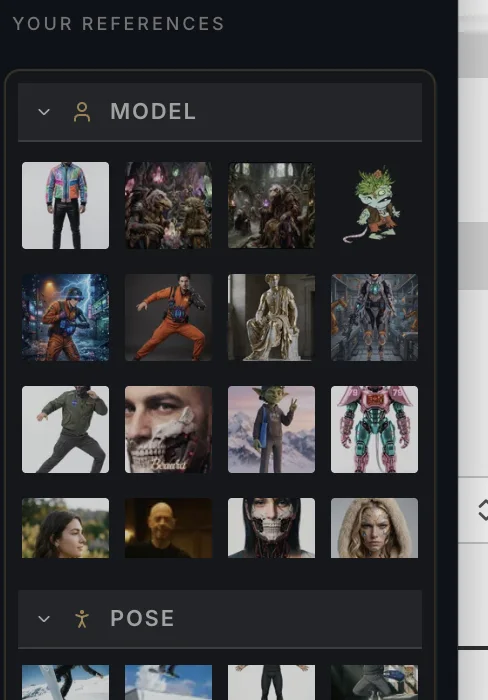
The MCP follows a simple convention: one project per folder. Ask Claude to resolve a folder's name to a project, and every image it finds, imports, or generates lands in the right place — across as many projects as you manage. Your assets stop being a pile and start being a system.
Why route it through Nano Studio Pro
Because every image is detected and indexed, your assistant can actually find things — by content, color, or object — instead of guessing at filenames. Precise, detection-aware search is what turns an AI agent from a chatbot into a genuinely useful asset manager.