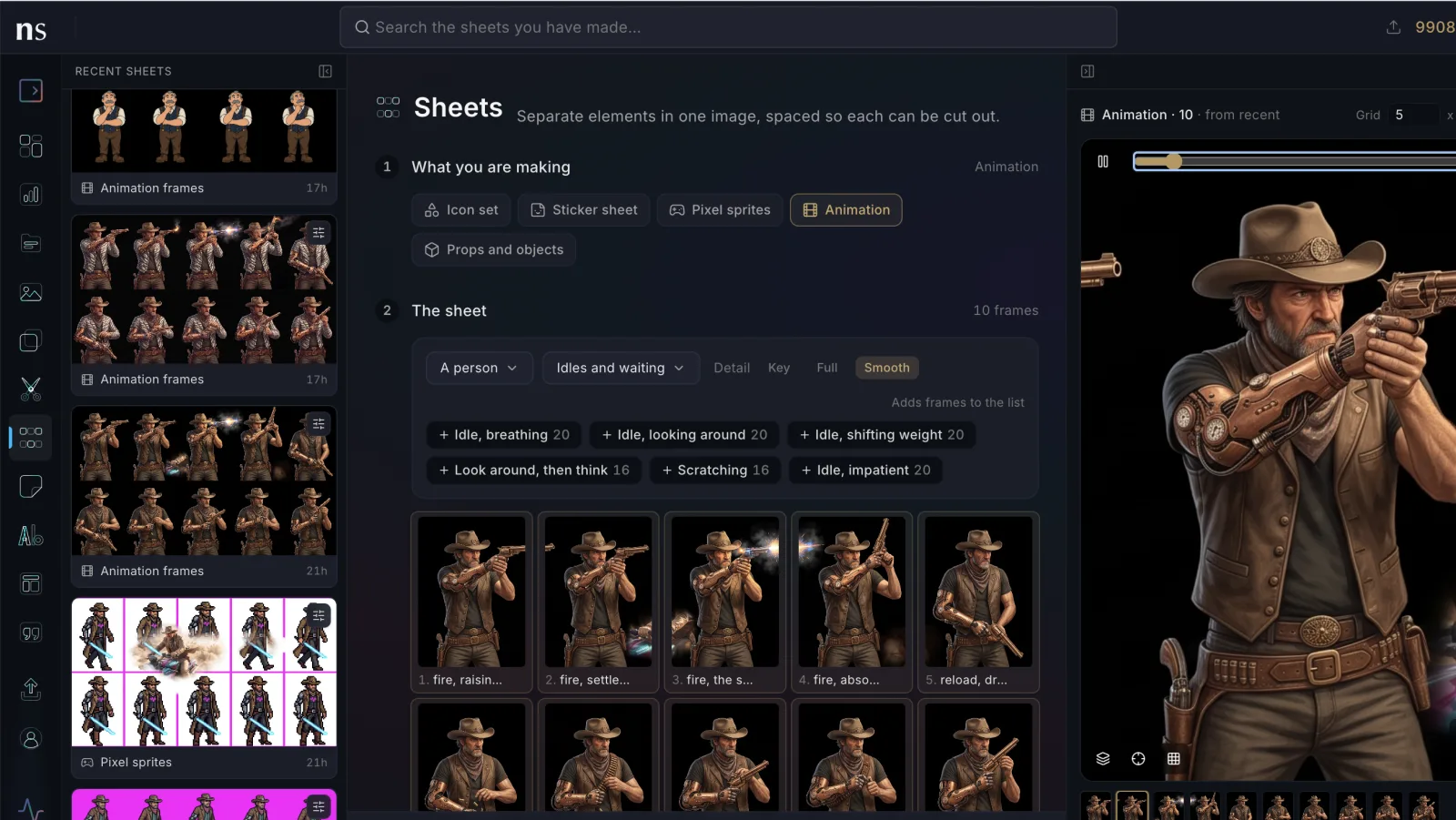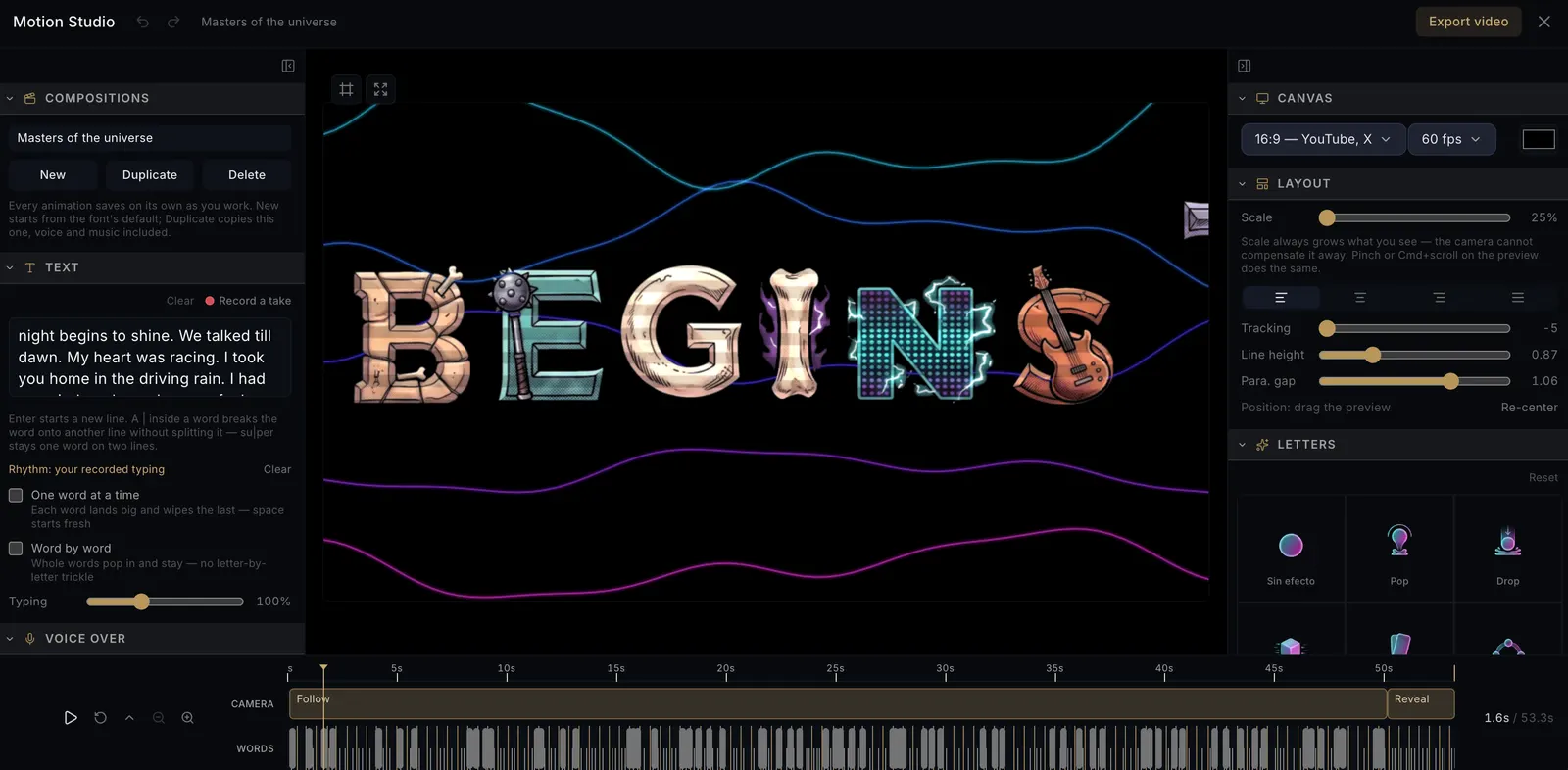
Connect the Nano Studio Pro MCP to Claude and your agent can do more than make pictures: it can find them again. Generate something new, upload a product shot, import artwork you already had — everything that enters the studio becomes searchable the moment it lands. Ask for the picture from last Tuesday, the one with the red cap against a brick wall, and it comes back — instead of being remade, and billed, from scratch.
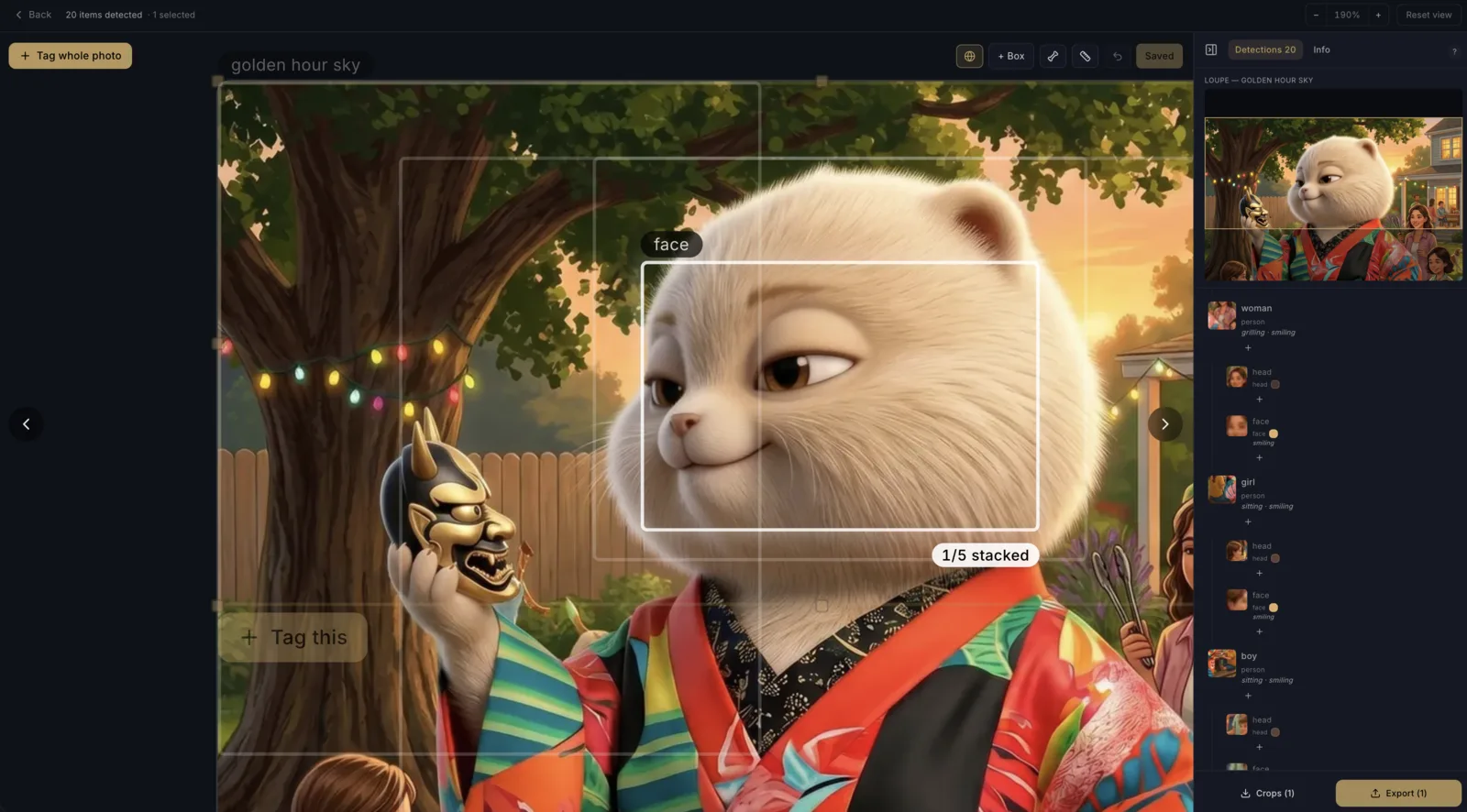
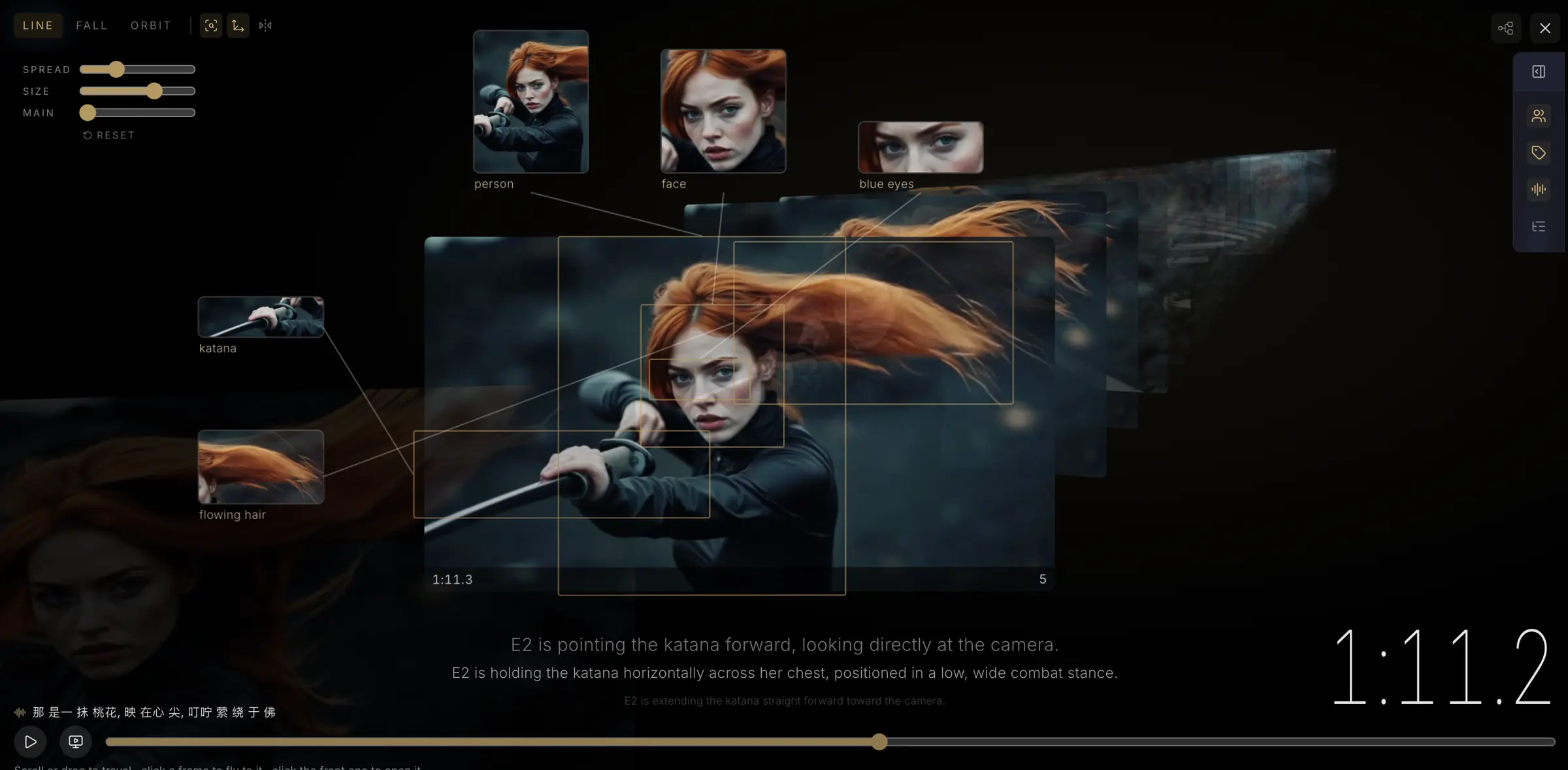
That is because every image that enters the studio — generated, uploaded, or imported — is run through a detection scan first, and the search tool matches what the scanner saw inside the frame: the items, their colors and textures, the scene itself. Your agent describes a picture the way you remember it, and the library answers. As of this week, that reach extends into footage: a search can answer with the exact second inside a video.
Ask for photos the way you remember them
The search tool speaks four modes, and your agent picks the right one from plain conversation. Text is the workhorse: detection-aware, fuzzy, and scoped however you ask. Color ranks the whole library by perceptual closeness to a hex value. Similar starts from an image you already have and finds its relatives — by the stuff in them, the scene, or the story. Browse needs no query at all: newest first, for when the agent just needs to look around.
- “Find the shot of the navy sneaker on concrete in this project and use it as the reference.”
- “Do we already have a transparent cutout of the gold jacket? Only cutouts, please.”
- “Show me everything that leans wine-red, landscape only.”
- “Pull five images similar to this one, same scene, and upscale the best.”
Filters ride along as parameters, not prose: project scope, asset versus generation, kind of generation (images, videos, cutouts, collages, uploads), visual style, aspect ratio, colors the frame must contain. Every result says what kind of thing it is, so an agent filtering for clips never has to guess from a file name.
It knows where in the frame
Ask for regions and every hit carries its detected items with bounding boxes — normalized coordinates, ready to crop, overlay, or verify against. The agent does not just learn which photo has the red cap; it learns where the cap sits. And for any single image there is get_detections, free: the full readout of items, colors, textures, and the scene narrative — the raw material the index is built from. When a search misses, one call shows you why.
And now: the exact second inside a video
Index a clip in the studio and every second of it becomes searchable — what was seen, shot by shot. From this week, the public search your agent uses reaches into that index. When the words match an instant of footage, the hit arrives as an ordinary result flagged as video, carrying the exact millisecond, the shot size, the camera motion, and how many moments in that clip matched. One clip is one card: its best-matching instant, ranked by relevance right alongside the photos, never pinned on top.
Everything the MCP supports today
Thirty-one tools, spanning the whole loop from account to finished asset. The short version, grouped the way an agent actually uses them:
- Search and vision (3): search — four modes, every filter above, detection regions, and video moments; get_detections — the free per-image readout; scan_image — re-run detection on demand.
- Generate and edit (6): generate_image with up to 14 reference images; restyle with six modes (free-text edit, one-click product placement, recolor, remove, add, merge, style transfer); expand_image (outpainting); upscale_image; cutout (transparent subject plus clean plate); get_cutout.
- Video (2): generate_video (Kling, three models, optional audio) and get_video to poll it.
- Library (7): list_generations, list_favorites, list_assets, get_asset, upload_asset, import_image — any image by URL, scanned on the way in — and delete_asset, gated behind confirmation.
- Projects (4): list_projects, get_project, create_project, and resolve_project — find-or-create by name, the one-project-per-folder convention.
- Account (5): whoami, get_credits (balance and the token's daily spend cap), get_pricing, get_storage, get_meta for capability detection.
- Tasks (4): list_tasks, get_task, cancel_task, retry_task — the same task system the studio itself runs on.
Underneath all of it: one-click OAuth connect from claude.ai, a device flow for CLIs, per-token spend caps, and attribution — images made through an agent wear a badge saying which one, so a shared account stays legible.
What it will not pretend to do
Uploading and indexing new footage still happens in the studio, not over the API — the moments your agent searches were indexed there first. Canvas work (the collage editor, the video cut room) stays in the app too; those are hands-on surfaces, not request-response operations. When something is out of reach we would rather the tool list say so than a call half-work. Video upload through MCP is next on the list the moment enough of you ask.
Two minutes to connect
From claude.ai or Claude Desktop, add Nano Studio Pro as a connector and approve the scopes — done. From Claude Code, one command installs the CLI server, and the first tool call signs you in from the terminal. Either way, the next thing you type can be: find the photo with the red cap.