Give a coding agent the ability to generate images and it will use it. Give it that ability across ten sessions on the same project and you end up with nine hero images, four of which are nearly identical, none of which it can find again. Not because the model is careless — because it genuinely cannot see them.
Agents remember conversations, not artifacts
A context window holds what was said. A file written to disk during session three is not in session seven's context, and there is nothing to look it up with: a directory listing gives filenames, and filenames are the one thing nobody writes carefully at 1am. So when the agent needs a product shot for a new page, the cheapest path it can see is to make one. It has no way to know that the right image already exists two folders over.
This is not only a cost problem, though it is that. It is a consistency problem. Ten images generated from ten separately-worded prompts across ten sessions do not look like they belong to the same site, and the drift is hard to spot until someone views three pages in a row.
The pattern: look before you make
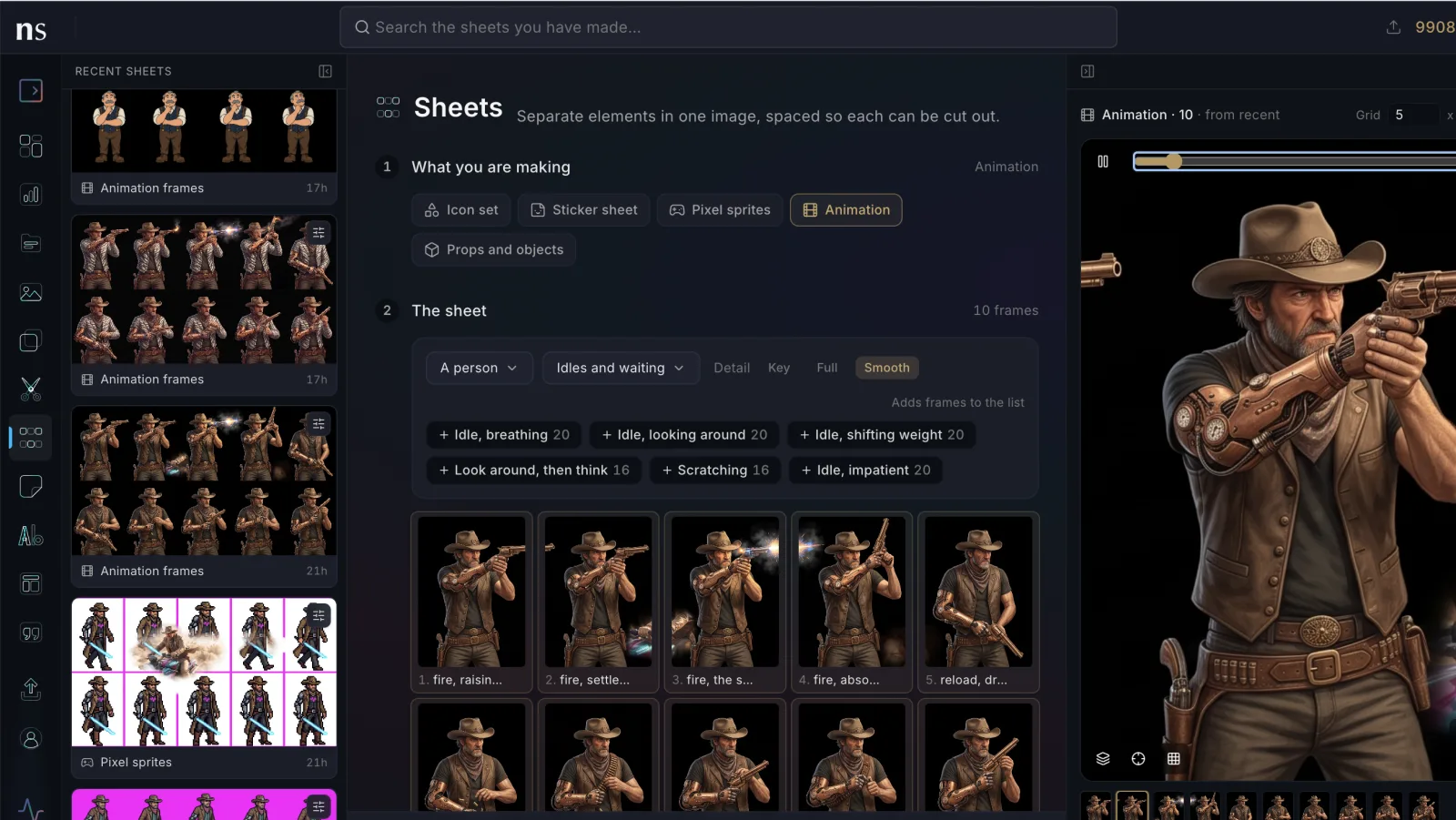
The fix is to give the agent somewhere to put things and a way to search it, then make searching the first step. With the Nano Studio Pro MCP server connected, every image the agent generates or imports is scanned on the way in — objects, colors, textures, a scene description — and the search tool queries that index. Asking for "the navy sneaker on concrete" finds the photo without anyone having named the file well.
In practice the instruction is small. Something like this in your project's agent instructions changes the default:
Before generating any image, search the project library first. Reuse or restyle an existing image when one fits; only generate when nothing does.
Search is free to call. Generation costs credits. An agent that checks first is strictly cheaper than one that does not, and the failure mode of checking — a redundant search — costs nothing.
Keeping projects apart
One library shared by every repo would just move the problem. The convention here is one project per folder: drop a .nsp.json at a repo's root, or let the agent call resolve_project with the folder name, which finds or creates and is safe to call every session. Each repo's imagery then stays searchable on its own, and "find the hero image for this site" means this site.
It works on images you did not generate
The library is not limited to AI output, which matters more than it sounds. Existing product shots, client photos, screenshots, and artwork made in other tools can all be imported by the agent and go through the same scan. That is usually where the real value shows up — the assets you already own become the ones the agent reaches for first, instead of inventing a substitute.