Two weeks ago we wrote that the search powering your Nano Studio Pro library would soon be available as a building block for your own products. Today it ships — as an API you can call from any backend, and as a widget you can paste into any page.
The short version: every image in your library is already scanned, detected, and indexed. Now that understanding can face your customers. A visitor types on your site, and results from your library appear — by keyword, by color, by the objects inside each photo — without you training, tagging, or hosting anything.
Two lines of HTML
The widget is a self-contained web component — about 23 KB gzipped, no build step, no framework, nothing to install. It renders a masonry wall that packs itself tight, keeps every photo at its real aspect ratio, reserves each card's exact shape before the image arrives so nothing ever jumps, loads more results as your visitor scrolls, and opens a keyboard-friendly lightbox on click. Dark, light, and auto themes ship built in; ten CSS variables and ::part hooks restyle it to your brand.
<script type="module"
  src="https://nanostudiopro.com/embed/search.js"></script>

<nano-search publishable-key="pk_sf_live_YOUR_KEY"></nano-search>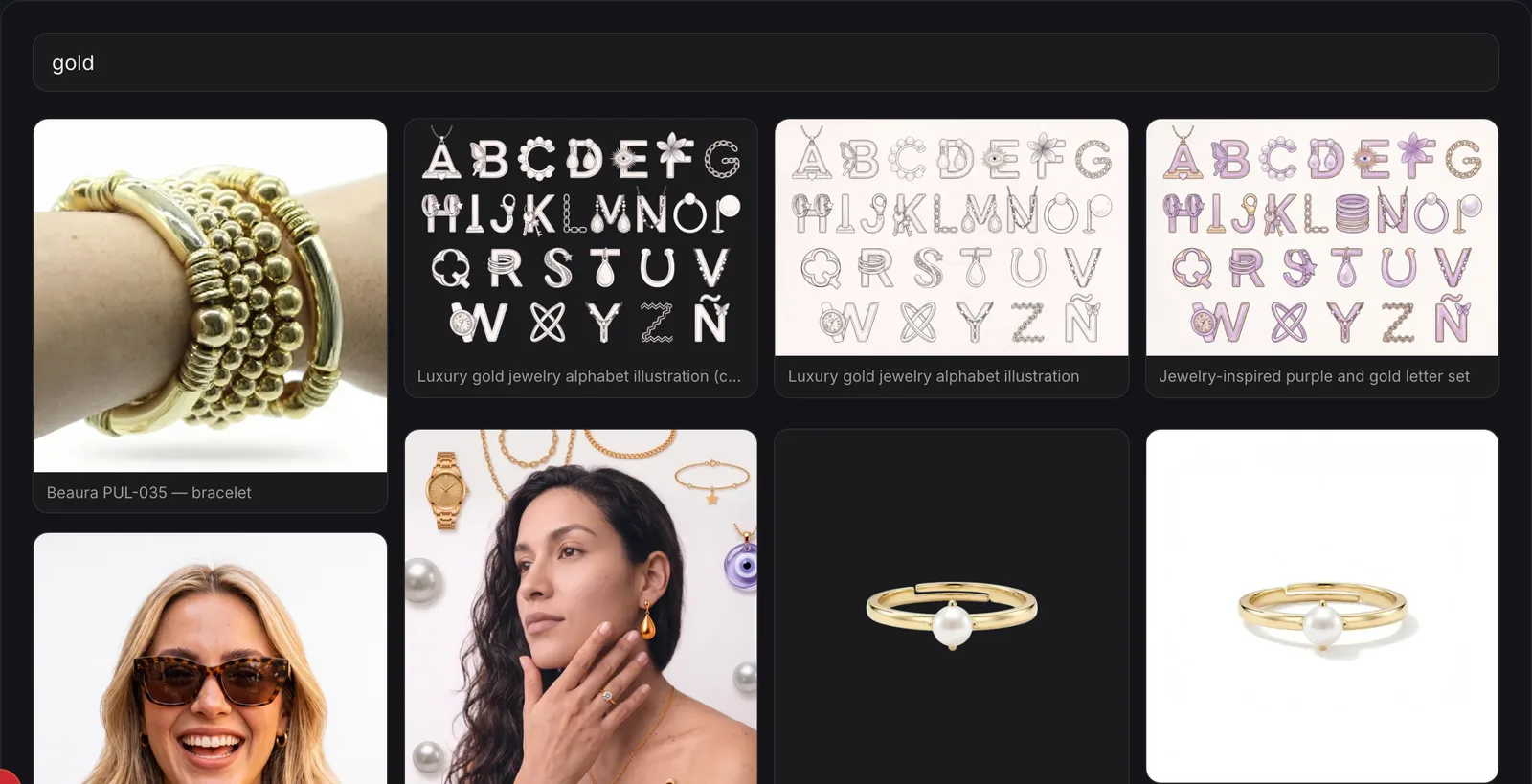
A key you can publish
Pasting a key into public HTML only works if the key is safe to publish, so this release introduces publishable keys. They are read-only and search-only, scoped to exactly the projects you choose, lockable to your site's domains, rate-limited server-side, and capped at the image resolution you allow. Detection regions and photo descriptions stay off unless you opt in. Create one in Settings under API Tokens, next to your secret keys.
The API underneath
The widget is the easy on-ramp; the engine is a plain authenticated GET that your own code can call. One endpoint covers the whole search surface:
- Full-text search across names, prompts, and detected content — typo-tolerant, with did-you-mean suggestions.
- Color search: pass hex values or color names and match on each photo's real palette.
- Similarity: hand it an image id and get the photos that look like it.
- Detection regions on demand: every result can carry labeled boxes — garment, texture, colors, position — for object-level UIs.
- Signed image URLs sized to your grid, from thumbnails to full resolution, rendered on demand and cached.
What's next
The same engine has more to give the widget: detection-box overlays on hover, color search in the embed, and an npm SDK for teams that want the pieces without the element. Those land next — watch this blog.