Most tools help you make an image and then forget about it. The real problem starts a week later, when you need that one photo again and it's buried in a folder, a chat thread, or someone's downloads. Nano Studio Pro treats your images as a library worth keeping — searchable, organized, and impossible to lose.
And here's the part people miss: you can use it even if you never generate anything. Bring your own photos, and Nano Studio Pro becomes a full asset manager for your media — with search that actually understands what's in every picture.
Search that understands your images
Every image you add is scanned and understood, so search goes far beyond filenames. Look things up by keyword, by color, or by the very objects detected inside each photo — a red dress, a pair of sneakers, a specific face. Because the search is detection-aware, it finds the picture you're picturing, not just the ones you happened to name well.
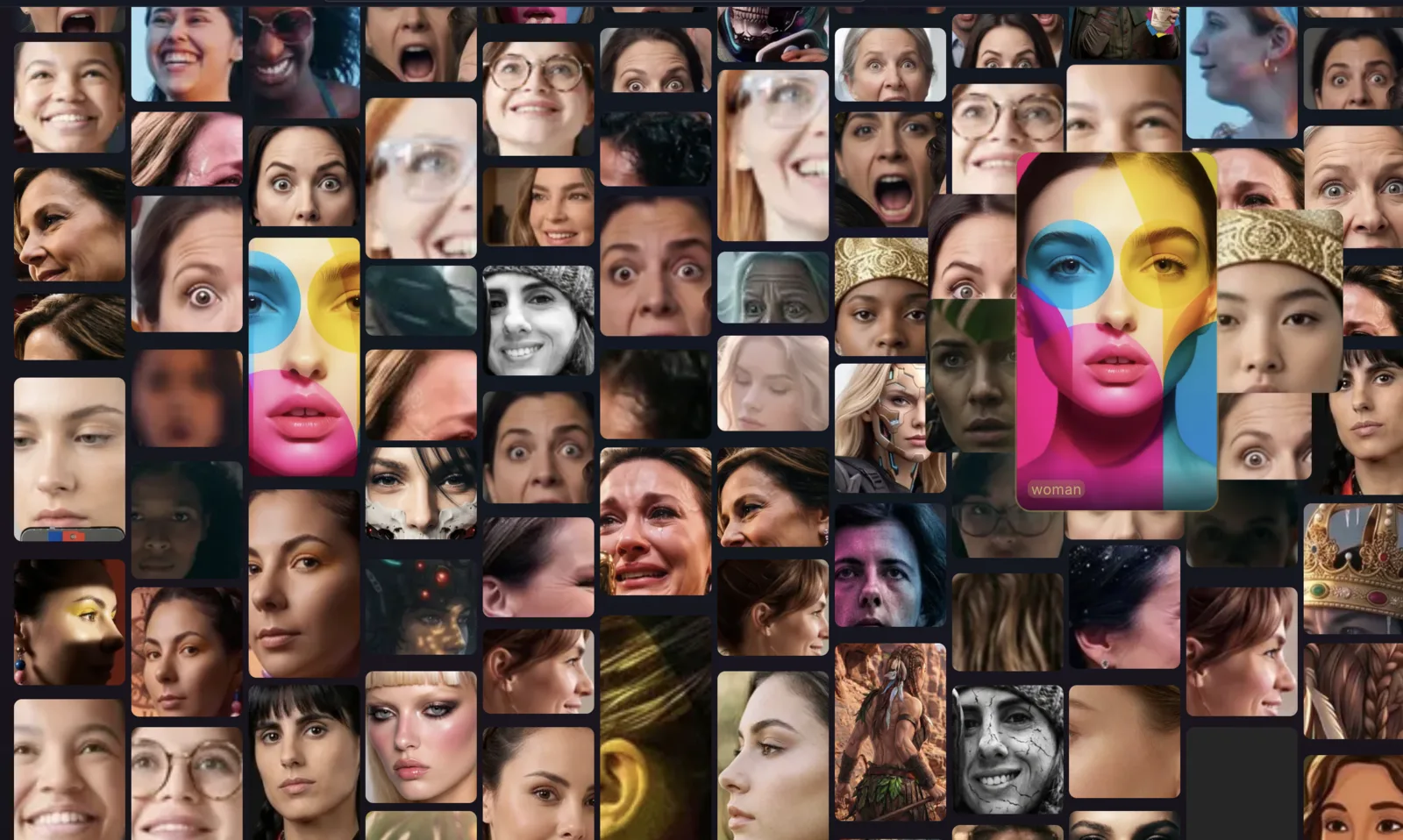
Never lose a photo again
Group work into projects, keep everything tagged automatically, and tie store imagery to its SKU. Nothing gets stranded in a downloads folder. Whether you have fifty images or fifty thousand, they stay one search away.
A photo manager, even without AI
You don't have to generate a single image to get value here. Upload your existing photos and Nano Studio Pro scans them, tags them, and makes them searchable — a genuine digital asset manager for anyone drowning in image files. Generation is there when you want it; organization is there from day one.
This search, inside your own app
The same detection-aware search that powers your library is available as a building block for your own products. Point the API at your images and your app gets precise, content-aware image search — without training a thing. There is a drop-in widget too, if you would rather not build the UI.