Nano Studio Pro is live, and it's open to everyone. It's an AI image studio for anyone who works with images — product and fashion shoots, yes, but web designers, artists, and photographers just as much. And it leans into something most tools leave for later: precise, detection-driven control over everything in the frame.
The goal is simple: hold our own on quality with the big AI image platforms, and go further where it counts — knowing exactly what's in a photo, and changing exactly that, nothing more and nothing less. Whether you're shipping a product page, a portfolio, or a client's homepage.
A different bet: detection first
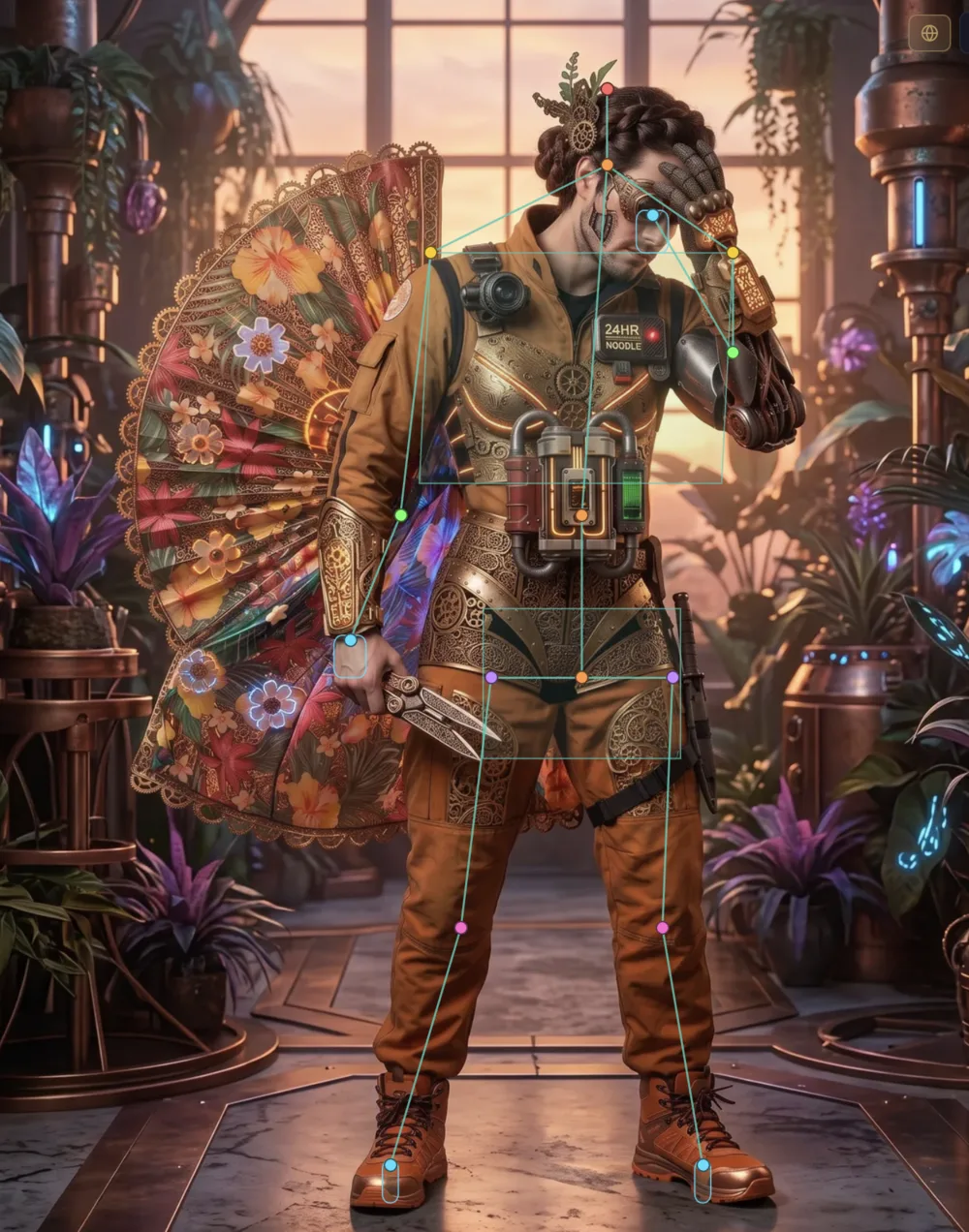
Prompt-only tools are powerful, but they're blunt. Ask a general model to change the jacket and it'll cheerfully repaint half the photo. We do it differently. Every image gets scanned and understood — products, people, faces, body parts, materials, and where each one sits — so edits land right where you want them. Restyle a scene and the product keeps its real shape, color, and texture. Change one thing, and the rest of the frame stays exactly where it was.
Anyone can generate an image. The hard part — the useful part — is control. That's the problem we're building the entire studio around.
Precise control, not a lucky prompt
Because the studio understands the image, you steer it instead of gambling with it. Target a single detected item and restyle only that. Adjust a pose, an expression, a camera angle, the hour of the day. Save a look as a reusable recipe and apply it across a whole catalog, so the hundredth image matches the first. It's the difference between re-rolling until you get lucky and dialing in exactly what you want.
Where it fits alongside Krea, Runway, and Nano Banana
The last few years of AI images have been wild. Tools like Krea and Runway — and Google's Nano Banana, its Gemini image model — made it feel easy to turn a sentence into a great-looking picture, and we're genuinely fans. Nano Studio Pro is happy to sit right alongside them. Spark an idea wherever you like; when the image has to be exactly right — a product keeping its shape, one garment changing and nothing else, a hero image dropping into a layout just so — bring it here for precise, detection-driven control. Different tools for different moments, and they work beautifully together.
What's in the box
This isn't a teaser. Nano Studio Pro launches as a full studio, so here's the honest, unabridged list of what you can do on day one.
Product photos & restyling
- One-click bring: drop a product into any scene and it keeps its real shape, color, and texture.
- Multi-product scenes: put several products in one shot and let the studio place them for you.
- Recolor, remove, add: change a product's color, take something out, or drop something in — just that item, not the whole photo.
- Merge two images with a slider that leans the result toward one photo or the other.
- Style transfer: give a photo a whole new look while the subject stays itself.
Detection & precise edits
- Automatic detection of objects, people, faces, and body parts in every image.
- Material and region tags, plus spatial matching so counts and boxes line up.
- An editable detection layer — add, resize, and rename boxes by hand when you want the final say.
- Aim an edit at a single detected item, so nothing else in the frame moves.
People, poses & scene
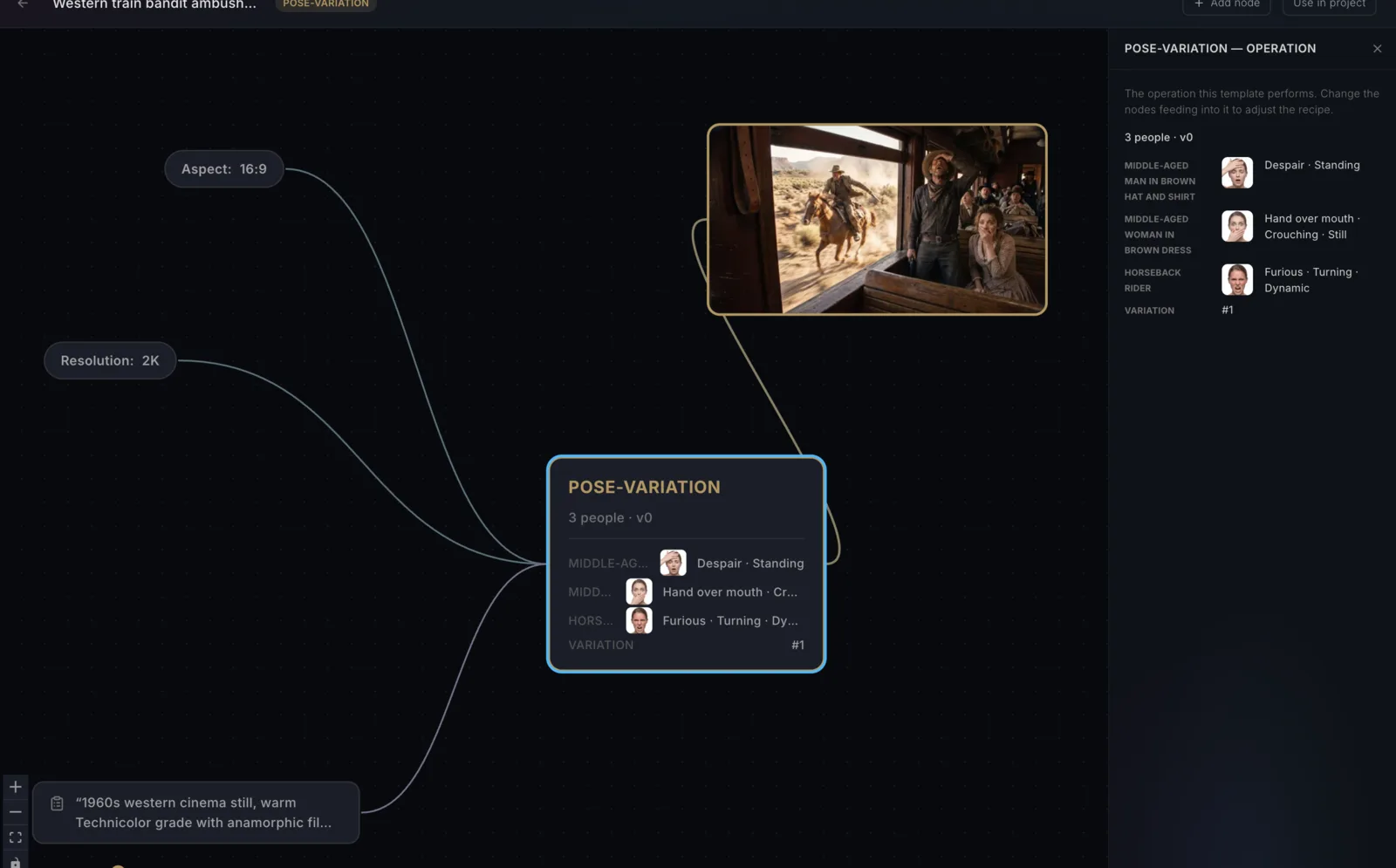
- Pose variations on three dials — body, expression, and energy — with dozens of expressions to pick from.
- Direct each person separately in a group shot.
- Camera angle, lighting, time of day, wind direction, and scene effects.
Cutouts, collage & video
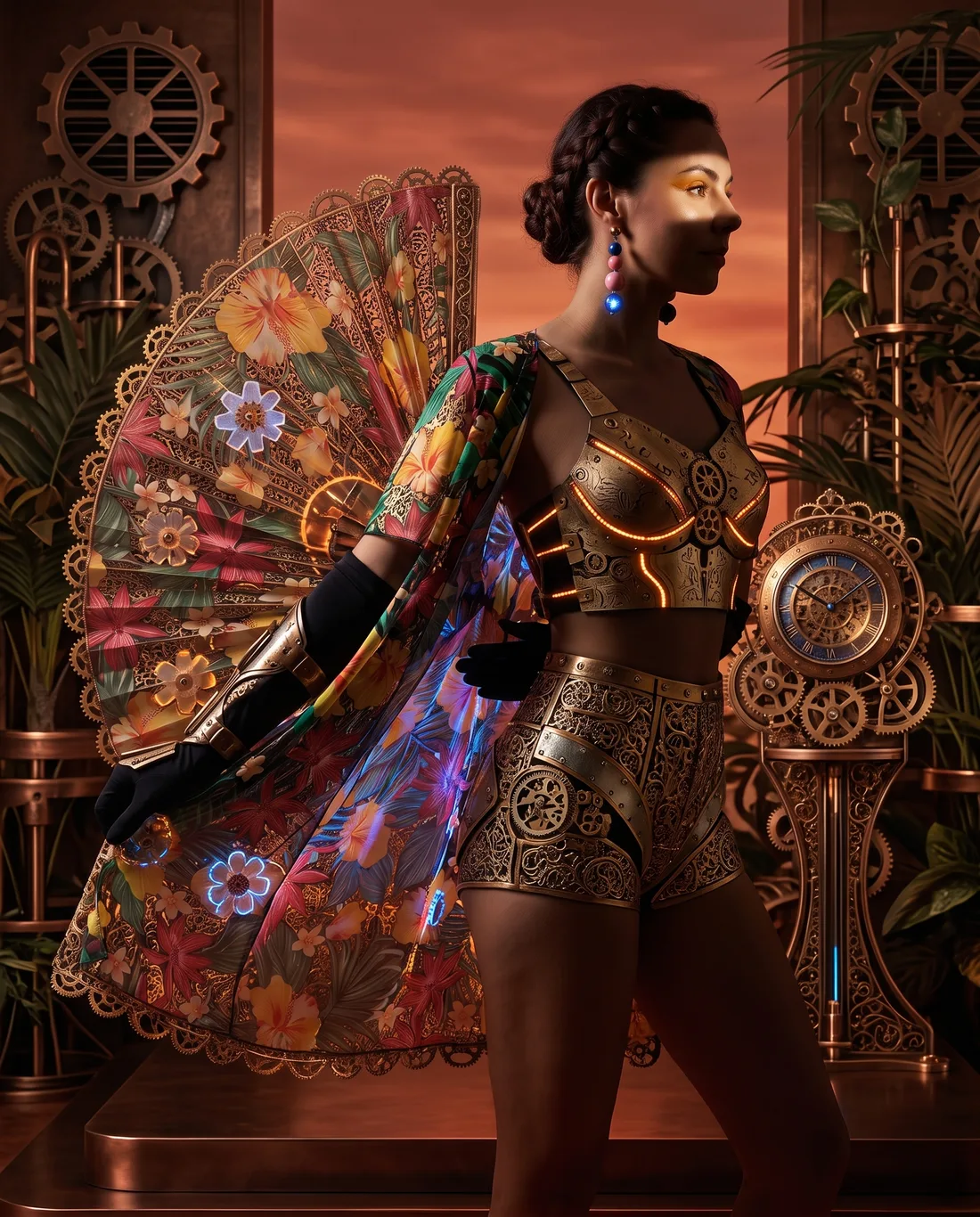
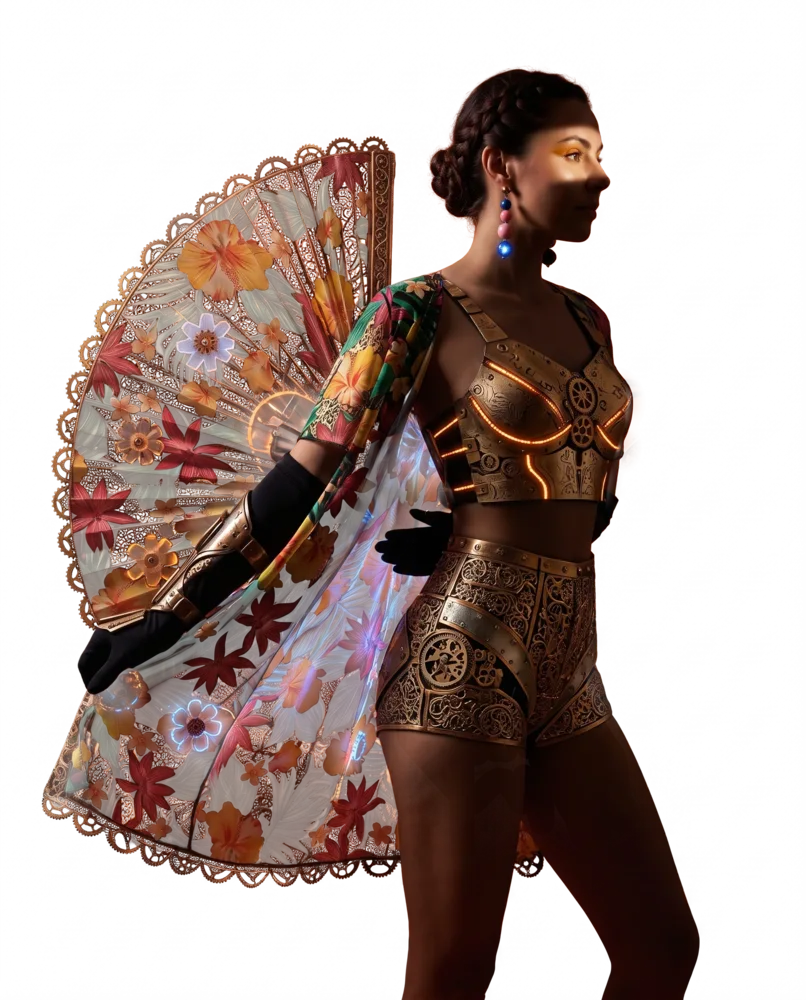
- An industry-leading background remover: clean subject cutouts with true, edge-accurate transparency — it's the tool that cut out the figure at the top of this page.
- A Cutout Studio for hand-tuning the trickiest edges when you want the last word.
- A full collage editor for building composite scenes.
- Short video generation to bring a still image to life.
Search, library & organizing
- Search by keyword, by color, or by the actual things detected inside each image.
- Projects to keep everything tidy, tagged automatically as you go.
- Use it purely as a photo manager — bring your own images, skip generation entirely.
Store & catalog
- Shopify import that grabs each product's SKU and variants.
- Incremental sync that never deletes, and one-look restyling across a whole catalog.
- Push the finished shots straight back to your store.
Sharing & publishing
- A shared, searchable public gallery with proper SEO and clear licensing.
- Downloads that carry their own credit and license info baked in.
For developers
- A REST API at /v1 with an OpenAPI spec.
- A tiny, dependency-free CLI (nsp) that logs in through your browser.
- An MCP server with 30-plus tools, so an AI assistant can search, organize, and create for you.
- Per-token daily spend caps for safe automation.
Where we're headed
This is a starting line, not a finish. Over the next few weeks we'll dig into the features one by one right here, walk through where different tools shine, and share what's new as it ships. The plan won't change: more precision, more control, and a studio that earns its place alongside the big names by doing what detection makes uniquely possible.