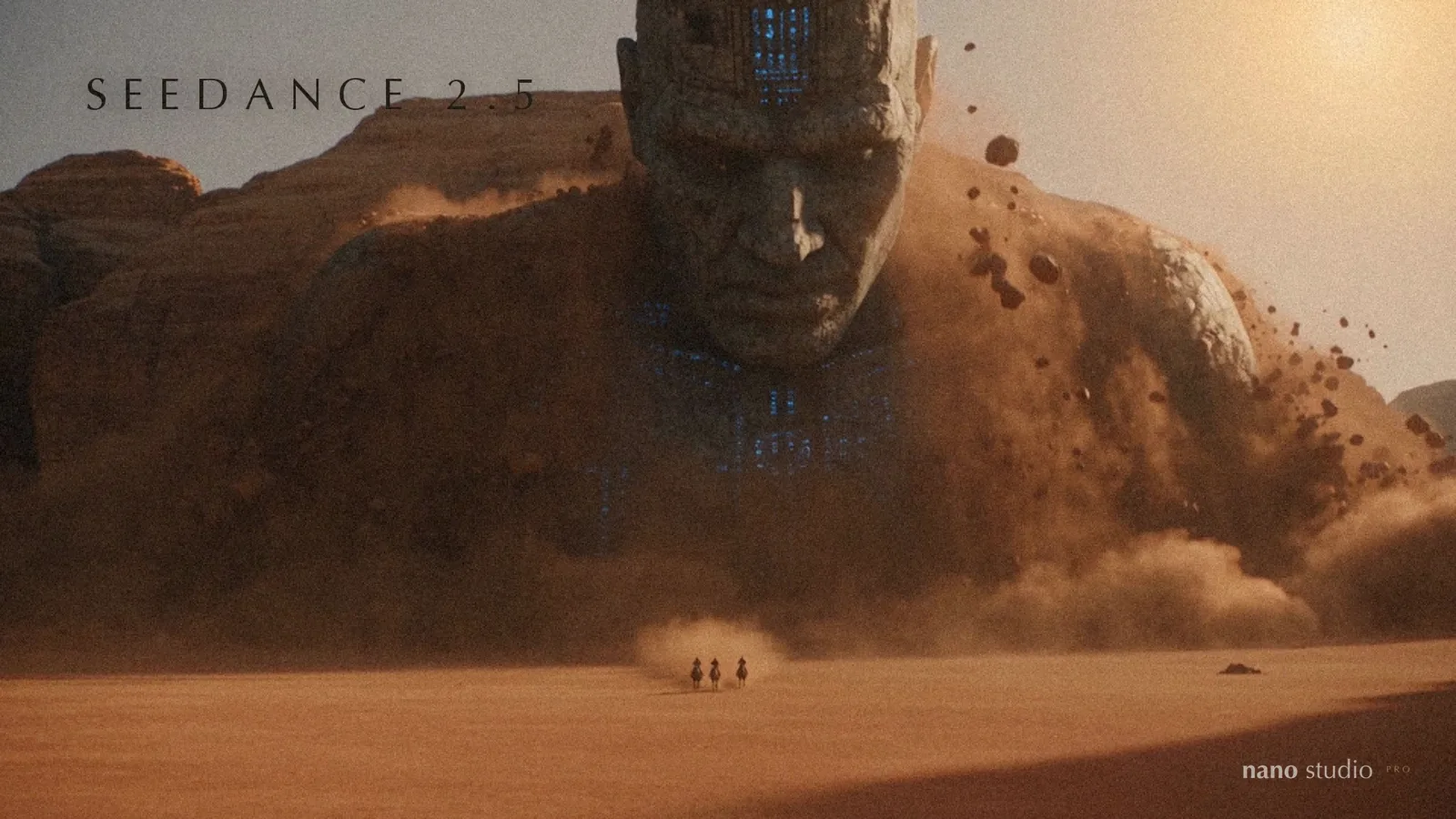
The last time we wrote, video had just become searchable. Two and a half weeks later there is a lot to show, so this one is arranged by how much it changes your day: the models first, then the new section, then the clip editor, then everything else. Every item says where it lives.
Pick your model, per picture and per clip
The model picker is the change you will meet first. Every generation and every clip now asks which model makes it, with a line on each card saying what it is for and what it costs, and the picker only offers the sizes that model can deliver.
- Images: Nano Banana 2, still the default; Nano Banana Pro for structure and proportion that have to survive exactly; and GPT Image 2.5 in its two versions, Flare and Sunburst, for words you can read and references followed closely.
- Video: Kling 3.0 with an end frame; Kling 3.0 Omni with a reference clip and stills, up to 4K; Kling O1; Kling Motion Control, which copies a dance or a gesture from a real clip onto your still; Veo 3.1 Lite with sound; and Gemini Omni Flash, which also edits a finished clip from a description.
- Priced per second for video and per size for images, at the same margin whatever the model, so a cheaper model is cheaper for you. A picture's details say which model made it, and the picker remembers your last choice.
Sheets, a new section
Ask an image model for a six-frame walk cycle and you get frames at different sizes on a background that will not key. Sheets does that job properly. You say what goes on the sheet, an icon set, a sticker pack, pixel sprites, props, or an animation of one subject, and it plans the grid, writes the prompt, plays the result back and lines the frames up. Sequences come from menus, by subject (a person, a face, a creature, a thing happening) or by game type, at three levels of detail; there are twenty-five styles including photographic ones, four keyable grounds, and an atlas file any game engine imports.
Your clips have a voice, a soundtrack and branches
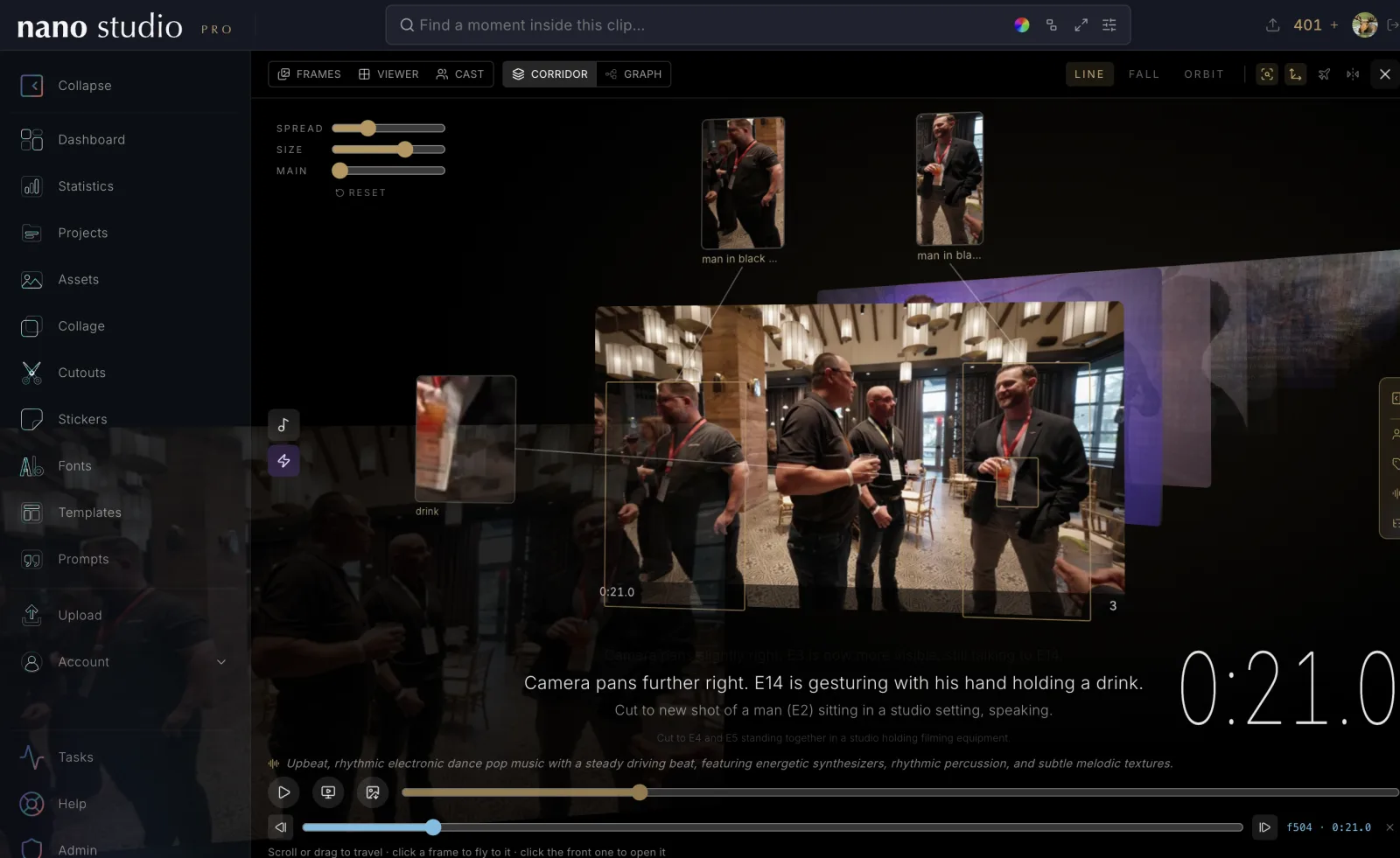
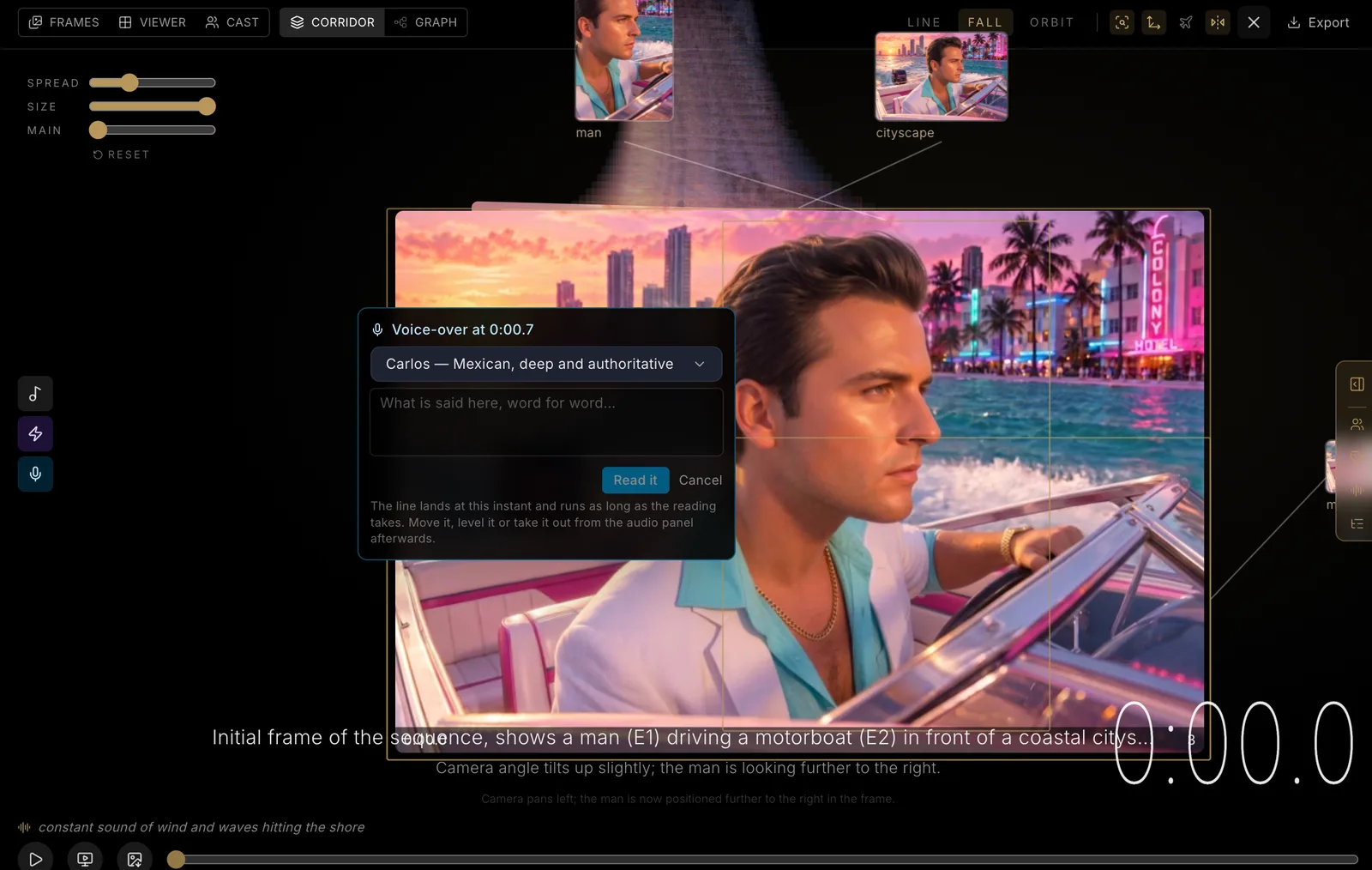
The clip editor that was taking shape in the last update has grown up. Open any scanned clip and every view of it, frames, viewer, cast, corridor and graph, sits in one frame with one switcher, and the search on the page writes itself into the address so a moment can be shared.
- Narration: write a line, pick a narrator (the Mexican voices come first), and it is read over the cut. The cut's sound knows about narration, so the music makes room for it.
- A soundscape you can prompt: background music from a description, sound effects placed by clicking the thing that makes the sound, each with its own knobs, mixed as three channels. Export the clip you actually made, sound and all, and every song a clip was ever given stays with it.
- Branches: fork a clip at a moment and grow a divergent path, a new take of the same shot or a clip you already have, ride the whole thing in the corridor, take the branch in the frame, and come back to the main line at the reconnection. An edit and a divergence are now different things, and the graph draws both.
- Every close-up cut to the true shape of what it shows, colour swatches on the frames, a reference column that folds into a tab, and undo that lives with the cut rather than with the view.
Video in a scene
A diorama or collage that holds a video now plays it with its own sound, opens unclipped when shared, and has a cinema mode with two stops: the first parts the lights, the second parts the scene. Effects know when the picture is moving, a layer can be hidden, and a scene with several videos says which one it is about.
Your uploads, beside your generations
Photographs you upload now live in the project's timeline with the same tools a generation has: search finds them, the browse feed shows them, the feature bar edits them, and the uploader asks where a photo goes before filing it as a product. Shared galleries tile as masonry so mixed ratios pack tight, and a Shared galleries view lists every link you have made.
Smaller things worth knowing
- Fonts: build a font out of sheets you already made, straighten a whole sheet's boxes in one go, and let the AI cut each sheet's background for you. If you would rather keep a font to yourself, you can publish it without putting it in the public catalogue.
- Search: the search field now lives in the top bar wherever you are, and its filters tuck into the field itself. Search with the box empty and it just starts showing you things, instead of waiting for you to think of a word.
- Español: pricing and contact have Spanish twins now, and the switch is in the header. The studio follows whatever language your account is set to, prices land in pesos, and if you write to support in Spanish, someone answers in Spanish.
- Composer: found something the scanner got wrong? Fix it without leaving the composer.
- Credits: run out mid-thought and the buy dialog opens right where you are. No more hitting a wall with nothing to click.
- Agents and the API: every image and video model is on the public API and on both MCP surfaces. You can price a video before you commit to making it, plan and generate sheets by id, and the local MCP server now updates itself when it starts.
- Shopify: a connected store bills through Shopify now, top-ups included, and products go up over GraphQL.
Fixes
- Uploaded clips no longer spin forever in their project.
- A spoken line is no longer refused for having no prompt.
- The collage's pixel tools: the brush hides a frame's neighbour instead of erasing it, a cut edge keeps its own colour, and the wand says out loud that it can take every pixel of one colour.
- Salvaged fonts land in the font instead of the bin.
- The landing page stops downloading pictures a phone never shows.
- A clearer message when a safety filter refuses a picture, and a lighter filter tried first.